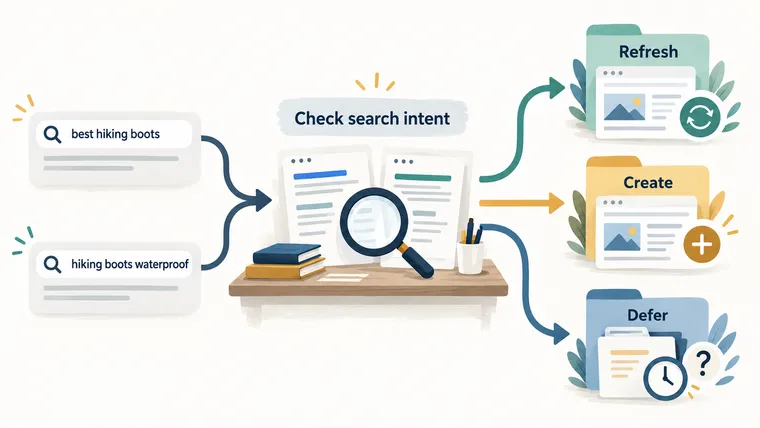
To do keyword research with AI, start with a real audience problem and finish with a page decision. A long list of phrases is only raw material. You need to know which page should answer each search task and what evidence that page needs.
AI can help organize the work. Give it sources to compare, and keep its suggestions separate from facts you have checked.
🎯 For each keyword group, make one practical decision: improve an existing page, create a new one, or wait until you have enough evidence.
1. Write down the business and user question
State what you offer, who needs it, the market and language, and the decision the visitor is trying to make.
For example: “Help a small retail team decide whether this stock-management tool supports its daily workflow.” That is an illustrative planning statement, not a claim about a real product.
Do this before importing thousands of terms. Otherwise, the spreadsheet gets larger before the goal gets clearer.
2. Gather the words people actually use
Collect seed keywords, the starting phrases for your research, from product names, customer emails, support tickets, sales calls, your site’s own search, Search Console queries, and relevant communities.
Ask AI to clean spelling and suggest possible synonyms. Keep the original wording and source beside every term so you can check what changed.
3. Expand the list with real sources
Look at search suggestions, related searches, competitor navigation, industry glossaries, and your own analytics. Treat search volume and difficulty as estimates tied to a tool, location, language, device, and date where those settings are available.
Record the measurement window
Google’s Keyword Planner normally reports a 12-month average for searches, including close variants, and rounds its figures. Its Competition label concerns advertisers. Those figures do not by themselves tell you how difficult an organic, unpaid ranking will be. Google Ads metric definitions, checked October 2026.
Add the source and date range to the sheet before asking AI to prioritize it. A seasonal phrase can have a moderate annual average and a very different peak month.
4. Read the search results before assigning intent
A search engine results page, or SERP, is the page of results for a query. Search intent is the task someone is trying to complete.
For each important query, record the main page type, recurring subtopics, visible result features, and ranking URLs. Save the date, market, language, and device context.
Similar wording does not prove the same intent. A query that returns tools may need an interactive tool, while another returns explanatory articles. Check the evidence rather than assuming both need blog posts.
5. Group keywords by the task one page can satisfy
Ask whether one strong page could answer both queries without becoming unfocused. Then ask AI to compare your evidence table.
Given these two SERP snapshots, compare result type, repeated domains, page
purpose, and required depth. Recommend merge, split, or defer. Cite the supplied
rows for every reason and identify uncertainty.
Here “defer” is a real decision. If a proposed cluster depends on a product capability nobody has verified, pause that page until someone checks it.
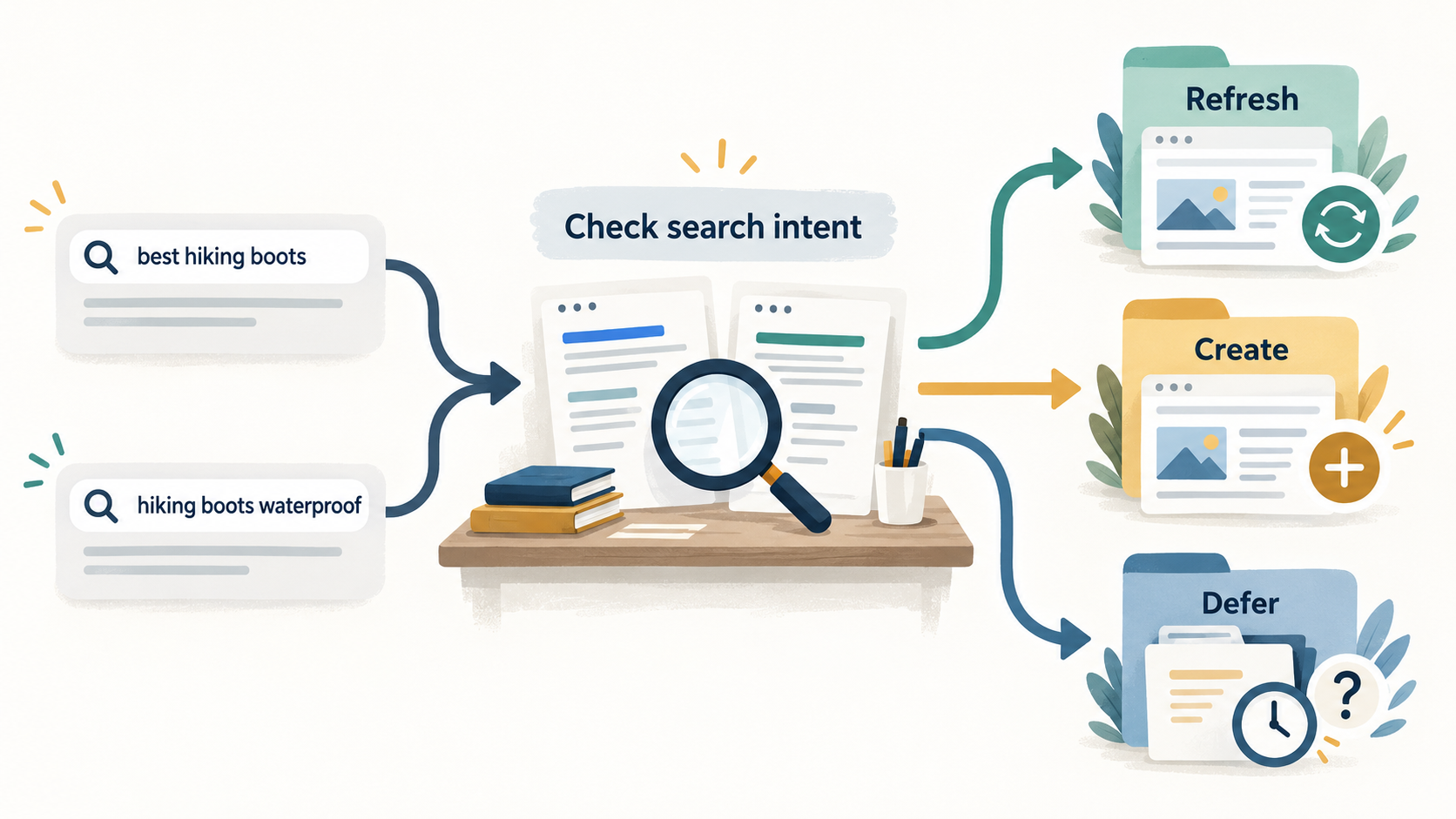
The query cards in the illustration are examples. They show what to compare; they do not report live rankings or prove that the two phrases should share a page.
6. Check existing pages before planning another
Search the site’s titles, URLs, headings, canonical tags, and sitemap entries. A canonical identifies the preferred version of a page when similar versions exist.
Refresh or consolidate a page when it already answers the task. A duplicate can divide internal links and make results harder to measure.
Check the canonical before calling a page unsuccessful
Google assigns most Search Console performance data to the canonical URL. A duplicate address with little reported traffic may therefore be credited elsewhere. Use URL Inspection to find the selected canonical before deciding to replace the content. Search Console’s page-data explanation, checked October 2026.
7. Prioritize the opportunity and write a usable brief
Prioritize business fit, evidence availability, realistic competition, and the reader’s next action. Volume alone is not enough.
A production-ready brief includes:
- The user task, primary keyword, and supporting questions.
- The preferred URL, page type, and decision to refresh or create.
- The useful contribution this page can make.
- Required sources, a practical outline, and relevant internal links.
- Claims the writer must avoid and checks that define completion.
Keep the main phrase visible in the title, opening answer, and relevant heading, while using related terms naturally in the explanation. A useful image should explain the task; its alt description should describe what is actually shown.
Make internal links part of the brief
Do not leave linking until after drafting. Identify the existing page that will link to the new material and the next page a reader should visit.
Google recommends descriptive, concise anchor text and crawlable links. Its guidance also says important pages should have links from other pages on the site. Google’s link best practices, checked October 2026.
For example, “check the setup requirements” tells readers more than “click here,” provided the destination really explains setup requirements.
✅ Before handing off the brief, check that every metric has a source, every proposed page has a clear task, and every important claim has evidence or an explicit restriction.
Use the broader AI-assisted keyword research hub for the full system, or turn your evidence into a controlled draft prompt with the AI SEO Prompt Generator.