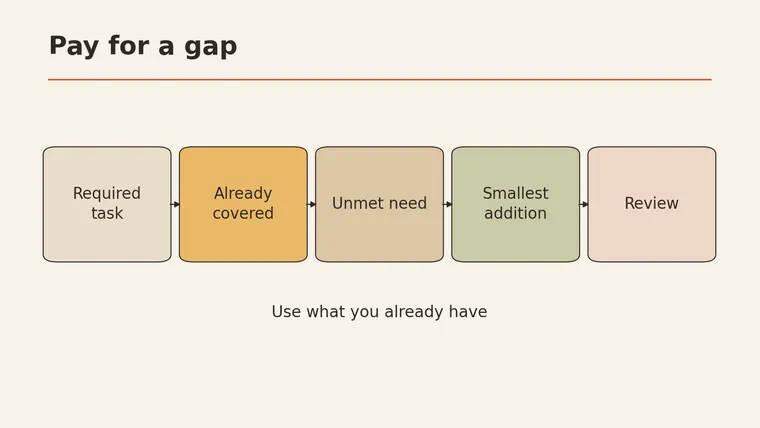
Affordable SEO tools for small business are easiest to choose when you start with the work your website actually needs. Pick subscriptions after that. For one site, write down the tasks, check which ones your existing tools already cover, and use Google’s free Search Console for the site you are authorized to manage. If you need keyword ideas beyond that report, check whether a tool you already pay for can provide them before adding another subscription. Record the real cost, limits, review effort and renewal date from your own account. Then set a clear condition for keeping or cancelling each paid tool. The example below is fictional, and no tool was tested for it.
Start with one website and one task list
Pick one site you manage and one period for review. The goal is a short list of work that someone can finish. A dashboard full of scores won’t get you there. A task is useful when you can name its source, its deliverable and the person who will review it.
The table below is a practice template designed for this article. Fill it with your own pages and permissions; the examples are illustrative.
| Task for this site | Source to consult | Deliverable | Who reviews? |
|---|---|---|---|
| Choose one existing page to improve | Your site’s Search Console report and the page itself | A page URL and one specific improvement | ___ |
| Find possible search topics | Your customers’ questions; keyword tool if already available | A short list of relevant phrases mapped to pages | ___ |
| Inspect a key page’s performance | PageSpeed Insights report for that URL | One issue to investigate and its report | ___ |
| Check subscriptions | Your own billing records and current plan terms | A list of costs, overlap and renewal decisions | ___ |
| Your task: ___ | ___ | ___ | ___ |
A page improvement might be correcting an outdated service description, adding a missing answer or making a heading clearer. Check the facts with the business owner; a tool cannot know whether a service is still offered.
Free tools: use reports for the work they can answer
Google Search Console is a free Google service for monitoring, maintaining and troubleshooting a site’s presence in Google Search. Use it for a site you are authorized to access. Its information is about that site’s presence in Google Search; it is not a complete picture of every search people make.
A practical first pass:
- Choose one important page and a review period in the report available to you.
- Note the searches and pages that relate to your service. Record the date range and any filters with your notes.
- Open the page itself. Compare what it says with what the business actually offers.
- Write down one change, who can verify it, and how you will check the page after it is updated.
If you cannot access the site report, ask the person responsible for the site about authorized access. Do not invent a report or assume that the absence of data proves there is no demand. Search Console is not a substitute for deciding whether the page answers a customer’s question.
Keyword research: keep the measures separate
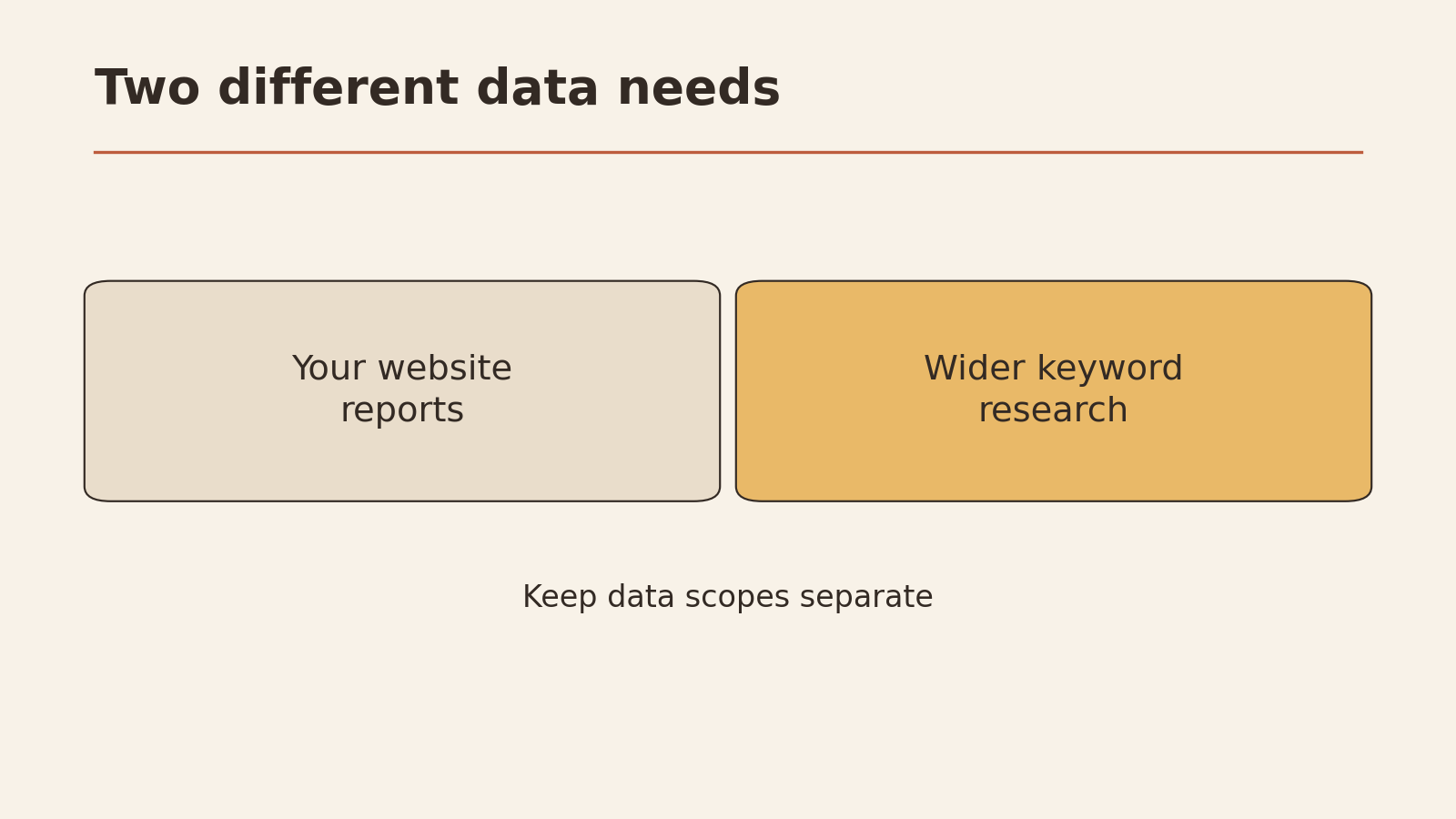
Google’s site report and a third-party keyword tool answer different questions. Semrush’s keyword research page describes finding keyword ideas and filtering them. Availability, limits and price depend on the plan and current terms; consult your own account before relying on a feature.
| Source | What to use it for | What not to infer |
|---|---|---|
| Your Search Console report | Review how your authorized site appears in Google Search, using the report’s own period and filters | That it represents all searches or traffic for the whole market |
| A third-party keyword tool | Explore suggested terms and the metrics the tool describes | That its figures are the same as your site’s measured results or a guarantee of visits |
| Your own customer questions and service pages | Check relevance and whether you can answer a question accurately | That a question alone proves a particular search volume |
Do not add a third-party search-volume figure to site clicks, or label both “accurate traffic.” They measure different things. Keep the tool name, metric, geography and time period beside each figure, and follow the provider’s definition. If two sources disagree, keep both labels instead of forcing them into one number.
Make a short keyword shortlist
For each possible term, write the customer question, the page that could answer it, the source of the idea and the next action. Check whether the question fits the business before chasing a metric. If an existing page can answer it, improve that page; if no page or service fits, leave the term on the list rather than creating a misleading page.
For help preparing evidence-led instructions for a writer, see AI prompts for SEO optimization or the AI SEO prompt generator. Review its output and verify business details yourself.
Technical checks: start with one page
PageSpeed Insights reports and analyzes page performance. Its documentation distinguishes data gathered in controlled conditions from real-user data; they can differ, and real-user data may not be available for every page. A report or score is a starting point for investigation. It can’t promise search rankings. This article has not run a test on your site.
Choose an important page you are authorized to assess. Review the report and note one actionable issue alongside the page URL, report date and data type. Ask the person who maintains the site whether it is relevant and safe to change. After an authorized change, review the page again and compare like with like; do not claim that a score improvement caused a ranking change.
Keep a separate list of problems you cannot diagnose or fix yourself. A developer can help decide whether a proposed change could affect the page, but their time also belongs in your budget.
Build a budget around deliverables
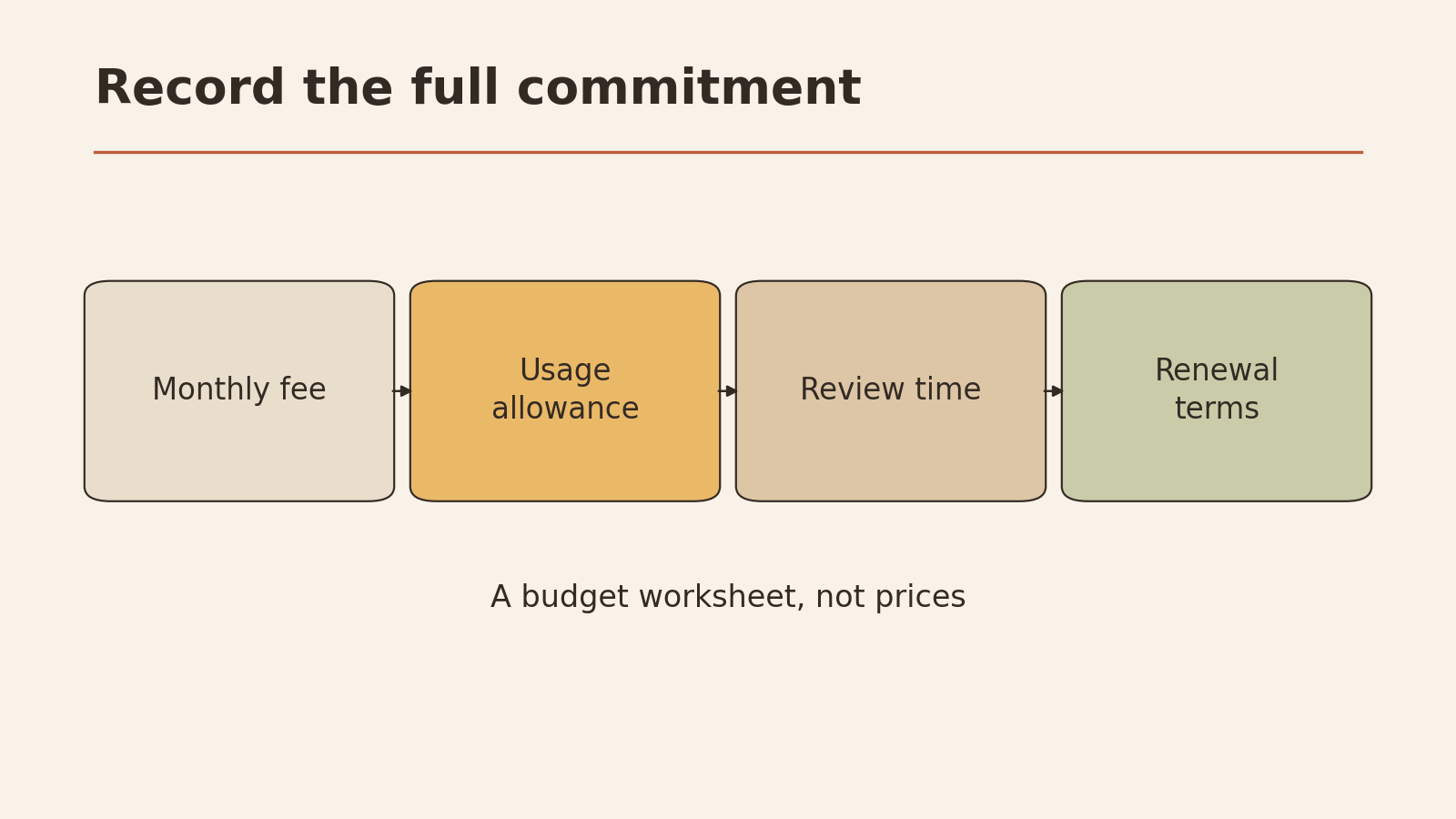
Before buying another product, list what you already have and what it actually allows you to do. The blank cells below are a working budget template for you to fill in, designed for this article. Use current bills and plan terms rather than guessed prices or limits.
| Tool or service | Monthly cost or billing amount and period | Included limits / usage | Task and deliverable | Human review or help needed | Renewal date | Condition for cancelling or not renewing |
|---|---|---|---|---|---|---|
| ___ | ___ | ___ | ___ | ___ | ___ | ___ |
| ___ | ___ | ___ | ___ | ___ | ___ | ___ |
| ___ | ___ | ___ | ___ | ___ | ___ | ___ |
If a bill covers several months or a year, record its actual amount and billing period; calculate a monthly equivalent separately if useful, without mistaking it for what you are charged each month. Include taxes or other charges where they appear on your own bill. Record your available working time or any outside help separately, rather than presenting it as a verified price.
Fictional example: one existing subscription
Imagine a small shop with one website and an existing Semrush subscription. Its owner needs to review the shop’s Google presence, find ideas for a service page, and inspect the page’s performance. This example was designed for the article; it is not a customer case or a test of Semrush.
The owner records the actual subscription cost, limits and renewal date from the account. They use the Google site report for their authorized site and check whether their existing Semrush plan covers the keyword discovery they need. They use a PageSpeed Insights report to investigate an important page. They do not buy four additional overlapping products just to make the list look complete.
If the existing plan does not cover a necessary task, they document the gap, the alternatives and their own verified terms before making a decision. Nothing in the example assumes that every reader has Semrush, that it is the cheapest option, or that it will improve rankings.
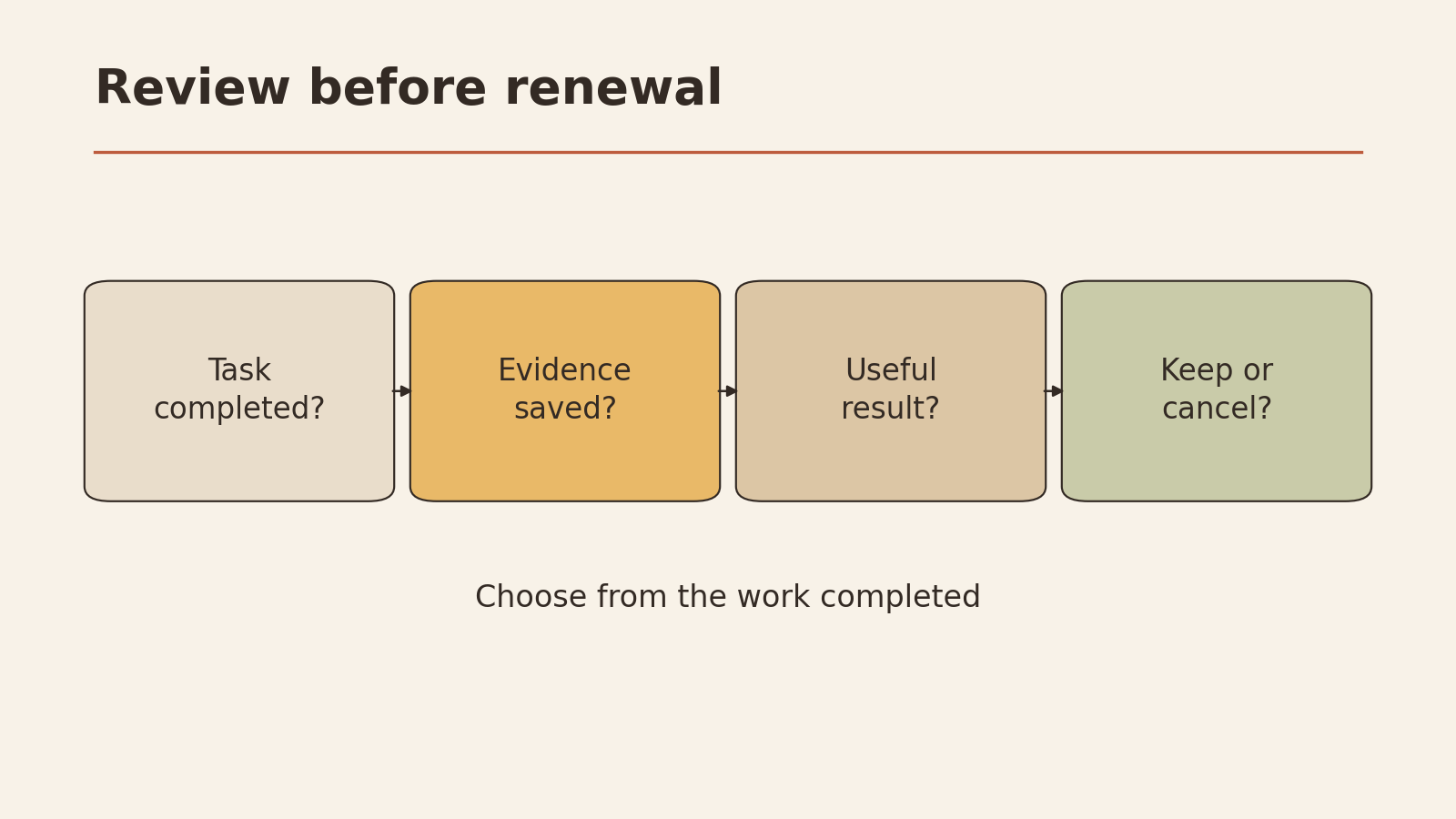
Review the subscription before renewing
Set a reminder before each renewal and answer these questions using your task list and account records:
- Deliverable: What work did this subscription help produce during the review period? Can you point to it?
- Overlap: Can an existing tool or an appropriate free report cover the same required job? Compare the actual task and limitations. Feature names alone can mislead.
- Limits and effort: Does the current plan cover your expected usage? How much manual review or specialist help does it require?
- Cost and terms: What is the actual upcoming charge, when does it renew, and what are the current cancellation terms in your account?
- Decision: Keep it if the necessary deliverable justifies the cost and effort. Consider not renewing a duplicate if another available source covers the job acceptably. Record what you will lose, any required exports and the deadline before you act.
If the evidence is inconclusive, record what you need to check before the decision deadline. Do not cancel a tool solely because another dashboard has a similar label. This checklist does not buy or cancel anything for you.
Take the next step: Fill in the one-site task table and choose one authorized page. Review its site report, note one verifiable improvement and record the next renewal date of any subscription used for that task.