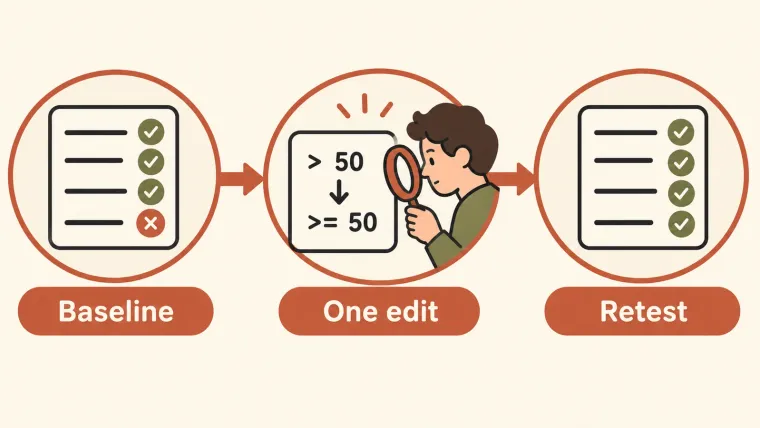
To learn how to use Codex, start with a small change whose result you can check: show it the project, describe the required behavior, let it inspect the relevant files, and review the change before accepting it. This guide uses a shipping-fee bug with a clear boundary at $50. You will run a failing test, ask for a focused fix, inspect the diff, and run the same test again. The exercise needs an installed, signed-in Codex client and Python 3. If you already have a suitable project, you can use the same sequence with its own test command.
Prepare a project you can inspect
Use a separate practice directory for your first attempt. Download the shipping-fee exercise and extract it. It contains shipping.py, test_shipping.py, and a README. The example deliberately uses ordinary numbers and a simplified rule; it is a learning exercise, not production money-handling code.
The intended behavior is:
| Subtotal | Expected shipping fee |
|---|---|
| $0 | $5 |
| $49.99 | $5 |
| $50 | $0 |
| $120 | $0 |
Open a terminal in the extracted folder. On macOS or Linux, check Python and run the tests:
python3 --version
python3 -m unittest -v
On Windows, use the Python launcher if it is installed:
py -3 --version
py -3 -m unittest -v
If neither command is available, install Python 3 or use an existing project whose tools already work. Do not ask Codex to fix the application before distinguishing a missing runtime from a failing application test.
The original exercise fails one of four tests: the subtotal of exactly $50 incorrectly returns a $5 fee. We ran these tests locally while preparing the exercise. That validates the exercise and expected result; it is not a benchmark of Codex’s success rate.
Save the starting point
Keep the original ZIP so you can restore the practice files. If Git is already available, you can also initialize a repository in this practice directory and commit the two Python files and README before starting. Commit only files you intend to keep; avoid sweeping unrelated files into a checkpoint.
In an existing repository, inspect the working tree first:
git status --shortKnow which changes were already yours. A new branch alone does not save uncommitted work. OpenAI recommends Git checkpoints around agent tasks in its CLI getting-started instructions.
Ask Codex to understand the task first
Start codex from the practice directory, or open that directory in your chosen Codex client. You need only one entry point for this exercise. Use this prompt:
Inspect shipping.py and test_shipping.py. Explain why the test for a
subtotal of exactly 50 fails. Do not edit files yet. Name the condition
responsible and the smallest change that would match the existing tests.
Check that the explanation identifies the comparison in shipping_fee. It should not propose a new framework, an unrelated refactor, or changes to the expected shipping rule.
Asking for an explanation first is useful here because you are learning the review loop. It is not a requirement to demand a plan for every small task. OpenAI’s best-practices guide treats planning as especially useful for difficult work.
Request the smallest fix
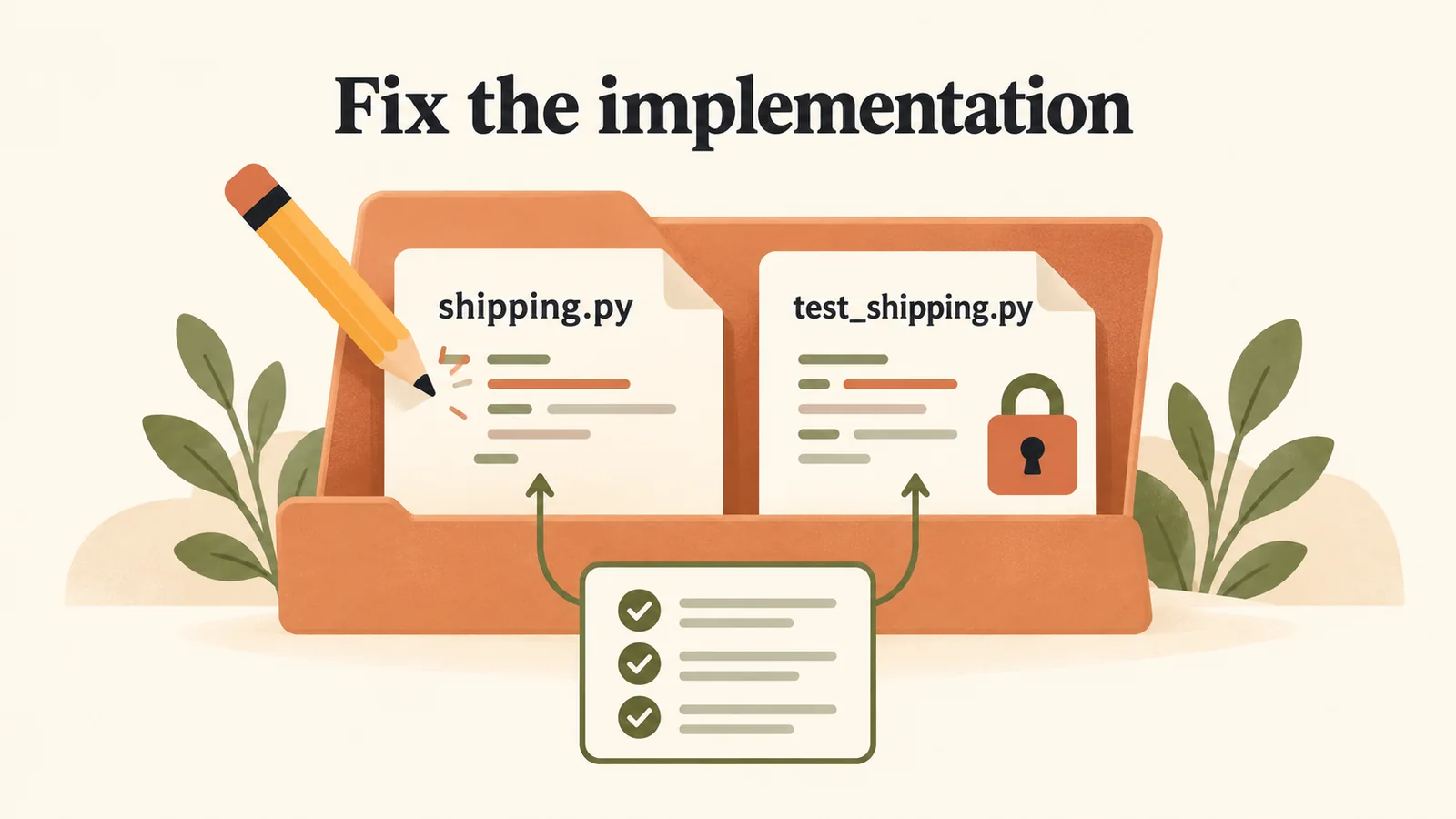
Fix shipping.py while keeping the existing tests unchanged.
Once the explanation matches the failure, send:
Fix the boundary condition in shipping.py only. Orders with a subtotal
of at least 50 should have free shipping. Leave the fee below 50 at 5.
Do not change the tests or add dependencies. Run the existing tests with
the working Python command and report the command and result.
For your own project, replace the filenames, required behavior, and test command. Include a limit only if it matters: “do not change the response format” is useful when other code relies on that format.
Permissions may affect whether Codex can edit files or execute the command. Read any approval request against the task you gave it. If the test cannot run, the result remains unverified; repeated prose saying the fix is correct does not change that.
Review the diff and run the tests yourself
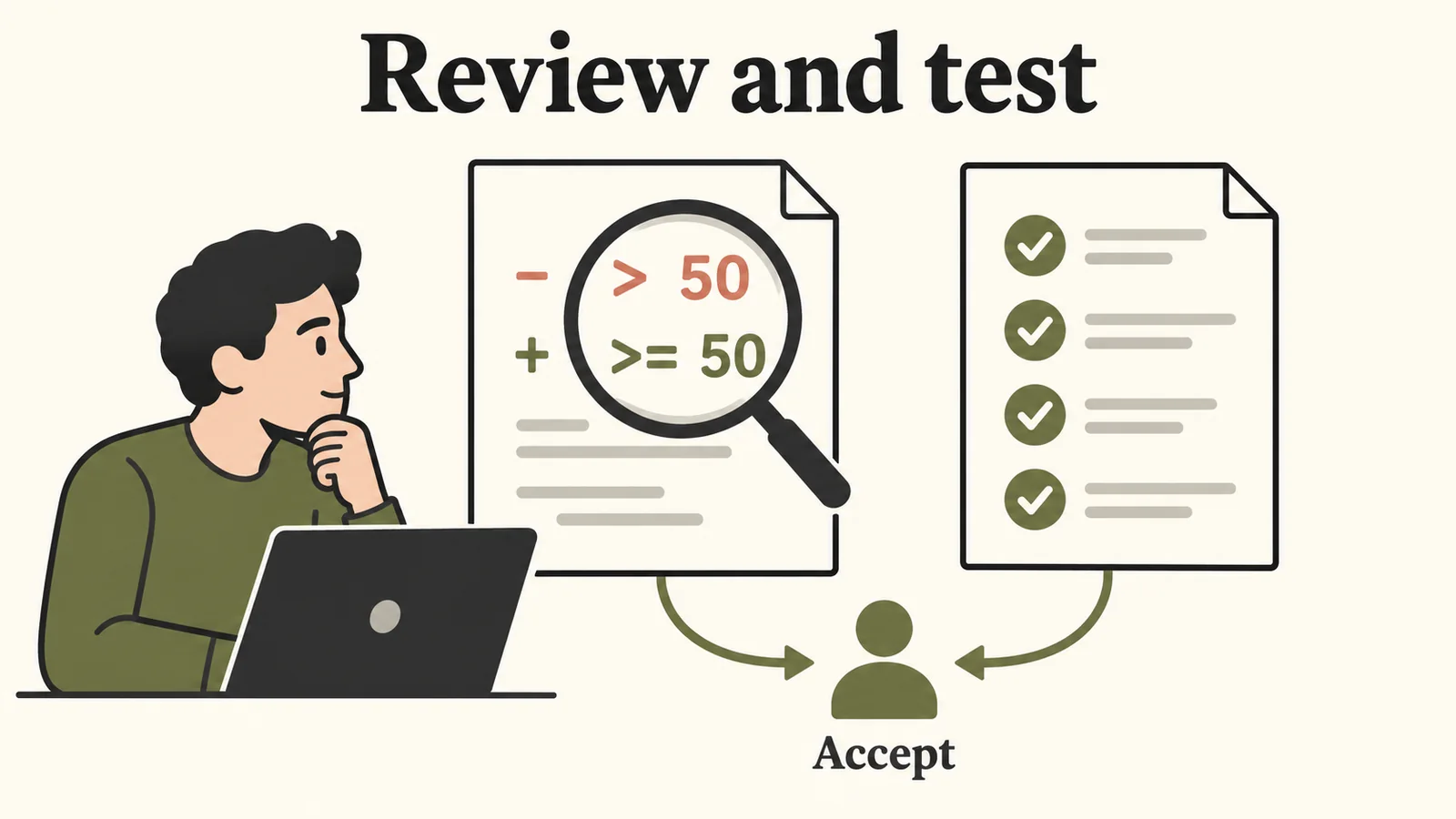
Inspect the changed condition and rerun the same four tests before accepting it.
In this exercise, the intended code change is one comparison:
-    if subtotal > 50:
+    if subtotal >= 50:
Inspect the changed file in your editor. If you created a Git checkpoint, git diff shows the change against it. Confirm that the tests were not weakened to make the failure disappear.
Run the same command again:
python3 -m unittest -vUse py -3 -m unittest -v on Windows if that was your working command. The corrected exercise should pass all four tests. The values below the threshold matter: fixing the $50 case must not accidentally make every order free.
Use this acceptance checklist:
- The edit implements the intended shipping rule.
- Only the intended file changed.
- The original failing test now passes.
- The below-threshold and above-threshold checks still pass.
- You can explain the change in one sentence.
For a real interface change, also open the application and try the relevant interaction. A unit test cannot show you a clipped button or a broken mobile layout.
Accept, revise, or restore the work
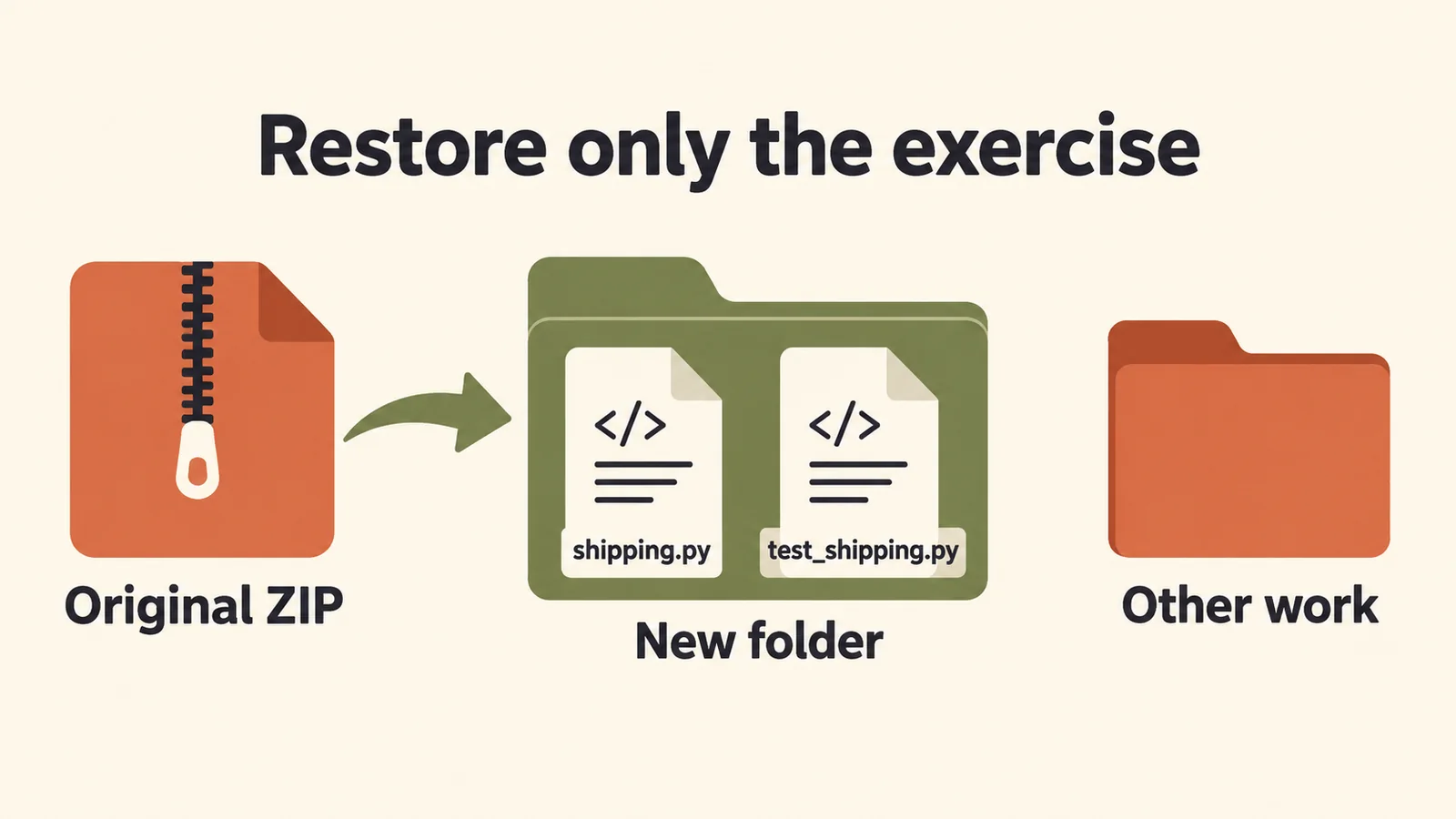
Restart the practice exercise in a new folder while leaving other work untouched.
If the change and checks satisfy the task, save or commit the reviewed result. If it fails, give Codex the actual output and specify what still differs from the requirement. Keep the correction tied to the same task.
To restart this practice exercise, extract the original ZIP into a new folder. In a real repository, restore only the reviewed changes using your normal Git or editor workflow. Avoid a whole-project reset when other work is present.
A useful final response from Codex states what changed, what was checked, and what remains unverified. Compare those claims with the files and command output. This is the same distinction discussed in AI agents versus chatbots: a useful agent interaction includes inspectable actions and results.
Transfer the workflow to your own project
Choose one failing test, one validation rule, or one documentation mismatch. Supply the file or symptom, the desired behavior, the constraints, and a check. Ask for more scope only after the first result is reviewable.
For habits that help across repeated tasks, read practical Codex tips. If the obstacle is configuration rather than the task itself, use the CLI settings guide. Installation and update commands are kept in the installation page so this tutorial can stay focused on completing and checking work.
Explore the Codex guides for the next step.