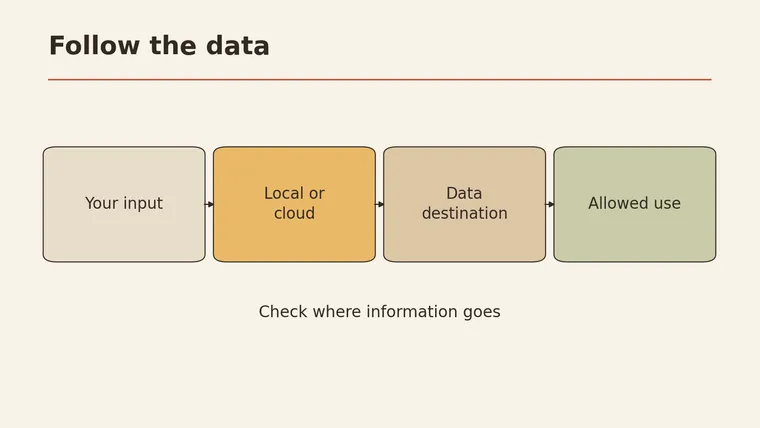
Cloud AI vs local AI: which should you use? Start with the task and the data. Pick the tool last. Cloud AI runs on a provider’s servers, so you get large models without managing hardware, but your input travels over the network and you depend on that service. Local AI runs on your own computer, so you keep more control over where data goes, but you take on setup, updates, and the limits of your device (Microsoft Learn). A simple rule: if the data must not leave your hands, rule out options that would send it elsewhere first. If the data is public and you want less maintenance, cloud is usually the easier start. Then test one real task on your shortlist before committing.
This guide walks through privacy, cost, and speed, then gives you a six-question decision card, a cost worksheet you fill in yourself, and a test log you can reuse for either route.
What runs locally and what runs in the cloud
The words “local” and “cloud” describe where the model does its work.
- Cloud AI: You send a request, the provider’s servers run the model, and the answer comes back. Most chat assistants you open in a browser work this way.
- Local AI: The model file sits on your computer, and your own processor does the work. Your request doesn’t need to go to an outside server for the model to answer.
Many real setups are mixed. A local app might still check for updates online. A cloud service might keep some features on your device. So when you compare options, ask about each part of the workflow. The label on the box tells you little.
Microsoft’s developer guidance frames the choice as a set of trade-offs: privacy control, who handles maintenance, what your device can handle, and whether you can rely on a network connection (Microsoft Learn). Those four points shape the rest of this guide.
| Cloud AI | Local AI | |
|---|---|---|
| Where the model runs | Provider’s servers | Your own device |
| Who maintains it | Mostly the provider | Mostly you |
| Needs internet to answer | Yes | Not for the model itself |
| Limited by your hardware | Less so | Yes |
| Where your input goes | To the provider, under their terms | Stays on your machine, if the software is set up that way |
Privacy and data
Privacy is usually the first filter, because it can rule options out completely.
Ask one question about the material you want to use: Is anyone allowed to see this outside my own device or team? Client contracts, health information, unpublished financials, or interview recordings may come with rules about where they can be stored or processed. If you’re not sure, check your organization’s policy or ask the data owner before choosing a tool.
Local processing gives you more direct control over where data goes (Microsoft Learn). With a cloud service, your data goes to the provider, and what happens next depends on their terms and your account settings. That can still be safe, as long as you read those terms yourself.
”Runs locally” doesn’t mean “never connects”
A model running on your machine is not the same as software that never touches the internet. Before you rely on a local setup for sensitive material, check these points yourself:
- Sync: Does the app back up chats or files to an online account?
- Extensions and plug-ins: Do any add-ons call outside services, such as web search or online tools?
- Telemetry: Does the app send usage or crash reports? Can you turn that off?
- Updates and downloads: Does it fetch models or updates automatically?
- Shared folders: Is your working folder inside a cloud-synced drive?
- Logs: Where are prompts and outputs saved, and who else can open that location?
If you can’t answer a box, treat it as “may connect” until you find out.
Cost
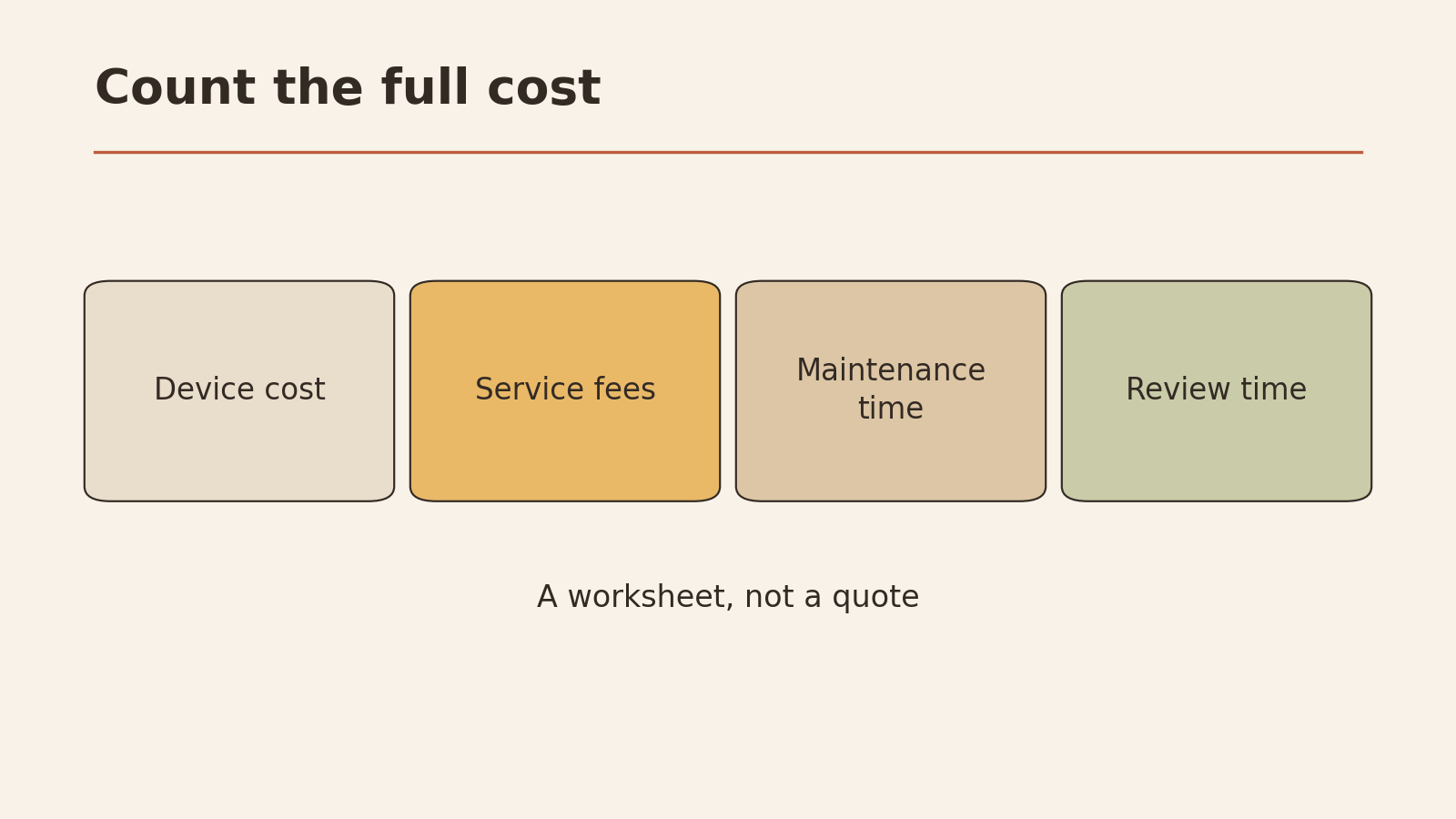
Neither route is free in every sense. The cost just shows up in different places. Cloud services usually charge through a subscription or by usage. Local setups shift more of the cost to hardware and your own time.
Prices change often and depend on your situation, so this article doesn’t list any. Instead, use the worksheet below and fill in your own numbers from the provider’s current pricing page and your own estimates.
Total cost worksheet (fill in your own figures)
| Cost item | Cloud route | Local route | Notes |
|---|---|---|---|
| Device or hardware upgrade | One-time; spread over how many months you expect to use it | ||
| Service fee or usage charges | From the provider’s current pricing page | ||
| Setup time (hours) | Installing, configuring, learning the tool | ||
| Monthly maintenance time (hours) | Updates, fixing breakages, managing files | ||
| Monthly review time (hours) | Checking outputs before you use them | ||
| Your hourly value | Use the same rate for both columns | ||
| Monthly total | Hours × rate + fees + hardware share |
Two rows people often skip:
- Maintenance time. With local AI, you are the IT department. Microsoft’s guidance lists maintenance responsibility as one of the key differences between the routes (Microsoft Learn).
- Review time. Every AI output needs checking, whichever route you take. If one option gives you drafts that need heavy fixing for your task, that time is a real cost.
Performance and latency
“Which one is faster?” has no single answer.
Running locally removes the round trip over the network, which can cut waiting time. But how fast a local model responds still depends on your device. A cloud service doesn’t depend on your hardware in the same way, but it does depend on your connection and on how quickly the service responds (Microsoft Learn).
What this means in practice:
- On a weak or unreliable connection, local may be the only option that works at all.
- On a modest laptop, a local model may respond slowly or be limited to smaller models.
- For your task, the only reliable answer comes from testing on your own device and connection.
This article doesn’t rank models or tools on speed or accuracy. Those results change with versions, hardware, and settings, so test the task you actually care about.
A decision worksheet
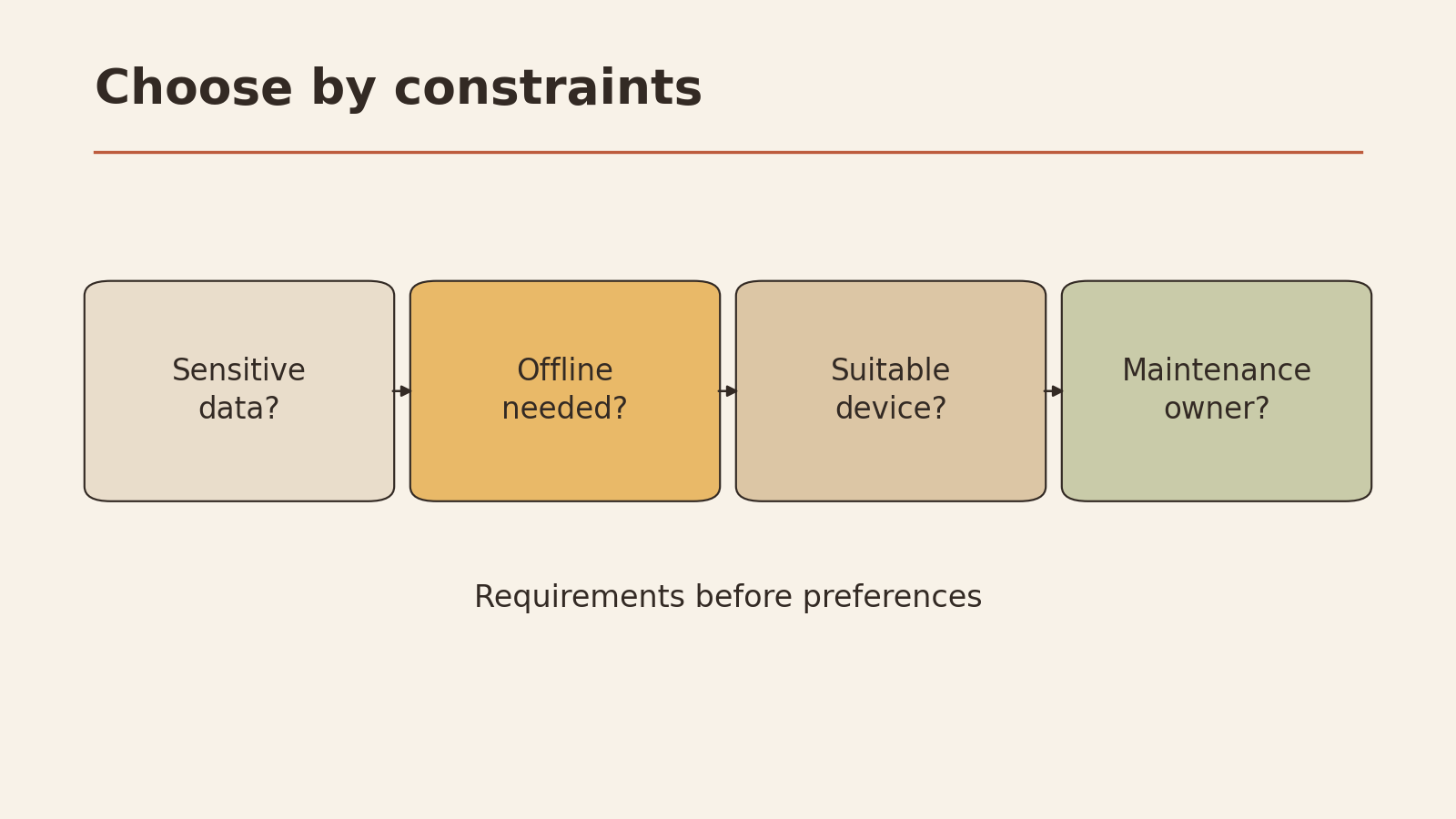
The six-question card below was designed for this article. Work through it in order. The first questions can rule out options, so answer them before you think about convenience.
Six-question decision card
CLOUD OR LOCAL - DECISION CARD

1. DATA RULES
   Can this material be processed outside my device or team?
   Yes / No / Not sure
   -> No or Not sure: rule out cloud options until confirmed.

2. CONNECTION
   Will I always have a reliable connection when I need this?
   Yes / No
   -> No: local stays on the shortlist; cloud may fail when needed.

3. DEVICE
   Can my current device handle a local model for this task?
   Yes / No / Unknown (test it)
   -> No: local needs a hardware change; add it to the cost sheet.

4. MAINTENANCE
   Who will install, update, and fix it?  Me / Team / Nobody
   -> Nobody: lean toward a managed cloud service.

5. TASK FIT
   What does the task need? (long documents, images, speed,
   working offline, sharing with others): ____________

6. REVIEW
   Who checks outputs before they are used, and how?
   ____________

Shortlist after questions 1-4:  Cloud / Local / Both
Task to test (question 5): ____________
This order follows a simple idea: decide what you need to control and what you’re happy to rent from someone else, based on the task (MindStudio).
Two tasks, two different choices
These are fictional examples to show the reasoning. They are not test results.
Task A: sorting private interview notes offline. A small research team has notes from customer interviews. Their agreement with participants says the notes stay on team devices. They often work on trains with patchy signal.
- Data rules: No outside processing → cloud ruled out for this material.
- Connection: unreliable → local helps.
- Device: unknown → needs a test.
- Maintenance: one team member is willing to own it.
- Choice: local, after checking sync, plug-ins, and logs.
Task B: summarizing public reports. A freelancer wants short summaries of government reports that are already public. She works from home on a steady connection and doesn’t want to manage software.
- Data rules: public material → both routes allowed.
- Connection: reliable.
- Maintenance: she doesn’t want it → cloud is easier.
- Choice: cloud, with her own review of each summary against the source.
Same people could make different choices tomorrow if the data or the setting changed. The card is meant to be filled in again for each new task.
Try one task before you commit
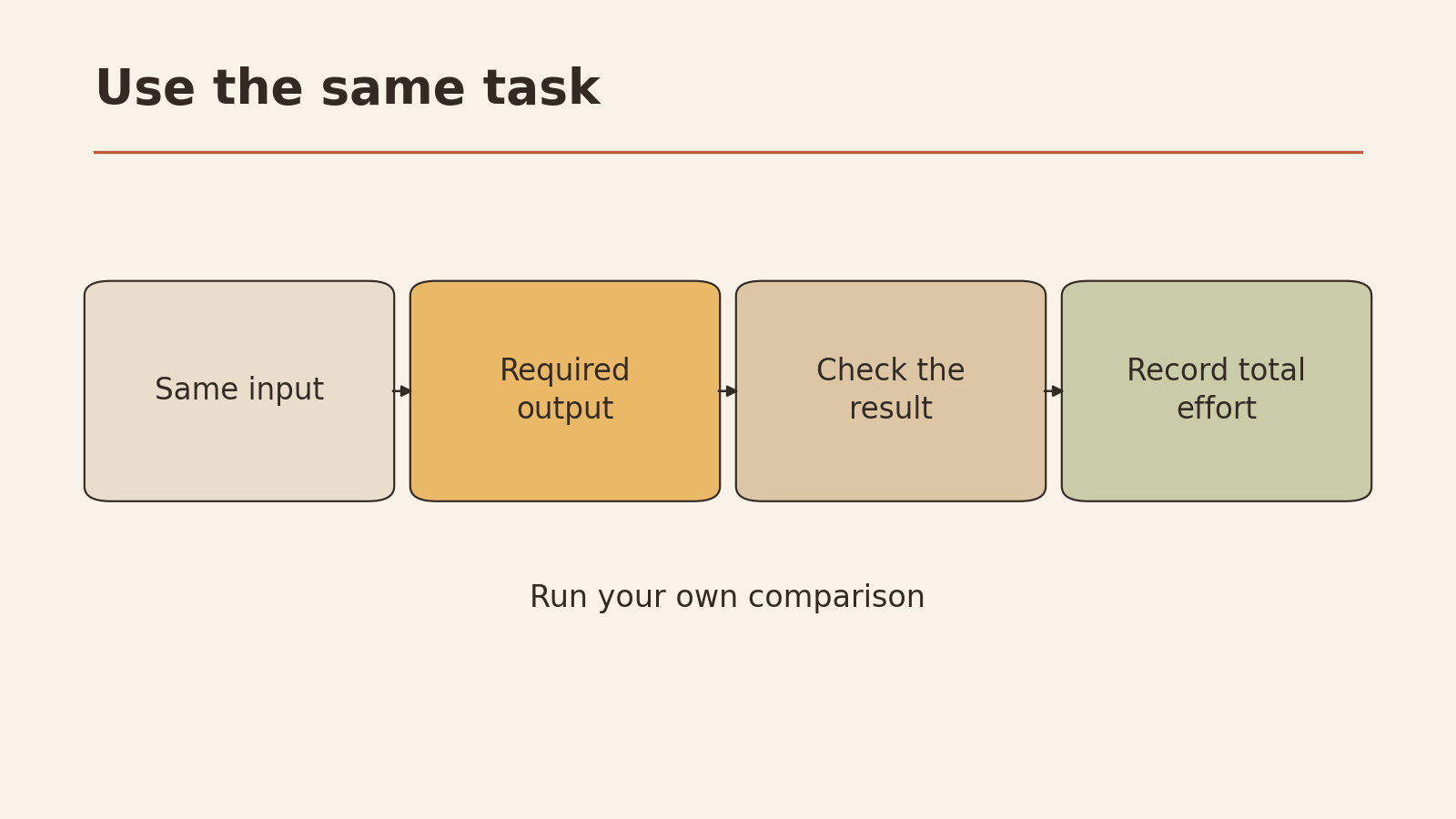
Don’t move your whole workflow based on a feature list. Pick one real, low-risk task and run it the same way on each shortlisted option. Use material you’re allowed to use with both, or a cleaned-up sample with nothing sensitive in it.
Same-task test log (template)
SAME-TASK TEST LOG

Task (one sentence): ____________
Input used (same for both; no sensitive data): ____________
Instructions given (copy them exactly): ____________

                         ROUTE 1            ROUTE 2
Route (cloud/local)      ________           ________
Tool / model / version   ________           ________
Date and device          ________           ________
Connection (wired/wifi/offline) ____        ________
Time to first answer     ________           ________
Did it finish the task?  Y / N              Y / N
Errors found on review   ________           ________
Edits needed (light/heavy) _____            ________
Data leaving device?     (from my checks)   (from my checks)
Setup or fixes needed    ________           ________

Which would I use for this task, and why?
____________
What would change my mind?
____________
Tips for a fair test:
- Keep the input and instructions identical. If you change them, the difference may come from your wording, and the test tells you little about the route. For help writing clear instructions, see how to ask better AI questions.
- Run it more than once if you can. One run can be unusually good or bad.
- Record generation time and review time.
If you want an assistant that acts for you across apps, the comparison in personal AI agent vs chatbot covers that choice.
Your next low-risk step
| If your decision card says | Do this next |
|---|---|
| Data can’t leave your device | Run the “runs locally” checklist on one local option before testing |
| Data is public, and you don’t want maintenance | Test one cloud option with the test log |
| Connection is unreliable | Test a local option offline, on the device you’ll actually use |
| Not sure about data rules | Ask the data owner or check the policy before testing anything |
| Both routes are possible | Run the same-task test on one of each and compare your logs |