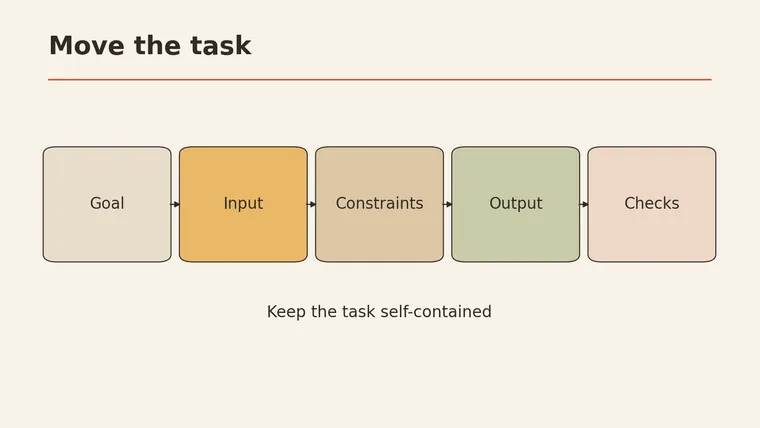
AI prompts for different models travel best when you separate the task from the tool. Keep the goal, the actual input, the constraints, the requested output and the checks you will use to accept it. Then review the new tool’s documentation for features or settings your old prompt depended on; do not assume it has your earlier conversation or attachments. Start with a small, non-sensitive example, inspect the result against the source, and revise only what is needed. The email, prompt and sample answers below are fictional illustrations designed for this article. No models were tested or ranked.
Keep the task separate from the tool
A prompt you have used before may contain two kinds of instruction. One describes the job: “extract the deadline and owner from this email.” The other depends on a particular interface or capability: a special parameter, an attached file, or a reference to a previous conversation.
Carry the first part across deliberately. Check the second part against the new tool’s current official documentation before relying on it. MIT Sloan’s guidance recommends context and specific instructions while reminding readers that AI output can be wrong. Clear instructions help frame the task; they do not guarantee the answer.
Use this five-part migration card, designed for this article:
| Part | What to carry over | Question to answer |
|---|---|---|
| Goal | The job the reader needs done | What should the result help me do? |
| Input | The specific text or data, if safe to share | What material does the new tool actually receive? |
| Constraints | Rules and boundaries | What must it avoid inventing or changing? |
| Output | Fields, order and length | What should the result look like? |
| Acceptance | Independent checks | How will I verify the result? |
Keep the acceptance checks with the prompt, but perform them yourself. A model saying “checked” is not proof that a date or name matches the source.
Context: bring only what the new task needs
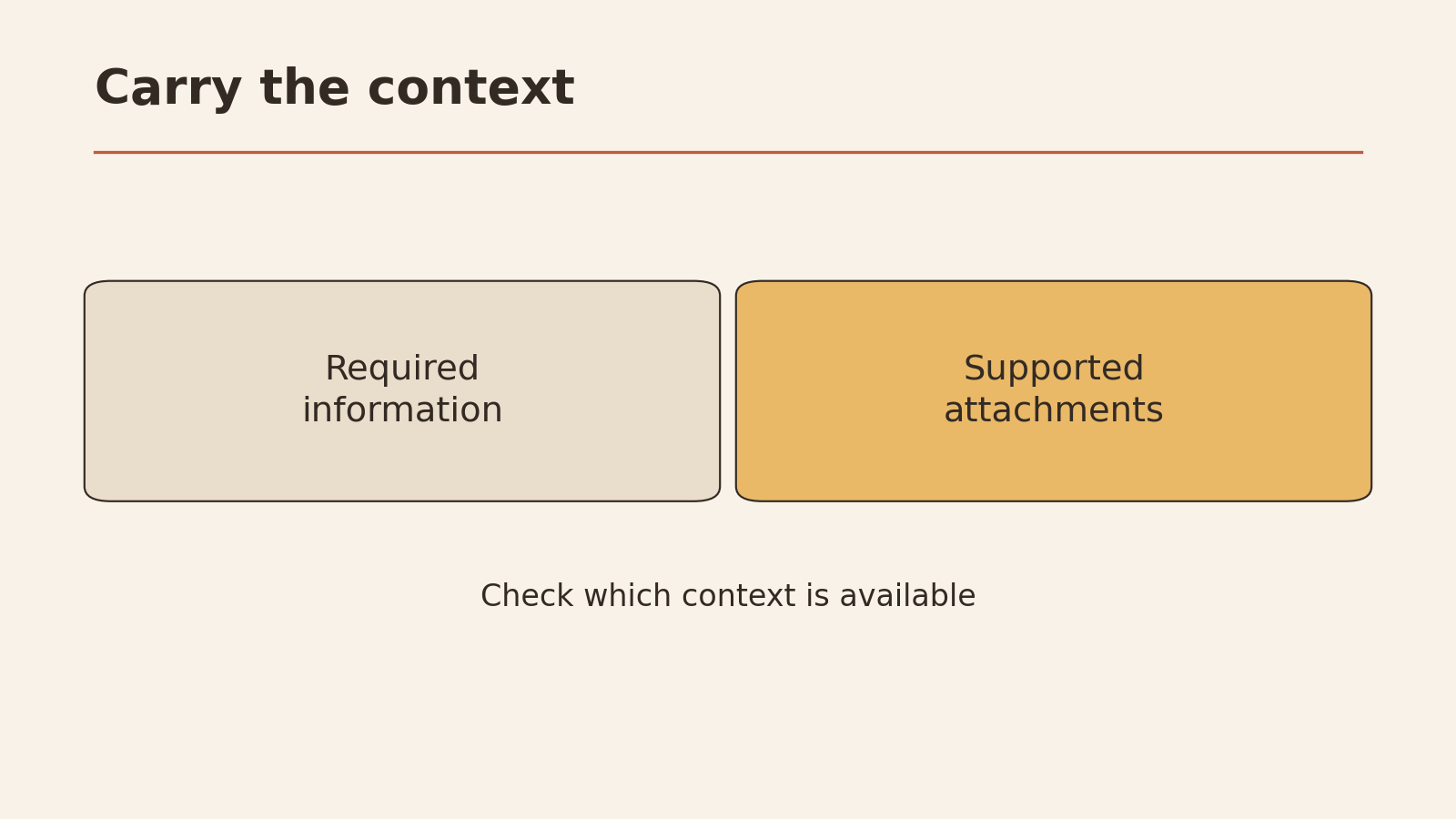
A new conversation does not automatically contain the old one. Supply the relevant facts again; if you need a file, confirm the new tool supports that file and provide it separately. Do not assume an attachment was transferred because the text refers to it.
Before sending anything, remove private identifiers and confidential details you do not need. Check your permission to share the material and the service’s handling of it. If the input is too large for the new tool’s documented capacity, reduce or divide it deliberately; record what was left out so you can check for missing context.
The Prompt Engineering Guide illustrates several distinct jobs, including summarization, extraction, question answering and classification. Your migration card should name the actual job rather than assuming a format that worked for one task will work for all of them.
Examples: preserve an unknown instead of filling it
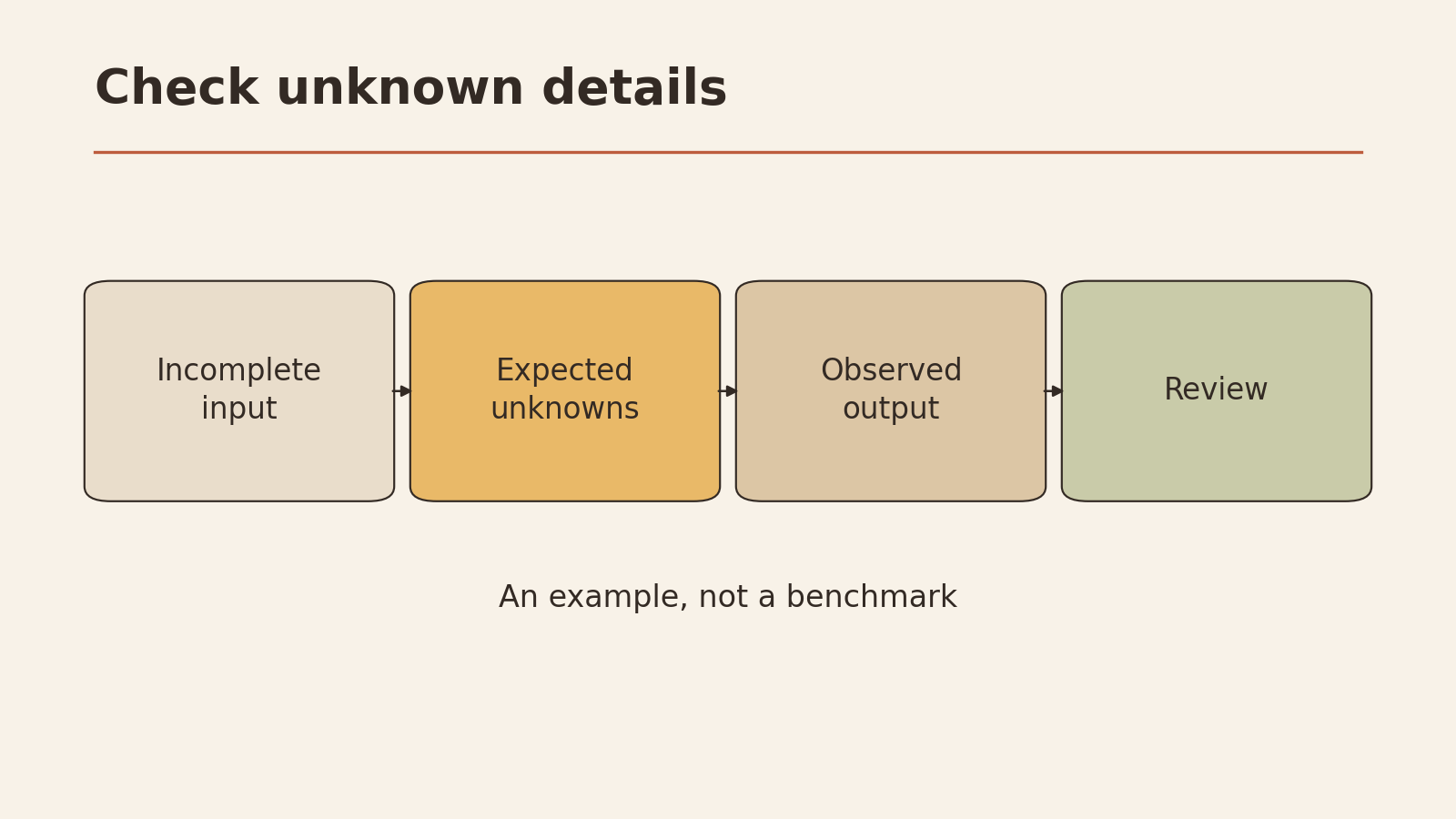
This fictional email and prompt are designed for practice. They contain no observed model result.
EMAIL — fictional
Hi team,
The draft for the community garden poster is ready.
Please send feedback to Maya by Friday. The final print date
has not been decided yet.
Thanks,
Lee
GOAL: Extract the action and dates from the email.
INPUT: [Paste the fictional email here.]
CONSTRAINTS: Use only the email. Do not infer a calendar date
for “Friday.” If the print date is missing, write “not stated.”
OUTPUT: Three lines: Action; Feedback deadline; Print date.
ACCEPTANCE: I will compare every line with the email.An acceptable illustrative answer could be: “Action: send poster feedback to Maya; Feedback deadline: Friday; Print date: not stated.” The email does not give a calendar date or a final print date. A result that supplies either one fails the fact check, even if it looks tidy.
If the new tool struggles with a format, you can provide a separate, non-sensitive example showing the desired structure. IBM distinguishes prompts without examples from those with a few examples. Neither is a magic formula or required for every tool. Make sure the example is clearly separate from the input, so its facts are not mistaken for facts in the task.
Check the output format
Ask for the smallest useful structure: for the email above, three named lines are enough. If you need a table, name the columns and explain how to mark missing values. If software will consume the output, check the destination’s required format yourself before relying on it.
A prompt can request a format, but the result may add prose, omit a field or use a different label. Compare each field and its order with your card. If the tool has a documented structured-output feature you need, check its official instructions rather than copying an old tool’s parameter blindly.
Limitations: check what each tool can do
Before migrating a real task, check the new tool’s official documentation for:
- Tool-specific settings: Is an old parameter supported here? If not, remove it or use only a documented equivalent.
- Attachments: Can this tool accept the type of input you need? Attach the file yourself if supported and permitted; otherwise provide an appropriate safe alternative.
- Context capacity: Check the documented limit for the relevant tool and input. If it cannot take the full source, divide or reduce it while preserving what is needed for verification.
- Privacy and permissions: Is the data appropriate to share with this service and under your own rules?
A task may need current sources, an inaccessible file or specialist review. If the new tool cannot access a required source, supply an approved copy or stop; do not assume it has seen it. For high-stakes decisions, use the output as a draft for qualified human review. A person makes the final decision.
A migration checklist you can actually use
Copy this article’s card and fill it out for one low-risk task:
PROMPT MIGRATION CARD
Goal:
Input I will actually provide:
Constraints, including what must stay unknown:
Output fields and order:
Acceptance: what source will I compare against?
Tool-specific feature to verify in official documentation:
Attachment or history I must provide again:
Private information to remove:
Small, reversible next action:
Run three checks on the result:
- Format: Are the requested fields present and in the right order?
- Facts: Does each name, date and claim match the supplied source? Are missing facts still marked missing?
- Constraints: Did it avoid assumptions and respect every boundary you wrote?
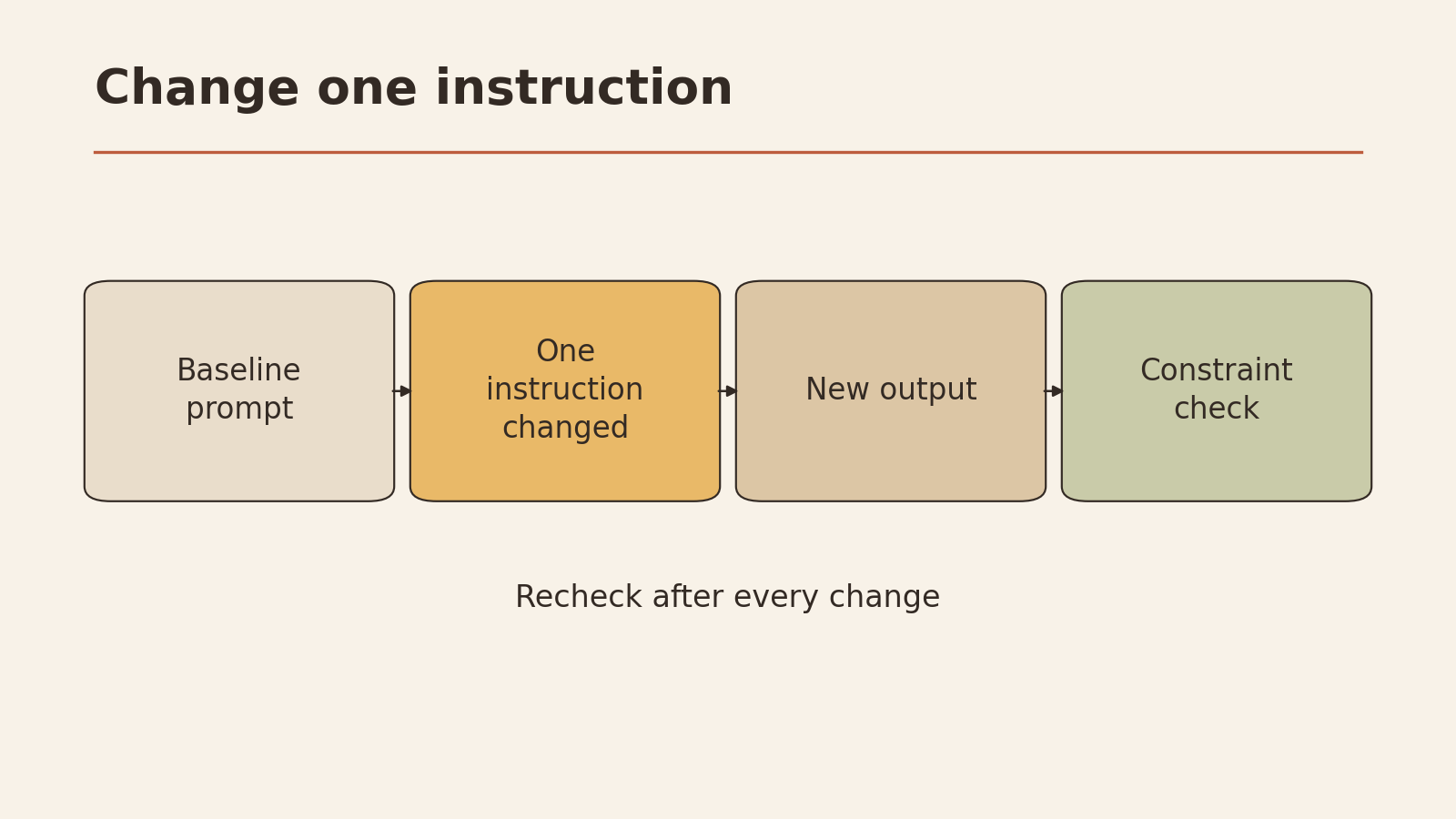
If one check fails, correct the instruction or input and review the new result again. Do not treat this process as a model comparison: it is a way to make one task portable and reviewable.
For more on the underlying question, see how to ask better AI questions. If your task involves coordinating work, the project-management prompts offer a separate starting point.
Your next step: Take a prompt you already use, fill in the five-part card, and try it with a short, non-sensitive input. Keep the result as a draft until you have checked all three items against the original.