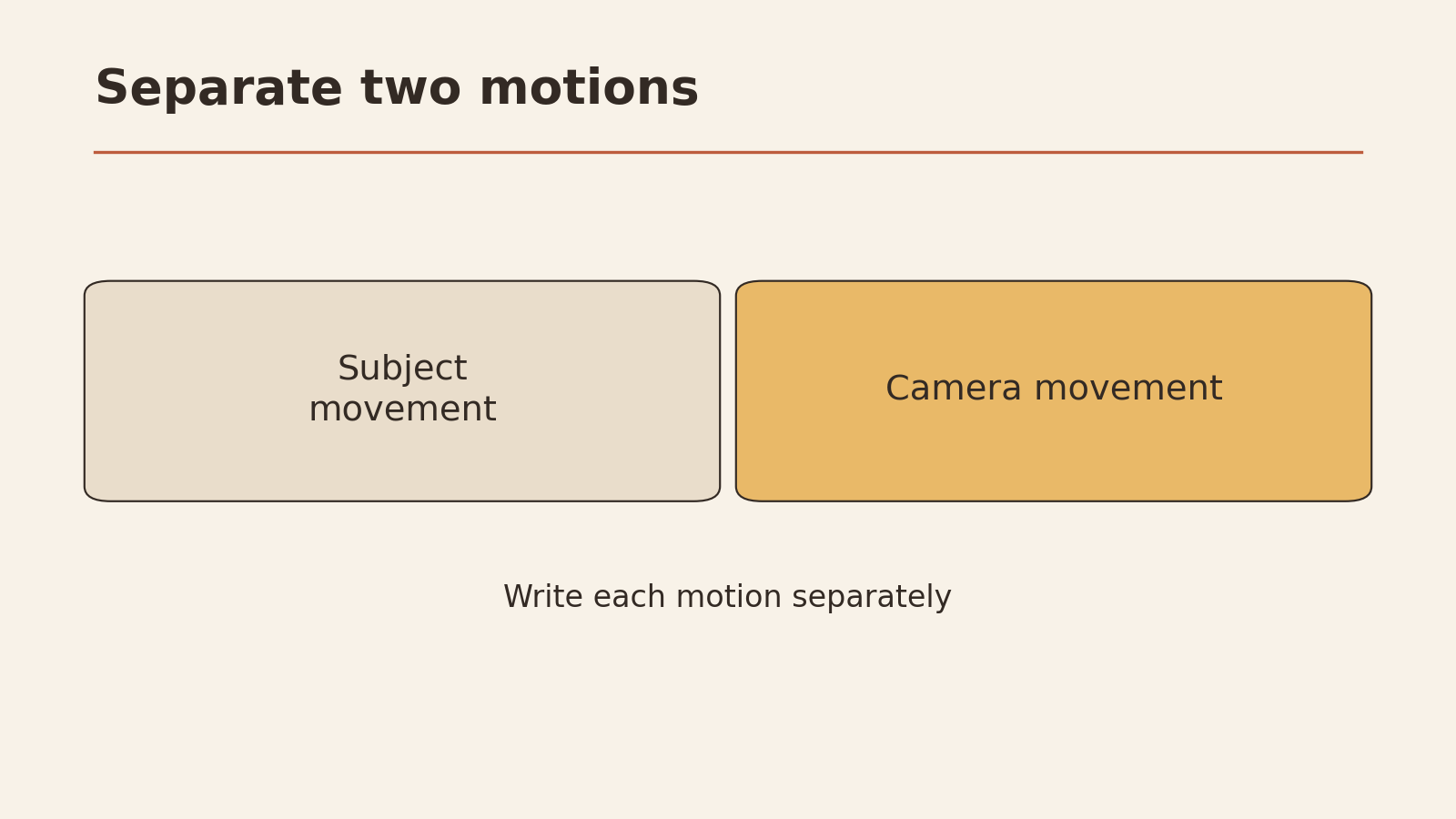
Any useful AI video prompting guide comes down to one habit: plan one shot before you generate. Start with a single, short moment and describe it in separate parts: the scene (where and what it looks like), the action (what moves and how), and the camera movement (how the viewer’s view changes). Runway’s official guidance treats these as parts you can describe on their own, and it separates text-to-video from image-to-video, since each starts from different input (Runway; Runway Academy). Write one visible action. Save the rest of the story for later shots. Say how the shot should end. Then review the clip start, middle, and end, and change only one thing per attempt. Editing several clips together is a separate job for later.
This guide gives you a five-column shot card, three example shot prompts, a way to turn vague ideas into visible motion, a continuity check, and a revision log.
Plan one shot
A shot is one continuous piece of video, from the moment the camera starts until it cuts. Most text-to-video tools generate short clips, so one shot is the natural unit to plan.
The common mistake is writing a mini-movie: “A woman wakes up, makes coffee, walks to work, and gets promoted.” That’s four or five shots. Asking for all of them in one prompt leaves the tool guessing which parts matter.
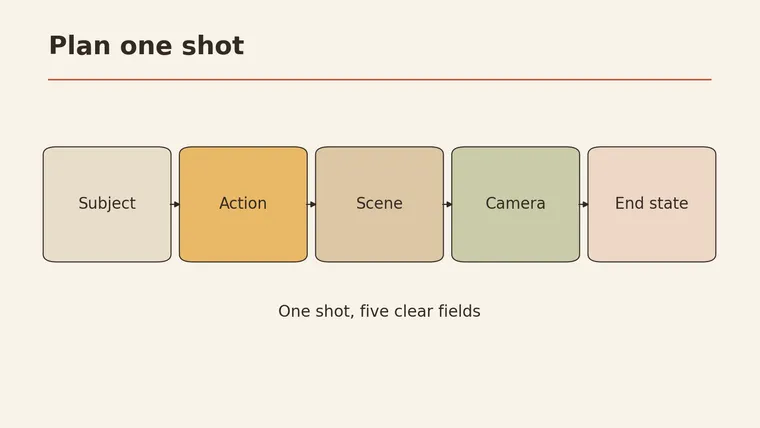
Instead, pick one moment and fill in this card. It was designed for this article.
One-shot card (five columns)
| Subject | Action | Scene | Camera | End state |
|---|---|---|---|---|
| Who or what is on screen | The one thing that moves or changes | Where it happens, light, weather, time of day | Static, slow push in, pan left, follow… | What the frame looks like in the last moment |
The end state column is the one people forget. Describing how the shot finishes gives the motion a direction. “The cup ends up on the table” is easier to judge than “she puts down the cup sometime.”
It also helps to sort your ideas into three groups before you write:
| Belongs in the prompt (picture) | Belongs in the prompt (motion) | Belongs in editing later |
|---|---|---|
| Subject, setting, light, style | What moves, how fast, camera movement | Cutting between shots, titles, music, voiceover, transitions |
If something lands in the third column, take it out of the prompt. You’ll handle it when you put clips together.
Scene
The scene is everything the viewer sees that isn’t the main motion: place, light, weather, time of day, overall look. Runway’s examples describe the scene as its own part of the prompt (Runway).
Write it the way you’d describe a still photo:
- Place: “a narrow alley with brick walls”
- Light: “late afternoon sun from the left, long shadows”
- Conditions: “light rain, wet pavement”
- Look: “natural film look, muted colors”
Keep the scene steady. If the place, light, or style changes in the middle of your description, the clip may drift.
Action
Action is what moves. This is where video prompts differ most from image prompts, and where vague wording causes the most trouble.
Turn feelings into visible movement. A tool can’t film “she feels hopeful.” It can show something that looks hopeful.
| Vague idea | Visible action | Why this choice |
|---|---|---|
| ”He’s nervous" | "He taps his fingers on the table, then stops and looks at the door” | Two small, clear movements; easy to check |
| ”The city comes alive" | "Streetlights switch on one by one along the road” | One repeated action with a clear direction |
| ”She’s happy with the result" | "She leans back in her chair and smiles at the screen” | A single body movement plus a facial change |
| ”Time passes" | "Shadows move slowly across the desk” | Shows time through one visible change |
| ”The product is easy to use" | "A hand presses the button once and the lid opens” | One action, one result, nothing extra |
Trade-offs to notice. Each rewrite picks one way to show the idea and drops others. “Fingers tapping” loses the sweaty palms and the racing thoughts. That’s intended. A short clip can carry one or two clear actions well; more usually blur together.
Also say how fast: “slowly,” “in one smooth motion,” “quickly.” Speed words help the action read clearly.
Camera movement
Camera movement describes how the view changes, separate from what the subject does. Runway’s guide treats it as its own element (Runway).
Common terms in plain language:
- Static: the camera doesn’t move; only the subject does
- Push in / dolly in: the camera moves closer to the subject
- Pull out: the camera moves away, revealing more of the scene
- Pan left / right: the camera turns side to side from one spot
- Tilt up / down: the camera turns up or down from one spot
- Tracking / follow: the camera moves along with the subject
- Handheld: slight natural shake, like a person holding the camera
A practical rule: if the subject has a lot of action, keep the camera simple, and the other way around. A static camera on a busy action, or a slow push in on a still subject, is easier to judge than both moving at once.
Text to video and image to video
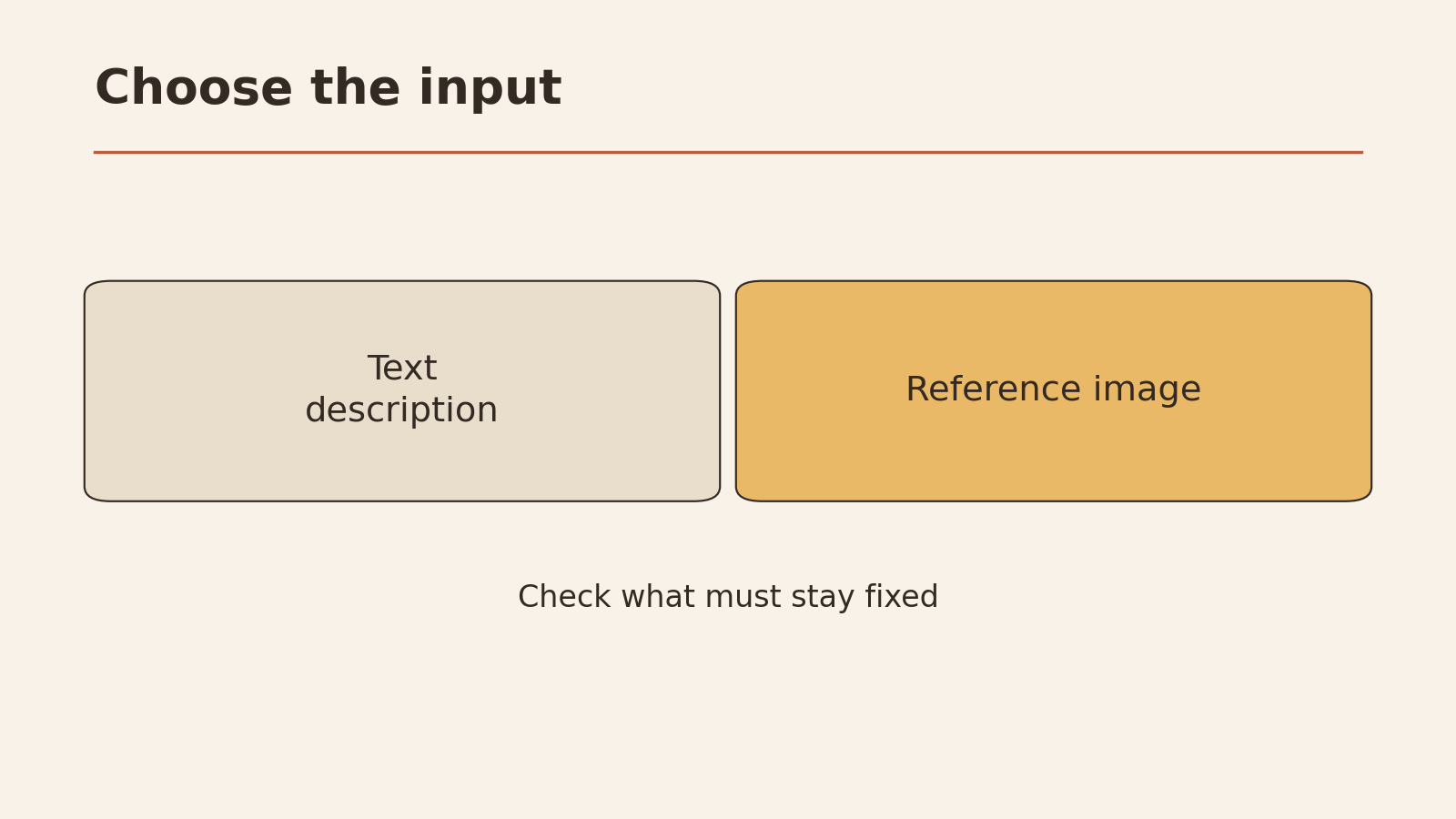
Runway’s guide separates these two ways of starting a clip (Runway Academy):
- Text to video: you describe everything in words. Your prompt carries the subject, scene, style, action, and camera.
- Image to video: you give the tool a starting image. The image already shows the subject and scene, so your words mostly need to cover what should move and how the camera behaves.
| Text to video | Image to video | |
|---|---|---|
| What sets the look | Your words | Mostly the image |
| What your prompt should focus on | All five columns of the shot card | Action, camera, end state |
| Common mistake | Leaving the scene vague | Re-describing the image in different words that conflict with it |
| Good for | Exploring ideas when you have no picture yet | Keeping a specific look, product, or layout |
Features differ by tool, model, and version, including how long clips can be and what inputs are accepted. Check the current guide for the tool you use instead of assuming.
Copyable shot prompts
These three prompts were written for this article as input examples. They haven’t been generated or tested here, and no quality or success is promised. Each one maps back to the shot card.
Shot 1: product moment (text to video)
A white ceramic mug sits on a wooden kitchen table in soft morning light from a window on the left. A hand enters from the right and slowly pours hot coffee into the mug; steam rises. Static camera, close-up, mug centered. Natural, warm colors. The shot ends with the mug full and the hand leaving the frame.
- Subject: white ceramic mug, a hand
- Action: pouring slowly, steam rising
- Scene: wooden table, morning window light
- Camera: static close-up
- End state: mug full, hand gone
Shot 2: place and mood (text to video)
A quiet city street at dusk after rain, wet pavement reflecting shop lights. Streetlights along the road switch on one by one from the foreground to the distance. Slow push in down the middle of the street. Muted blue and orange tones, calm mood. The shot ends with all streetlights on.
- Subject: the street and its lights
- Action: lights switching on in sequence
- Scene: dusk, after rain, reflections
- Camera: slow push in
- End state: all lights on
Shot 3: bringing a still image to life (image to video)
(Starting image: a person sitting at a desk by a window, looking at a laptop.)
The person leans back in the chair and smiles at the screen. Curtains move gently in a light breeze. Camera stays still. The shot ends with the person leaning back, hands resting on the armrests.
- Subject and scene: already set by the image
- Action: leaning back, smile, curtains moving
- Camera: static
- End state: leaning back, hands on armrests
Notice that Shot 3 doesn’t describe the desk, window, or clothing again. The image already handles that.
For tips on phrasing instructions to AI clearly, see how to ask better AI questions. For more prompts you can adapt, visit the YepSoso prompts page.
Review and revise one change at a time
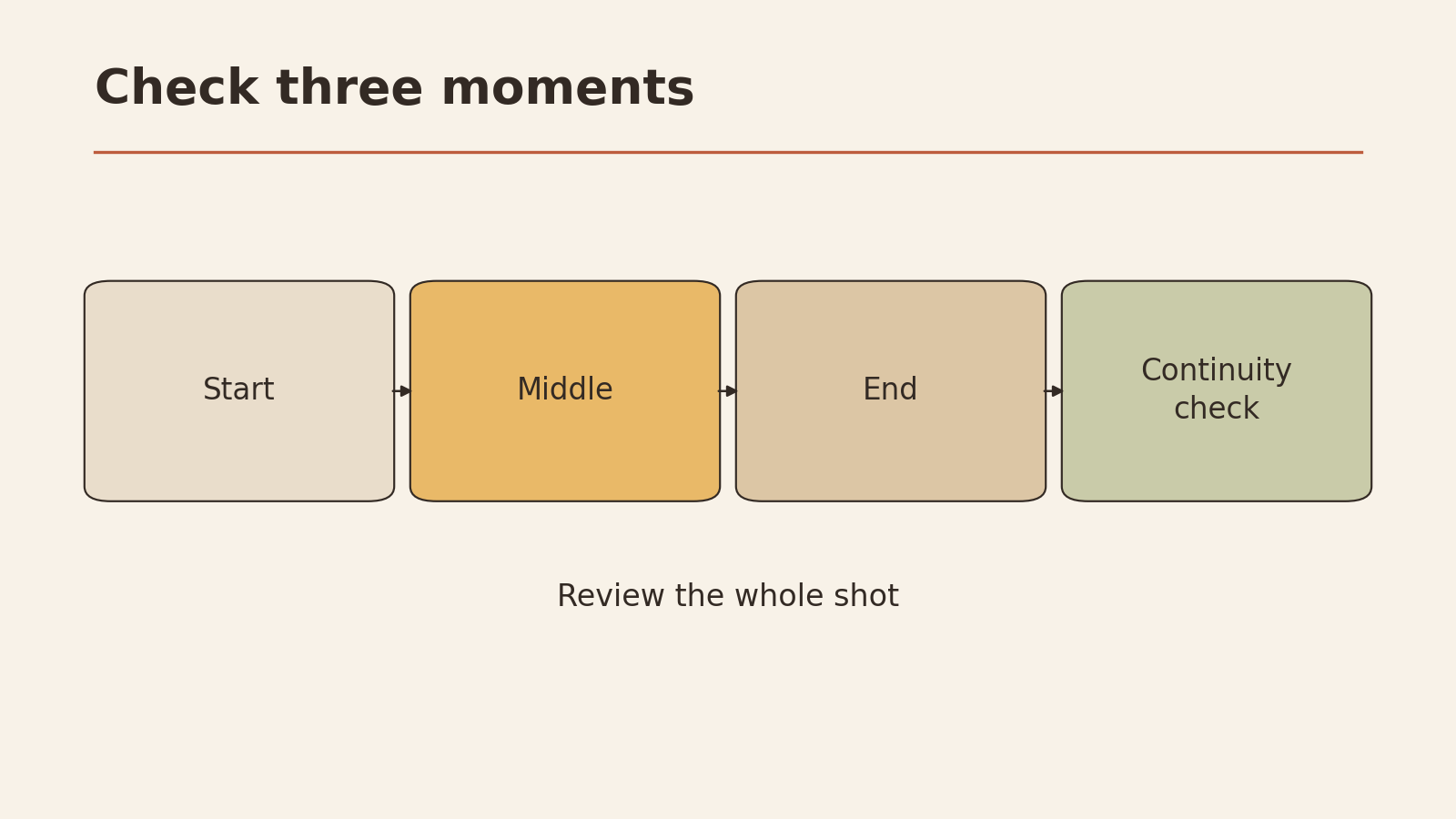
Watch each clip with a simple start / middle / end check. It catches most continuity problems:
| Point in the clip | What to check |
|---|---|
| Start | Is the subject and scene what you described? Is anything extra in the frame? |
| Middle | Is the action happening the way you wrote it? Does the subject keep the same look, clothes, and shape? Does the scene stay stable? |
| End | Does the frame match your end state? Did the motion finish, or stop halfway? |
If something is off, change one variable and try again. Otherwise you can’t tell what fixed it.
Revision log (template)
VIDEO SHOT REVISION LOG

Shot goal (one sentence): ____________
Mode: Text to video / Image to video
Starting prompt (copy in full): ____________

ATTEMPT 1
Start ok?  Y / N   Middle ok?  Y / N   End ok?  Y / N
Main problem (one): ____________
Variable I'll change (pick one):
  Subject / Action / Speed / Scene / Camera / End state / Start image
Old wording: ____________
New wording: ____________

ATTEMPT 2
Start ok?  Y / N   Middle ok?  Y / N   End ok?  Y / N
Did the change help?  Better / Worse / No change
Keep it?  Y / N
Next variable (if needed): ____________

Moved to editing (not the prompt's job):
  titles / music / cuts / voiceover / other: ____________
A fictional example of one change: In Shot 1, suppose the hand pours too fast and the mug overflows. You change only the speed wording: “slowly pours” becomes “pours in a slow, steady stream, stopping just below the rim.” The scene, camera, and end state stay the same. If the next attempt overfills again, the problem may be the end state, so that becomes the next single change.
Your shot checklist
Run through this before each attempt:
- The prompt describes a single shot
- The five columns are filled: subject, action, scene, camera, end state
- Every action is something a camera could see
- Camera movement and subject movement aren’t both complex
- For image to video, the prompt focuses on motion and doesn’t contradict the image
- Anything for editing (titles, music, cuts) has been moved out of the prompt
- Any starting image is yours to use and has nothing private in it
- You’ll change one variable per attempt and log it
Your next low-risk step: choose one moment you need for a project, fill in the one-shot card, and write a single prompt from it. Review the result with the start, middle, and end check before you change anything.