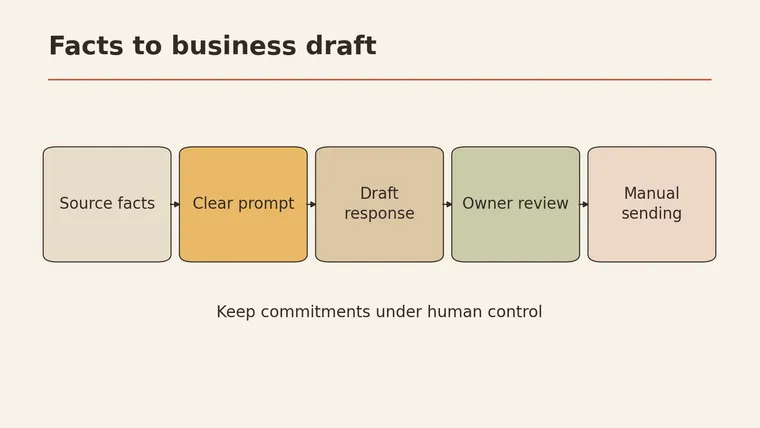
Good business prompts for a small company do two jobs at once: they tell the AI tool exactly what draft you need, and they build in a way to check that draft before anyone outside the business sees it. Start with the business context: who you are, who the reader is, and what the draft is for. Then paste only the facts you already have, such as your price list, terms, or a customer’s message, and tell the tool to use nothing else. Ask it to flag missing facts instead of filling them in. Google’s small business prompt guide organizes prompts the same way, around role, task, and context (Google Workspace). Finally, you read and approve every draft yourself. The tool writes a first version; you decide what gets sent.
Below are four templates for quotes, customer replies, and marketing copy. Each one comes with the input to prepare, the full prompt, the output format to ask for, and the checks to run. At the end there’s a prep list for removing personal data and a check card to fill in.
Give the business context first
A prompt without context gets a generic answer. The tool doesn’t know your trade, your customers, or your house rules unless you say so.
Google’s guide for small businesses suggests giving the tool a role, a task, and context, and shows examples that point to files the business already has (Google Workspace). How you attach or reference files depends on the tool you use, so check its own help pages. The underlying idea works anywhere: tell it who it’s writing for and what it may rely on.
Write a short context block once and reuse it at the top of every prompt:
BUSINESS CONTEXT BLOCK (fill in once, reuse)

Business: [what you do, in one sentence]
Customers: [who they usually are]
Tone: [e.g. friendly and plain, no slang, no hard selling]
Always: [e.g. sign off with the shop name; use metric units]
Never: [e.g. promise delivery dates, quote prices not given below,
        offer discounts, give legal or tax advice]
Facts I will paste below are the only facts you may use.
If something is needed and not given, write [MISSING: ...].
The last two lines matter most. They set a fact boundary: the tool may only use what you gave it, and it has to mark gaps out loud.
Where these templates fit
The US Chamber of Commerce lists customer surveys, customer communication, and marketing among the everyday places small businesses use prompts (U.S. Chamber of Commerce). This article covers three of them: comparing information you already have, replying to customers, and drafting marketing copy. It doesn’t cover financial forecasts, legal questions, or tax questions. Those need real data and qualified people.
Compare the information you already have
A common job: two suppliers sent quotes, and you want them side by side. The tool can help sort what’s written. It shouldn’t decide which supplier to pick.
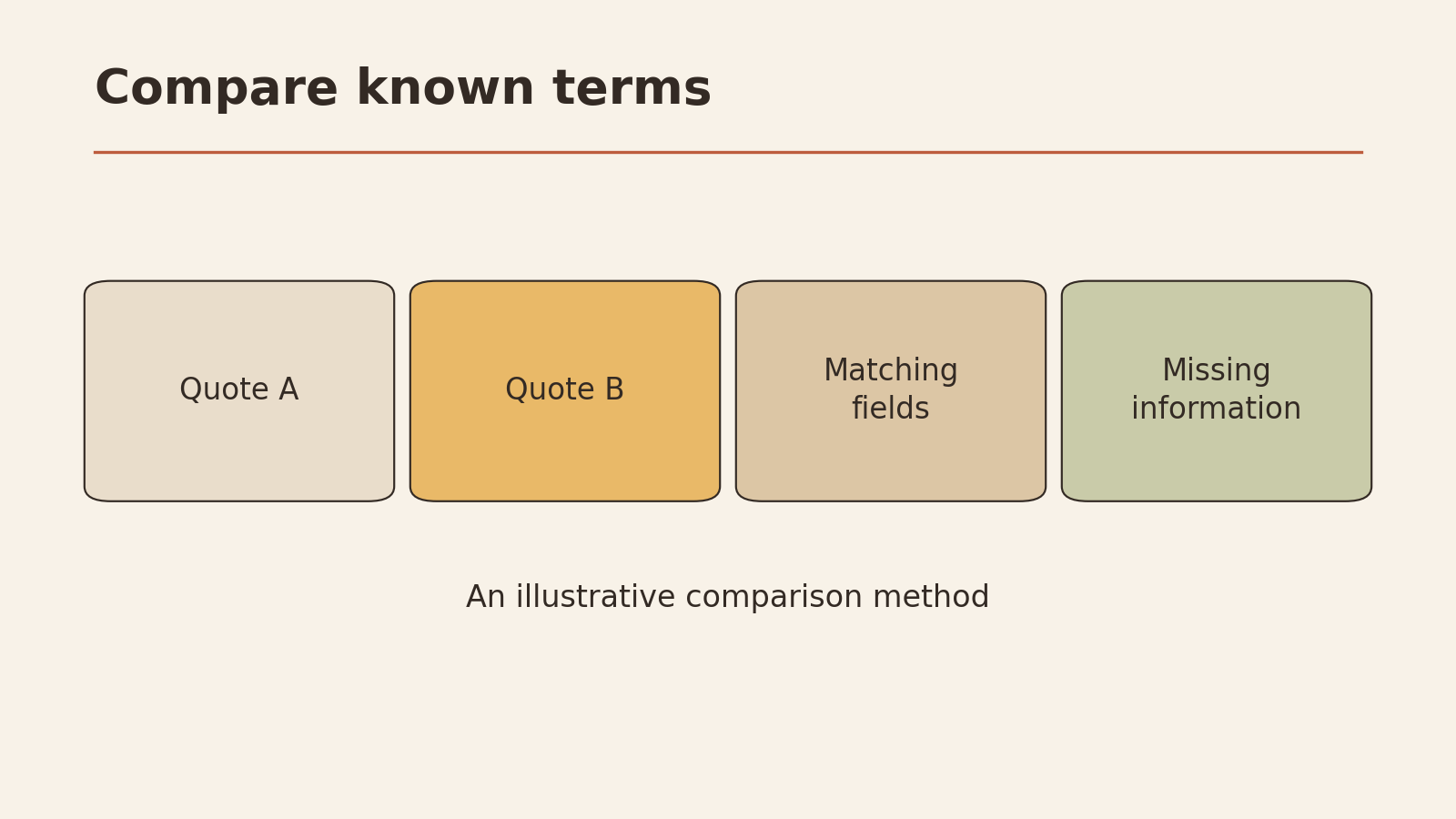
Template 1: Compare two quotes
Input to prepare
- Both quotes as text, copied exactly
- What you actually need (quantity, deadline, must-haves)
Here are two fictional quotes, made up for this example:
Quote A (fictional), Northfield Packaging: 2,000 printed boxes, unit price as listed in the attached sheet, delivery 15 business days after artwork approval, 50% deposit, free reprint if the print is misaligned.
Quote B (fictional), Harbor Print Co.: 2,000 printed boxes, total price as listed, delivery “usually within three weeks,” payment in full on order, setup fee charged separately.
Full prompt
[Paste your business context block]

Task: Compare the two supplier quotes below for a purchase I am
considering. Do not recommend a supplier. Do not estimate any
price, date, or term that is not written in the quotes.

What I need: 2,000 printed boxes, delivered before [date],
artwork ready on [date].

Quote A:
[paste exactly]

Quote B:
[paste exactly]

Output format:
1. A table with one row per term: quantity, price, delivery time,
   payment terms, extra fees, reprint or error policy.
   Columns: Term | Quote A (exact words) | Quote B (exact words)
2. Under the table, a list headed "Not stated" with every term
   one quote mentions and the other doesn't.
3. A list headed "Questions to ask each supplier."
Quote the original wording in the table. Do not reword it.
Checks to run
- Every cell in the table matches the original quote word for word
- Nothing in the table appears in neither quote
- “Not stated” lists the real gaps (in this example: Quote B’s delivery is vague, Quote A doesn’t mention a setup fee, Quote B doesn’t mention reprints)
- The tool did not pick a winner or estimate a total
- You’ll send the questions to the suppliers before deciding
The tool’s output is a reading aid. The decision stays with you, and so does any calculation of the final cost.
Customer communication
Customer replies are where invented details do the most damage. A friendly draft that promises “it’ll ship tomorrow” when nobody checked stock creates a real problem.
Template 2: Reply to a customer without promising what you don’t know
Input to prepare
- The customer’s message
- Only the facts you’ve confirmed today (stock, dates, policies)
Fictional customer message:
Hi, I ordered the large oak shelf last week. Can you tell me when it ships? Also, is there any discount if I order a second one?
Facts you’ve confirmed (fictional): the order is in the system; the shelf is made to order; the workshop hasn’t confirmed this week’s schedule yet; there is no discount policy for repeat orders.
Full prompt
[Paste your business context block]

Task: Draft a reply to the customer message below.

Confirmed facts (use only these):
- Order received and in our system.
- Shelf is made to order.
- Workshop schedule for this week is not confirmed yet.
- We do not have a repeat-order discount.

Rules:
- Do not give a ship date, stock level, or delivery date.
- Do not offer or hint at any discount, refund, or gift.
- If the customer asks something the facts don't answer, say
  we'll check and reply, and mark it [TO CONFIRM: ...].
- Keep it under 120 words.

Customer message:
[paste]

Output: the reply draft, then a separate list called
"Promises in this draft" with every commitment the reply makes.
Checks to run
- “Promises in this draft” contains only things you can actually do (e.g. “we’ll reply once the schedule is confirmed”)
- No date, stock number, price, or discount appears that wasn’t in your facts
- Every [TO CONFIRM] item has an owner and a time to follow up
- Tone matches your context block
- You send it yourself, from your own account, after reading it
The “Promises” list is the key part. It turns a hidden risk into a short list you can read in ten seconds.
Marketing
Marketing drafts tend to drift toward big claims: “the best in town,” “loved by thousands.” If you can’t back a claim, it shouldn’t go out.
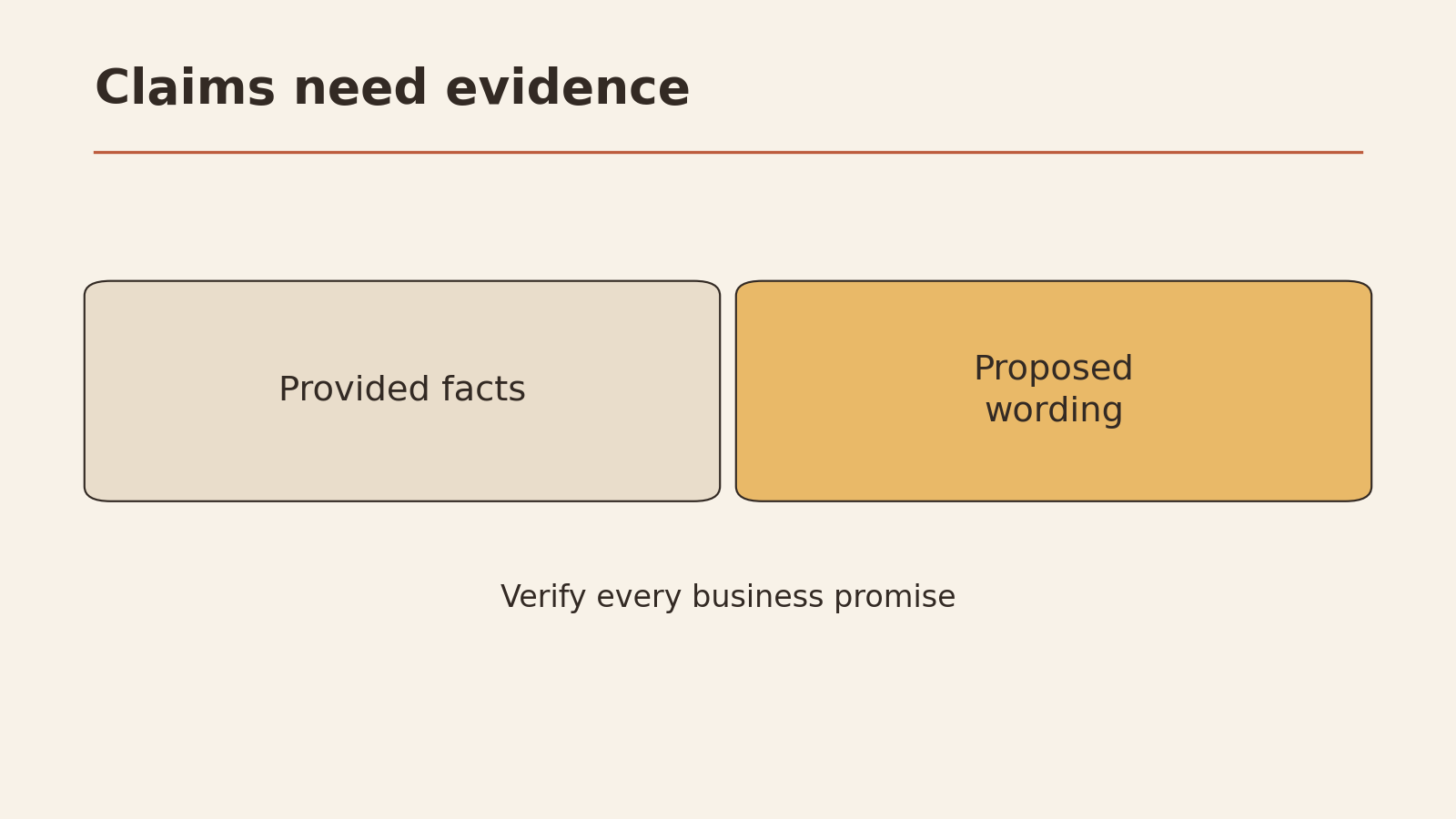
Template 3: Split claims into proven facts and things to confirm
Input to prepare
- Facts you can prove (what the product is, what it’s made of, what you offer)
- The goal of the copy and where it will appear
Fictional facts for a small bakery: sourdough baked daily on site; open 7 a.m. to 2 p.m., Tuesday to Sunday; rye and white loaves; pre-orders by phone.
Full prompt
[Paste your business context block]

Task: Write a short social media post (under 80 words)
announcing that we now take phone pre-orders.

Proven facts (only use these as facts):
- Sourdough baked daily on site.
- Open 7 a.m. to 2 p.m., Tuesday to Sunday.
- Rye and white loaves.
- Pre-orders by phone.

Rules:
- No ratings, reviews, customer quotes, awards, or numbers
  that are not in the facts above.
- No "best," "favorite," "most popular," or similar unless
  it is in the facts.

Output:
1. The post.
2. A table: Phrase in the post | Type (proven fact / opinion
   or description / needs owner approval) | Source (which fact)
Checks to run
- Every row marked “proven fact” points to one of your facts
- Anything marked “needs owner approval” is either approved by you or removed
- No invented reviews, customer numbers, or awards
- Phone number, hours, and days are correct (check them against your own listing)
- You post it yourself after reading it
A phrase like “warm, crusty loaves” describes the bread, so it’s usually fine. “Voted best bakery” is a factual claim, and if you can’t show where it came from, delete it.
Ask for missing facts
Sometimes you don’t know what’s missing. Instead of letting the tool guess, ask it to interview you first.
Template 4: Ask before drafting
[Paste your business context block]

Task: I need [a quote reply / a customer email / a flyer].
Before writing anything, list the facts you would need from me
to write it without guessing. Group them as:
- Must have (can't write without it)
- Nice to have
Ask me up to 8 questions. Do not write the draft yet.
Answer the questions, then paste your answers back with Template 2 or 3. This two-step approach keeps the tool from filling gaps with plausible-sounding details.
For a broader look at phrasing requests clearly, see how to ask better AI questions. If you’re also running projects or schedules, the templates in AI prompts for project management use the same context-first approach.
Review before sending
Nothing in this article sends anything automatically. Every template ends with you reading the draft. Two habits make that review faster and safer.
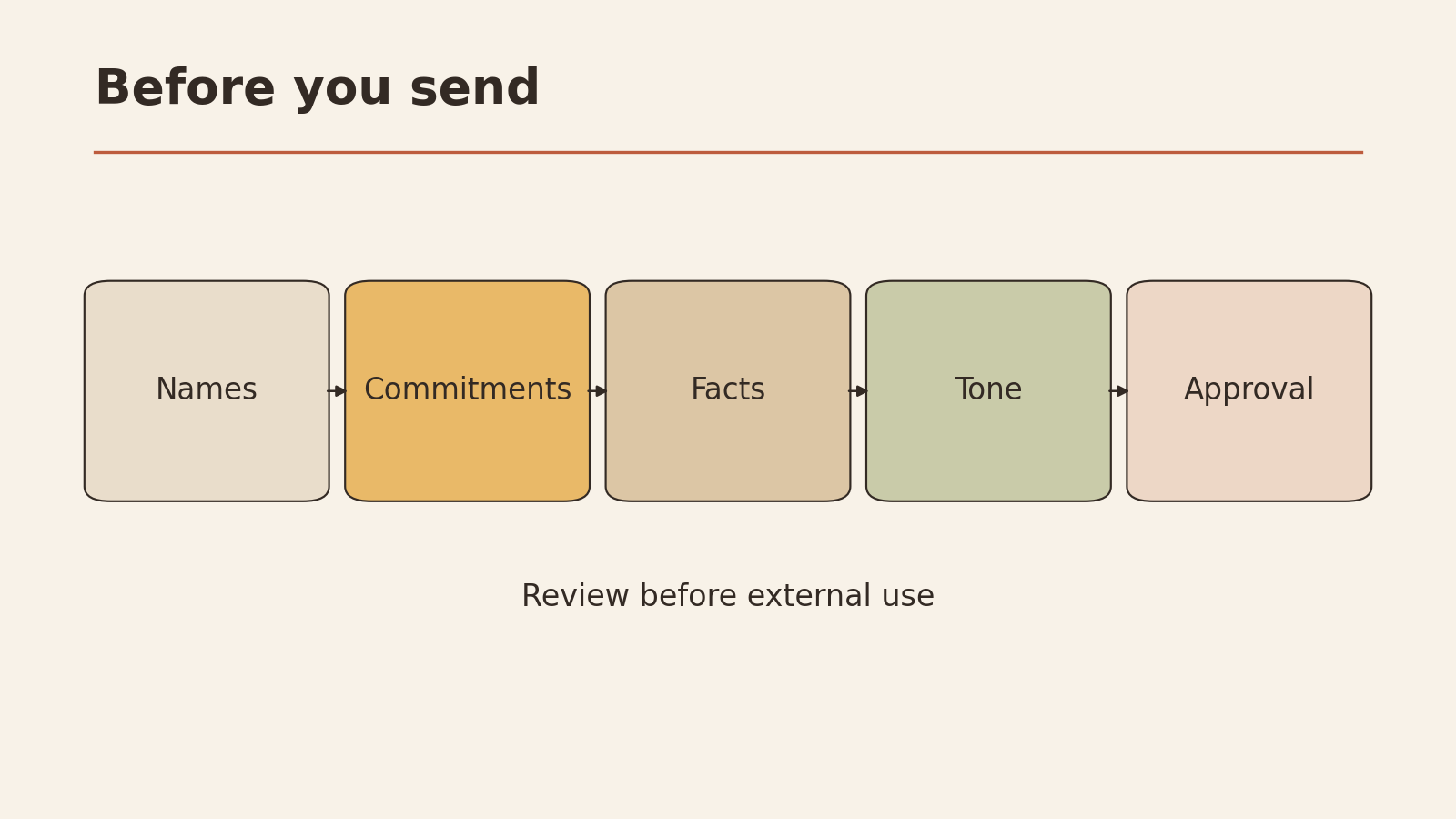
Prepare: remove customer personal data first
Before pasting anything into an AI tool, take out what the tool doesn’t need. Check your tool’s privacy terms and your own obligations too, but this list covers the basics:
- Replace customer names with placeholders like [Customer]
- Remove email addresses, phone numbers, and street addresses
- Remove order numbers or account IDs unless the task needs them
- Remove payment details completely
- Cut unrelated parts of a long email thread
- Remove anything about health, family, or other private matters the customer mentioned
- Put the real details back in yourself, after the draft is approved
Business prompt check card
This card was designed for this article. Fill it in once per draft.
BUSINESS PROMPT CHECK CARD

Draft type: Quote comparison / Customer reply / Marketing / Other
Who will read it: ____________
Context block included?            Y / N
Personal data removed first?       Y / N
Facts pasted (list them):          ____________
Fact boundary line included?       Y / N

AFTER THE DRAFT
Every fact traced to my input?     Y / N
[MISSING] / [TO CONFIRM] items:    ____________
Who confirms them, by when:        ____________
Promises or claims I can't back:   ____________  -> removed?  Y / N
Prices, dates, discounts not in my facts?  Y / N  -> if Y, remove
Anything legal, tax, or financial? Y / N  -> if Y, ask a qualified person

Sent or posted by me, after reading?  Y / N
Your next low-risk step
Pick one draft you’d normally write this week, such as a reply to a routine customer question. Write your context block, use Template 2, and fill in the check card. Compare the draft with what you would have written yourself, then send your final version by hand.