I sometimes wonder whether I chase better AI prompts—the instructions I give a tool—partly because using AI feels like an area where I could outperform other people.
It changes how I look at productivity tools and procrastination. Comparing models or collecting workflows can serve a real task. It can also offer something more immediately satisfying: a way to feel capable while the difficult work waits.
A better prompt might help. First, I need to know what I am trying to finish.
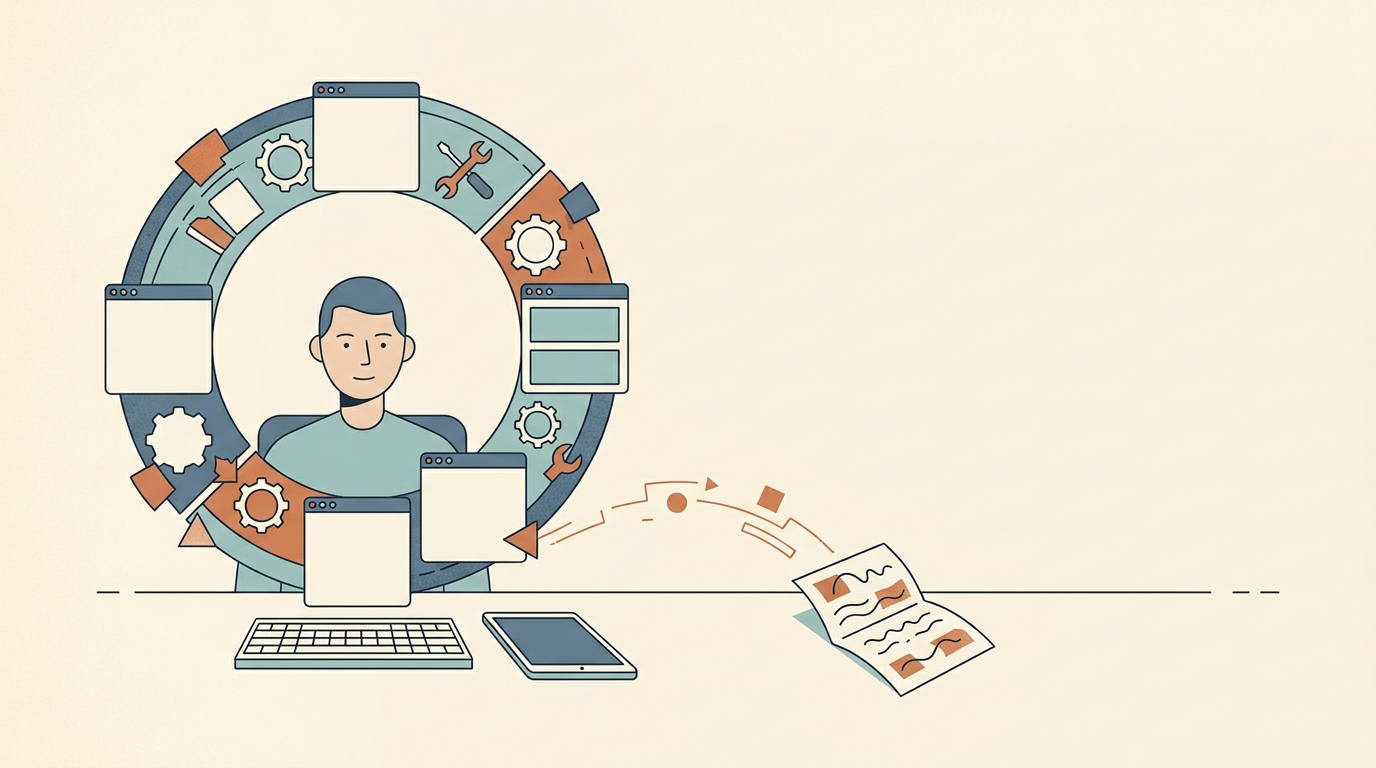
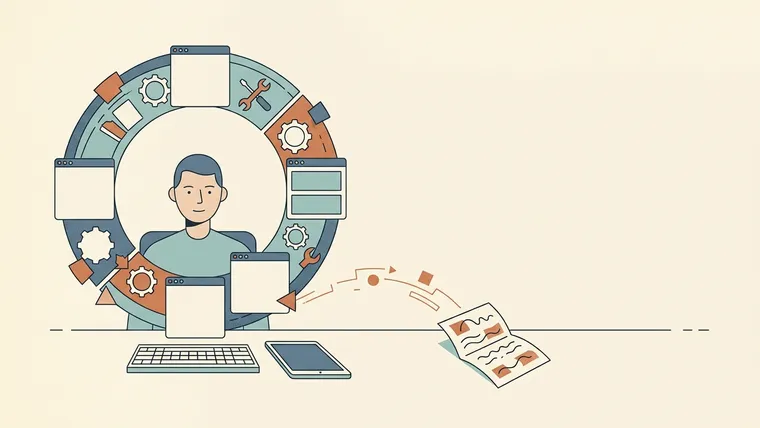
A loop of tools, and a draft waiting just outside it.
The task keeps getting a nicer place to live
A draft can move between apps several times without gaining another paragraph. Each move offers a clean beginning: new tags, a better dashboard, a structure that finally seems right. The unfinished part comes along too.
The visible activity makes the problem hard to spot. Organizing references is useful work in some circumstances. So is setting up an automation. You have to look at what the activity is doing in relation to the task you meant to do.
Suppose you need to write one section of a blog post. Checking a source necessary for the section moves it forward. Rebuilding your entire reference library before writing the paragraph may leave you further from finishing that afternoon. Both activities can be described as preparation, which hides the difference.
Before opening another setup guide, try naming the obstruction in ordinary language. “I keep losing the source for this claim” is something you can fix. “My knowledge system isn’t optimized” could justify an almost unlimited amount of work.
There’s room to enjoy tools, too. If exploring a new app is what you want to do, call it that. The confusion begins when the exploration is counted toward another obligation that remains untouched.
Put something in the document first
A rough attempt tells you what preparation is necessary. Without it, you are mostly preparing for difficulties you imagine.
For the blog section, put down the explanation, the example, and the unanswered question using the tools already available. Keep the source link beside the claim it supports. The attempt can be awkward. Its job at this stage is to expose what you actually need.
You might discover that the source is missing, that two files are difficult to compare, or that you haven’t decided what the section is arguing. Those problems need different responses. The last one is unlikely to disappear after a dashboard migration.
Automation benefits from the same kind of attempt. Run a representative task manually so you can see the inputs, exceptions, permissions, and intended result. You then have something concrete to test an automated version against. Otherwise, a faster workflow may simply reproduce an unclear process.
Give preparation and documentation a place around the work: make a short list before starting, use the necessary aids during the task, and save reusable knowledge afterward. Keep enough of the session for the attempt itself.
The visible result can be small:
| If the plan says… | A result you can inspect might be… |
|---|---|
| Build a writing workflow | A rough opening and one complete example |
| Learn a topic | An explanation from memory, then corrections |
| Automate a process | One representative task completed and understood |
| Get better at AI | A checked result for an actual need |
Some work produces a decision. It counts when the decision resolves an uncertainty needed for the next step. The question is whether you can identify what changed.
Decide what happens when the next tool catches your attention
At the moment you want to leave the draft, a broad intention such as “be more disciplined” gives very little guidance. A specific response is easier to follow:
If I want to rebuild the workspace before this paragraph exists, I’ll save the idea and finish a rough paragraph first.
Another version is: if I believe a tool change is essential, I’ll write down the blocked step before opening the comparison page.
These are suggested uses of an if–then plan. The relevant research is broader. Gollwitzer and Sheeran’s 2006 meta-analysis covered 94 independent tests of implementation intentions—plans that connect a specific situation to a chosen action and reported an overall effect size of d = 0.65. That is a standardized measure of effect size across the studies; it does not mean a 65% increase in success. The studies didn’t directly test the writing rule above.
What I take from this for the present problem is a practical way to specify the next action. When the attractive template appears, save the link, then return to the example you were writing. You can inspect the template later with a clearer idea of what it would need to improve.
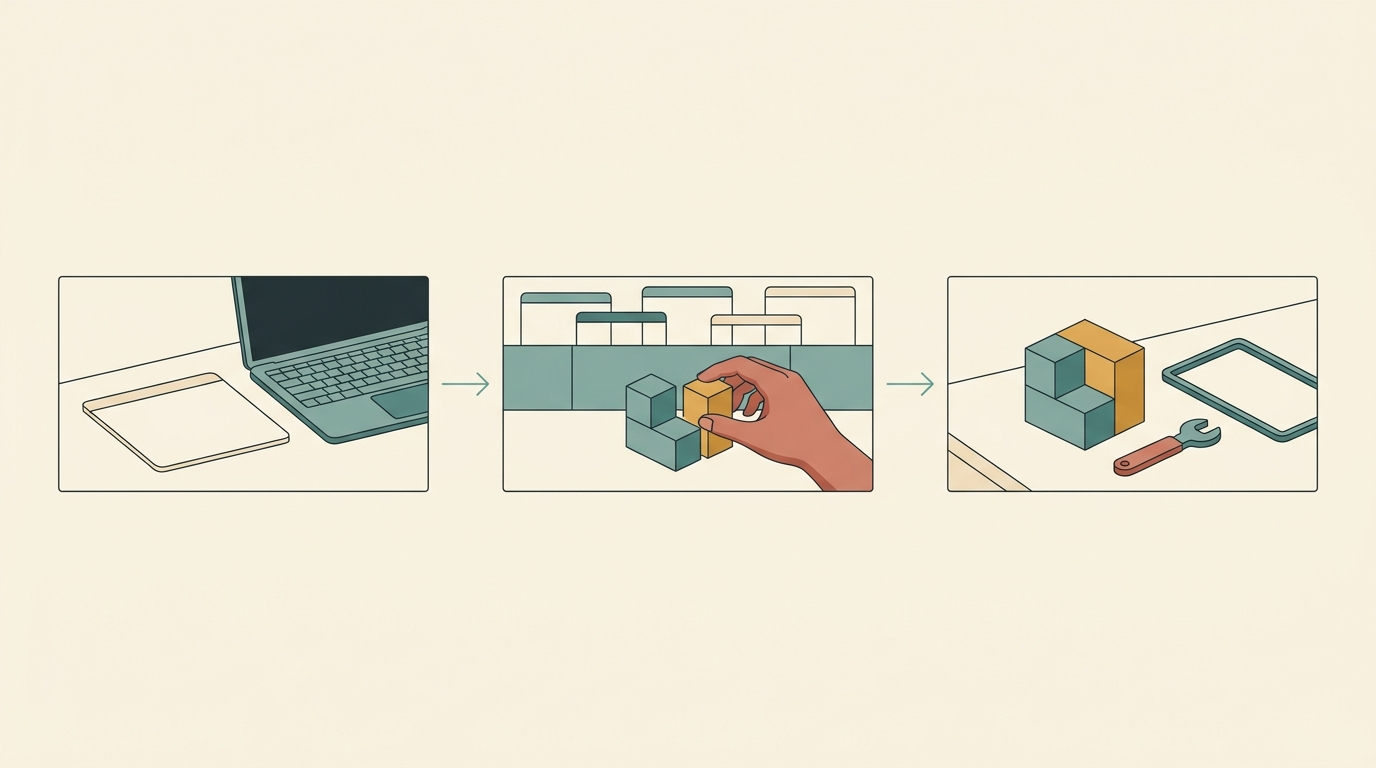
Start with something to make. Adjust the tools when it gets stuck.
Some good ideas can wait
A complicated feature with a poor return for the effort can wait. Record the need so you can reconsider it without assuming that it has to be built immediately.
A few lines are sufficient: where the difficulty occurs, the smallest change that could help, and when to reconsider it. “Source links keep getting separated from claims; next time, put them beside the relevant text” is already usable. There is no need to turn it into a project called “reconstruct the knowledge architecture.”
Technology also changes. Something laborious today may become easier later. Waiting can be sensible when the current workaround is tolerable and the proposed improvement would consume the time needed for more important work.
The list is allowed to shrink. A recorded idea creates no obligation to implement it. If a difficulty stops recurring, you can remove the idea without treating the earlier note as a promise.
Costs deserve the same concrete treatment. If model usage or quotas constrain a task, check the current cost and allowance against that task. Comparing every available model in advance creates a much larger question than choosing a suitable one for work you can already describe.
A tool problem can be real
This advice becomes unhelpful if it tells people to endure broken infrastructure. Reliability, collaboration, accessibility, privacy, and required file formats can all make the current setup unsuitable. Those constraints deserve attention before proceeding.
State the requirement, then test the smallest plausible replacement on a representative task. A writer who repeatedly loses references may need better source management. That doesn’t automatically require moving every personal note along with it.
Necessary preparation has a stopping condition. You know which uncertainty you are resolving and what evidence will let you continue. Productive procrastination tends to expand the setup while making its connection to the original task harder to explain.
This also means a complicated system can be justified. A shared project may need a shared structure. Each added part should solve a problem you can name.
Protect the stretch in which the work happens
Tool research can fragment the task even when every individual detour seems useful. A comparison leads to a tutorial, the tutorial to a community discussion, and the discussion to a configuration change. You return to the document still sitting at the same desk, several questions away from the one you meant to answer.
In Gloria Mark and colleagues’ 2008 experiment, 48 participants performed simulated office work. Interrupted participants compensated by working faster while reporting greater stress, frustration, effort, and time pressure. The experiment supplies no fixed minute-by-minute penalty for every interruption. It does show why finishing despite interruptions may still have a cost.
During a writing attempt, keep the necessary material open and park new setup ideas to the side. Choose a stopping point that belongs to the work: the example explained, the source checked, the section ready for review.
To protect one attempt, choose a work interval, set a timer, and keep new setup ideas on a separate list until the interval ends. The focus-timer guide explains possible variations. If the request itself is unclear, write the intended result, available material, constraints, and required format before asking for help; asking better AI questions expands on that process.
Then look at the document. If nothing has appeared, locate the part you avoided. Was it too large, too vague, missing information, or unpleasant to attempt? Address that particular difficulty before collecting another method.
I’d like the next session to begin with something left by this one, even if it is an unfinished example. There is less excitement in returning to an imperfect paragraph than in opening a new workspace. There is also something to continue.