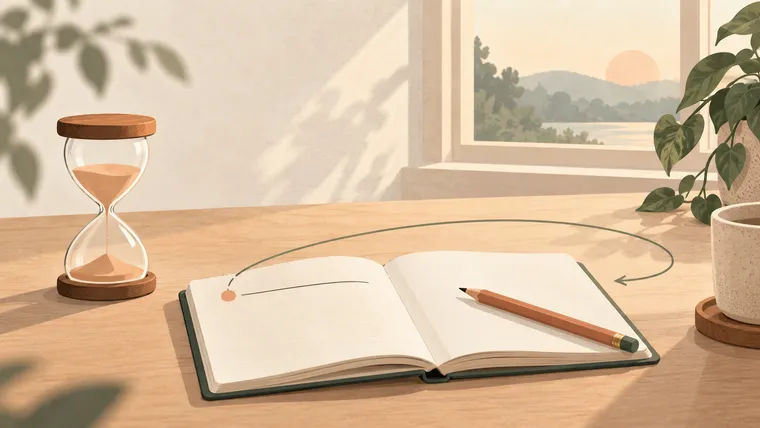
I wanted the focus timer to make the beginning easier. There is a difference between deciding to work on something and giving that thing a place in the next few minutes.
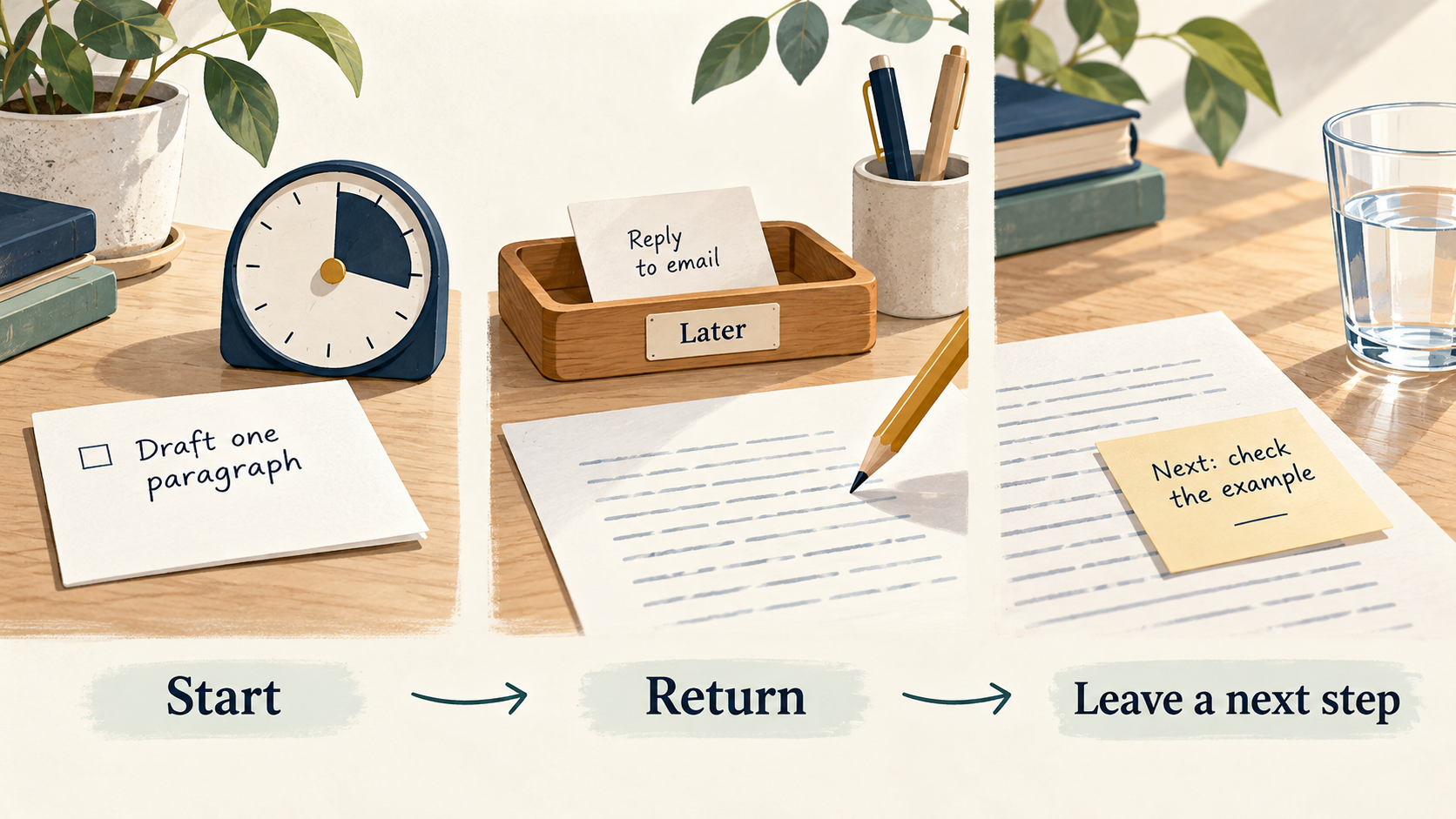
“Write the report” can remain vague for a long time. “Draft the opening paragraph in this session” gives you somewhere to start. A timer makes that boundary visible. When attention wanders, you also have something specific to return to.
Leave one next step when the session ends. It gives you a clear place to start when you return.
Why one task deserves its own time
Switching away from unfinished work can leave some of our attention on the previous task. Sophie Leroy studied this problem in her 2009 paper on attention residue. It is a reason to reduce unnecessary switching, rather than evidence that everyone needs the same session length.
Cal Newport’s Deep Work develops the idea of distraction-free work on demanding tasks. I want to make a small part of that accessible: choose one thing, give it a manageable period, and make room to do it.
The timer does not block your phone or decide your priorities. You still have to make the space around the session useful.
Start with a finish line you can recognize
Open the YepSoso focus timer and name a small action. Good session goals describe work you can observe:
- Read three pages and write one question.
- Draft one paragraph without editing it yet.
- Compare two options and list the missing information.
The tool offers 25, 45, and 60-minute sessions, a custom duration, and count-up mode. Choose a period you can reasonably protect today. If you are just beginning, a short custom session may be enough. Count-up can suit work whose duration you do not know yet.
The Pomodoro Technique provides a familiar structure for work and breaks. You can use that structure here without treating a preset as a test of your discipline.
Before starting, put unrelated tabs aside and silence optional notifications. Keep the document, book, or tool for this task within reach. Then begin.
When you get distracted
Notice the interruption. Decide whether it needs action now. If it can wait, leave a brief note for later and return to your chosen step.
If something urgent takes over, pause or end the session honestly. A record of what happened is more useful than an impressive duration with very little work inside it. For the next session, you might choose a smaller task, a different time, or fewer distractions.
You can switch the interface between English and Chinese using the language menu. The focus tool keeps the same browser records and running-session state; the language is a way to read the controls. Export your journal when you want a separate copy, and remember that browser storage belongs to that browser and device.
Finish with a way back
At the end, review what moved forward. “The paragraph is drafted” is clearer than “I was productive.” Then write the next visible step: check the example, find a source, or edit the final sentence.
Take a break that actually helps you leave the task for a moment. Newport’s discussion of breaks is useful for thinking about how interruptions affect the return to demanding work. You can try standing up, looking away from the screen, or getting water, and notice what helps you.
Leave a restart note before an unavoidable interruption
Sophie Leroy’s research with Theresa Glomb tested a “ready-to-resume” plan: briefly record where you stopped and what you will do next. The University of Washington Bothell describes how this helped participants move their attention to the interrupting task. University research account, 2024.
A useful note is specific: “Paragraph two is drafted; check the source for its example.” It is more useful than “finish later.”
A break can help fatigue without guaranteeing better output
A 2022 meta-analysis of 22 independent samples, involving 2,335 participants, found small improvements in vigor and fatigue from micro-breaks. The overall performance effect was not statistically significant. Albulescu and colleagues, PLOS ONE.
That supports making room to recover. It does not establish 25, 45, or 60 minutes as the best session length for everyone.
Review the work and your energy separately
The same review separated well-being from task performance. You can make that distinction in your journal without adding a new scoring system: note what you finished, then how ready you feel to continue.
“Drafted one paragraph; still tired” and “rested, but still missing the source” call for different next steps. This is a practical application of the distinction, not a claim that the timer measures cognitive performance.
A ten-minute starting point
Suppose you have been avoiding an email. Give this session a smaller job: write the opening and one question you need to ask. Set ten minutes. If you have a rough start when the timer ends, leave the next step. If you still cannot begin, check whether you lack the recipient’s context or some information you must find first. The end of a session is a chance to inspect the conditions.
Make the next action clear. If the timer is running and you still do not know what to do, reduce the task or find the missing information.
The useful change is a repeatable beginning and a clear return. Some sessions will be messy. A short session you can come back to is a good place to build from.