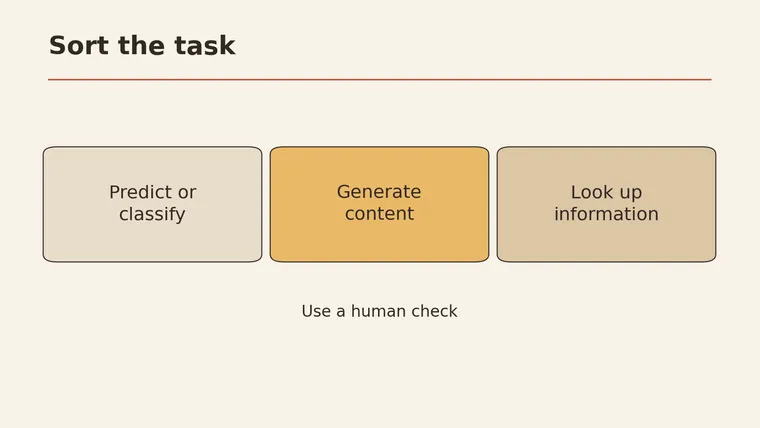
What is AI? Artificial intelligence (AI) is a set of technologies that let computers do tasks that usually take some human thinking, such as spotting patterns, making predictions, understanding language, or producing new text and images (IBM). It is much wider than chatbots. For a beginner’s practice, this article groups some everyday tasks into three useful boxes: predict or sort (is this email urgent?), generate (draft a reply), and look something up. These boxes are not a formal or exhaustive classification of AI capabilities. What it generates can be wrong, and fluent, confident wording does not mean anything has been checked. The safest way to start is to pick one low-risk task, decide how you will check the result, and keep a person in charge of anything that matters.
This guide explains how AI works in plain language, shows where it fits and where it doesn’t, and ends with a task card you can fill in for your own first try.
What is AI
AI is an umbrella term. IBM describes it as technology that lets computers simulate parts of human learning, problem solving, and decision making (IBM). “Simulate” is the key word. An AI system can produce output that looks thoughtful, but how polished it reads says nothing about whether it is correct. That still has to be checked.
You have probably used AI long before chat tools became popular. A few everyday places it can show up:
- A mail app that moves some messages into a spam or promotions folder
- A photo app that groups pictures with the same face
- A keyboard that suggests the next word
- A chatbot that writes a paragraph when you ask a question
These look very different, but under the hood they share one idea: the system learned something from many examples and now applies it to new input.
Four terms come up again and again. Here is how they relate:
| Term | Plain meaning | Everyday example |
|---|---|---|
| Artificial intelligence | The whole field: computers doing tasks that normally need human thinking | Any of the examples above |
| Machine learning | A way to build AI by letting a system learn patterns from data instead of following hand-written rules | Learning which emails people tend to mark as spam |
| Deep learning | A type of machine learning that uses neural networks with many layers | Recognizing faces or speech |
| Generative AI | AI that creates new content such as text, images, or audio | Drafting an email reply or an illustration |
Machine learning learns from data, and deep learning is one machine learning method built on multi-layer neural networks (IBM). Not all AI is deep learning, and not all AI is generative. Generative AI is one branch, focused on creating content (Michigan Tech).
How AI works
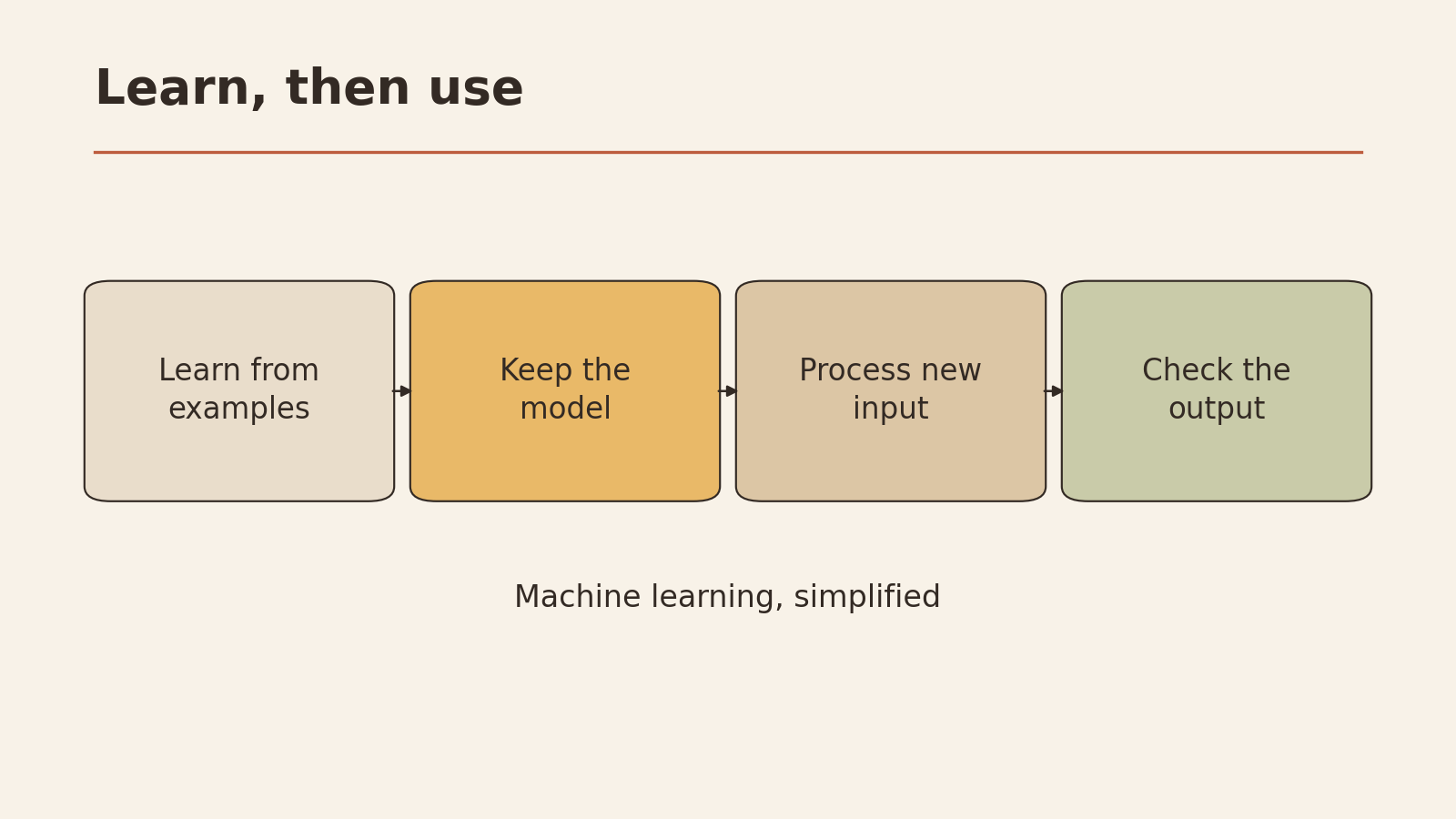
You do not need math to get the basic picture. Most modern AI follows a three-step loop:
- Learn from examples. The system is shown a large amount of data and adjusts itself to pick up patterns in it.
- Take new input. You give it something it has not seen before: a new email, a new photo, a new question.
- Produce an output. Based on the patterns it learned, it returns a label, a number, or a new piece of content.
The quality of step 3 depends heavily on step 1. If the examples were messy, narrow, or out of date, the output will carry those problems forward. That is why data quality sits near the top of most lists of AI risks (IBM).
Three jobs: predict, generate, look up
Prediction, classification, and generation serve different tasks (Michigan Tech). For a beginner, these three boxes can help sort some everyday tasks before handing them to a tool. The card is a practice tool designed for this article. It is neither a formal classification nor a complete list of AI capabilities; some tasks may fit more than one box or none of them.
Task sorting card (practice tool)
| Box | The question it answers | Output looks like | How you check it |
|---|---|---|---|
| Predict / sort | ”Which group does this belong to?” or “What is likely to happen?” | A label, a score, a yes/no | Compare a few results against cases where you already know the answer |
| Generate | ”Make me something new” | A draft, a summary, an image | Read it line by line; check every fact and name against a real source |
| Look up | ”What does an existing source say?” | A quote, a link, a number from a document | Open the original source and confirm it says that |
The “look up” box matters because many chat tools mix all three jobs in one reply. A tool may generate a sentence that sounds like a lookup (“According to the policy, refunds take 14 days”) when no policy was checked at all. Sorting your task first tells you what kind of checking you owe the answer.
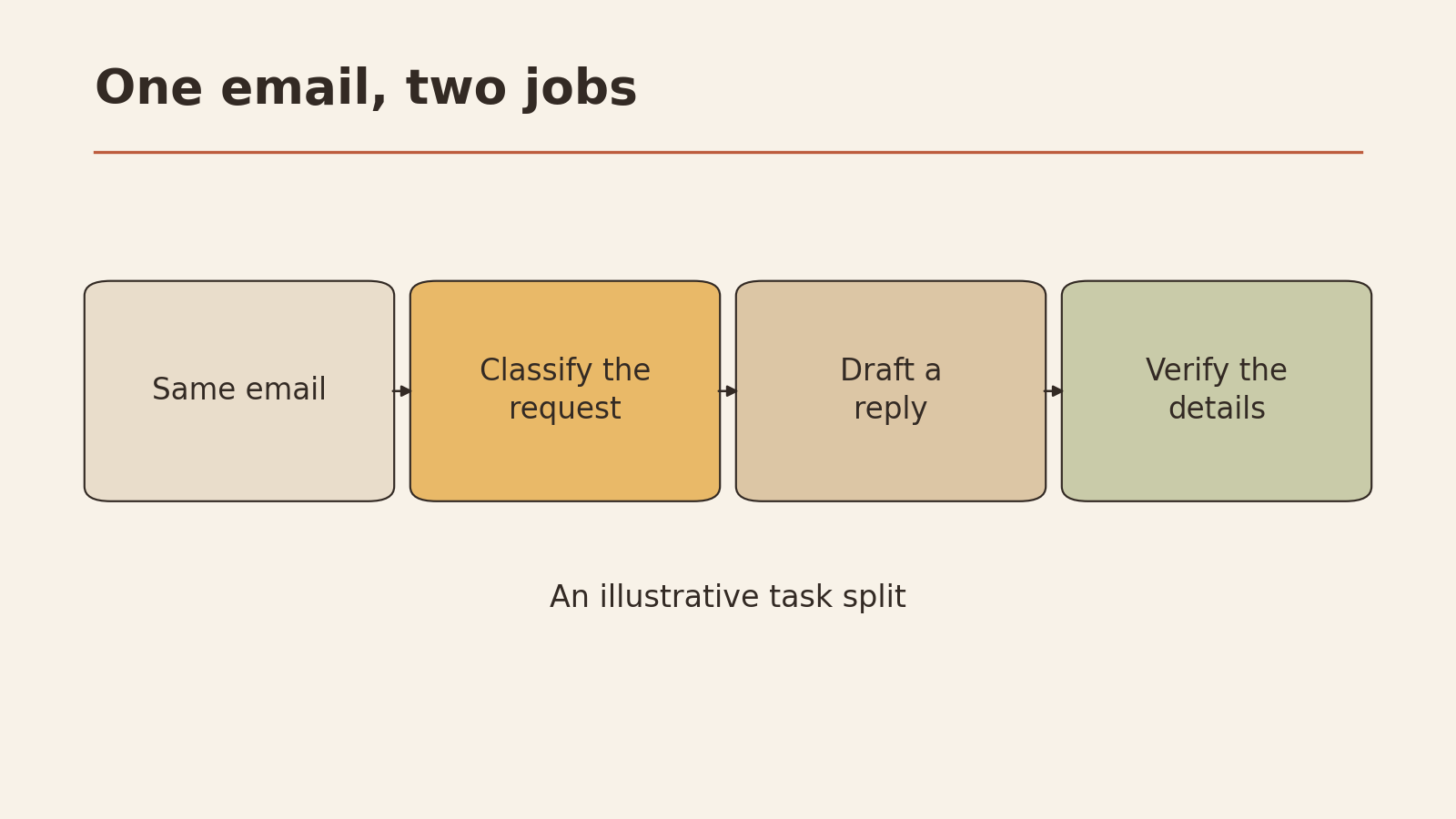
One email, two different jobs
Here is a made-up example to show the difference. It is an illustration. No model was tested.
Hi, this is Sam from the community garden. The tool shed delivery planned for Thursday can’t happen because the truck is booked. Could we move it to next week? Any weekday morning works except Monday. Thanks!
Job 1: classify it. You ask a tool to label the email with one of four categories you defined: Billing, Scheduling change, Complaint, Other. A reasonable output is “Scheduling change.” There are only four possible answers, and you can tell at a glance whether the label is right.
Job 2: generate a reply. You ask the tool to draft a response. It might write: “Thanks, Sam! Let’s move the delivery to Tuesday at 9 a.m.” That reads well, but notice what happened. The tool picked Tuesday and 9 a.m. on its own. Nobody agreed to that time. A generated draft can fill gaps with details that sound right but have no basis.
The lesson is not that generation is bad. It is that the two jobs fail in different ways:
| Classification | Generated reply | |
|---|---|---|
| Number of acceptable answers | Small, fixed set | Many |
| Typical failure | Wrong label | Invented detail, wrong tone, missing point |
| Fast check | Does the label match what you see? | Does every name, date, and promise match reality? |
| Safe next step | Use the label to sort, spot-check a few | Edit the draft, then send it yourself |
AI uses
Once you think in terms of the three boxes, it becomes easier to see where AI fits in ordinary life and work. The table below groups common uses by job type and flags which ones make a reasonable first try. The ratings are this article’s judgment, based on how easy each task is to check and undo.
| Use | Job type | Good first try? | Why |
|---|---|---|---|
| Tag your own notes by topic | Predict / sort | Yes | Low stakes, you know the right tags |
| Turn a messy list into a clean table | Generate | Yes | Easy to compare with the original |
| Draft a polite reply you will edit | Generate | Yes | You read and send it yourself |
| Summarize an article you have also read | Generate | Yes | You can tell if the summary misses the point |
| Find what a public document says about a topic | Look up | Yes, with source check | Only if you open the document afterward |
| Decide whether a medical symptom is serious | Predict | No | High stakes, needs a professional |
| Write a contract clause you will sign | Generate | No | Errors are costly and hard to spot |
| Auto-send messages to customers | Generate | No | Mistakes go out before anyone reads them |
A pattern shows up: good first tasks are ones where you already know what a good answer looks like and where a mistake costs little.
Benefits and risks
The benefits are practical. AI can give you a first draft when you are staring at a blank page, turn rough notes into structure, sort a pile of items into groups, or explain a term in simpler words. It is often most useful as a starting point that you then improve.
The risks come from the same place as the benefits: AI produces output quickly and fluently, whether or not the output is correct. IBM lists data quality, errors in model output, and operational risks among the issues that need checking and oversight (IBM). In everyday terms, that means:
- Wrong facts stated with confidence. Fluent writing is not evidence of accuracy.
- Old or skewed data. If the examples it learned from were limited, the output will be too.
- Leaked information. Pasting private details into a tool may share them beyond where you intended.
- Automation without a check. A small error repeated a hundred times becomes a big one.
A model’s sentence is not evidence
This is the single most useful habit for a beginner. When an AI tool writes “Studies show that…” or “The deadline is March 3,” that sentence is a generated claim. It becomes evidence only when you can point to an outside source that says the same thing.
| Model-generated sentence | Checkable evidence |
|---|---|
| Produced by the tool from learned patterns | Exists outside the tool: a document, a page, a record |
| Can sound certain even when wrong | Can be opened, read, and quoted |
| May cite a source that does not exist | Has a real link, title, or file you can find |
| Fine as a lead to investigate | Fine as a basis for a decision |
If a tool gives you a link, click it. If it names a report, find the report. If you cannot find it, treat the claim as unverified.
When to stop and ask a person
Some actions should not be handed to AI on its own, even if the output looks good. Stop and get a qualified person to check before you:
- Make a health, legal, tax, or safety decision
- Move money, sign an agreement, or make a purchase
- Decide on someone’s job, grade, housing, or discipline
- Send a message to many people at once, or to someone important
- Delete, overwrite, or publish anything you cannot easily undo
- Share personal, confidential, or someone else’s private information
AI can still help you prepare for these, for example by listing questions to ask a doctor. The decision itself stays with a person.
Choose a first task
A good first AI task passes five tests. Use this as a quick filter:
- Low stakes: a mistake would be mildly annoying and harm no one
- You know the answer shape: you could judge a good result without looking it up
- Easy to check: you can compare the output to something real in a few minutes
- No sensitive data: nothing private, confidential, or about other people
- Reversible: you can throw the output away and do it yourself
Examples that usually pass: rewriting your own grocery list by store aisle, turning meeting notes you wrote into a short summary, brainstorming names for a personal project, explaining a word you came across in an article.
Examples that usually fail: answering a customer complaint automatically, summarizing a contract you have not read, choosing between job candidates.
If you want help writing the request itself, see how to ask better AI questions.
Check the answer before you use it
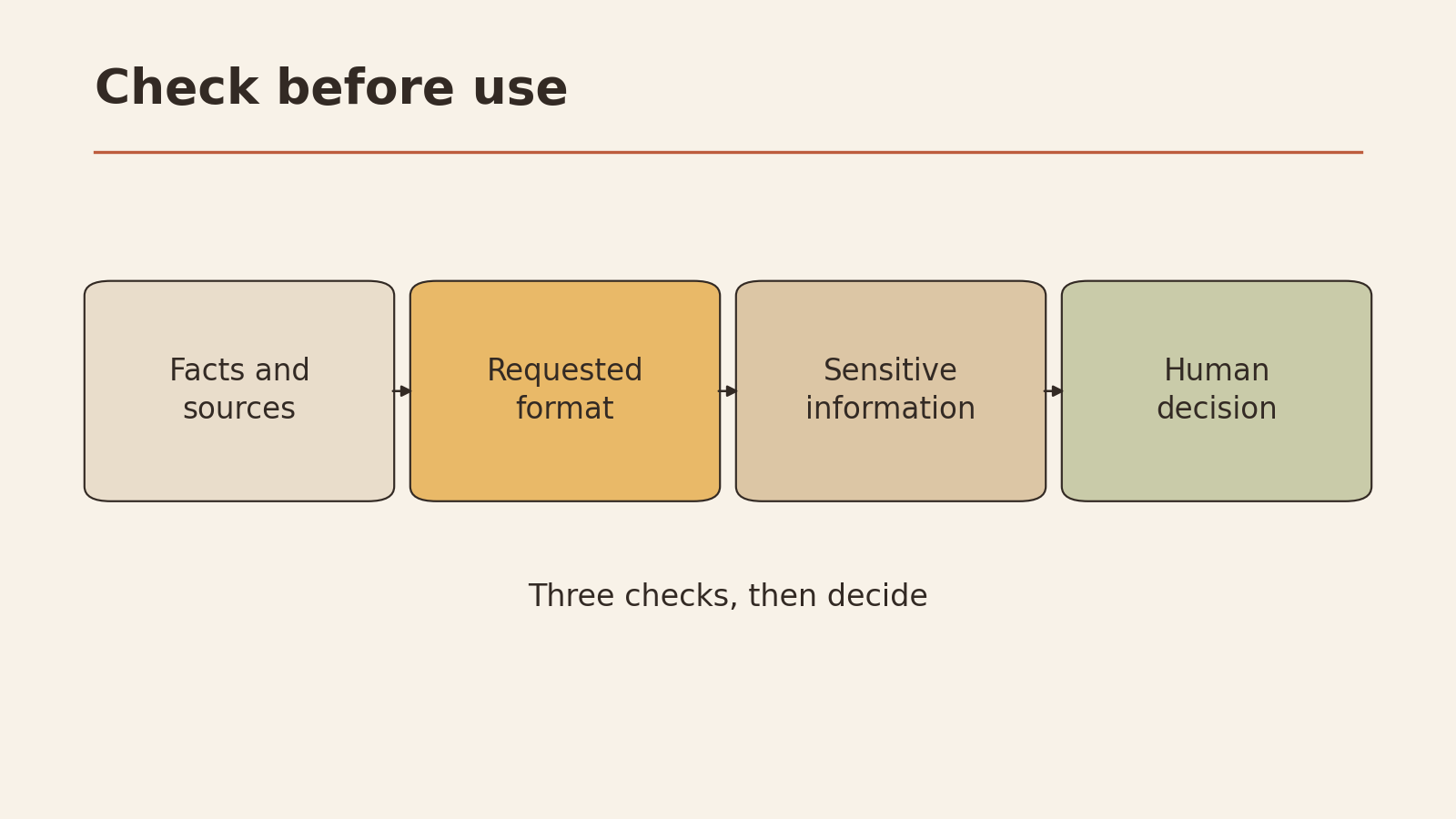
Before you use any AI output, run three checks. They take a few minutes and catch the most common problems.
1. Facts. Underline every name, number, date, quote, and claim. For each one, ask: “Can I confirm this from a source outside the tool?” If not, remove it or mark it as unverified.
2. Format. Does the output match what you actually need? Right length, right tone, right structure, nothing missing from your instructions. A summary that drops the one point you cared about fails, even if every sentence is true.
3. Sensitive info. Does the output contain anything private, about another person, or not meant to be shared? Did you paste anything into the tool that should not have left your hands? If so, stop and fix that before going further.
Keeping your own judgment in the loop is a skill in itself. For more on that, read how to use AI without losing critical thinking.
Your first-task card
Copy this card, fill it in for one real task, and keep it next to you while you work. It is a template designed for this article.
MY FIRST AI TASK CARD

Task in one sentence:
_____________________________________________

Job type (circle one):   Predict/sort   Generate   Look up

What I will give the tool (input):
_____________________________________________
Anything I must NOT paste in:
_____________________________________________

What a good result looks like:
_____________________________________________

Check 1 - Facts: how I will confirm names, numbers, dates
_____________________________________________
Check 2 - Format: length / tone / structure I need
_____________________________________________
Check 3 - Sensitive info: what to look for and remove
_____________________________________________

Human review point (who checks, and when):
_____________________________________________

Is this on the stop list? (health, money, legal, someone's
job or grade, mass message, can't undo)   Yes / No
If yes: I will not use AI for the final step.

Low-risk action I'll take with the result:
_____________________________________________
A filled-in example (fictional):
- Task: Turn my handwritten notes from a cooking class into a clean recipe card.
- Job type: Generate.
- Input: My typed-up notes. Do not paste: nothing sensitive here.
- Good result: Ingredients list plus numbered steps, one page.
- Facts check: Compare every quantity and oven temperature against my notes.
- Format check: Ingredients first, steps numbered, under one page.
- Sensitive info: None.
- Human review: I read it before printing.
- Stop list: No.
- Low-risk action: Print one copy and cook from it once before sharing it.
Quick answers
Is AI the same as ChatGPT? No. Chat tools are one kind of generative AI. AI also includes systems that sort, predict, and recognize patterns without writing any text.
Can I take what AI says at face value? AI systems simulate parts of human thinking (IBM). What you can observe is the output, and it can be wrong, incomplete, or out of date even when it reads well. Treat it as something to check. Nobody has verified it for you yet.
Can I trust an AI answer if it sounds confident? Confidence in the wording tells you nothing about accuracy. Use the facts, format, and sensitive info checks every time.
What should I do next? Fill in the task card above for one low-risk task this week, run the three checks, and decide for yourself whether the result was worth using.