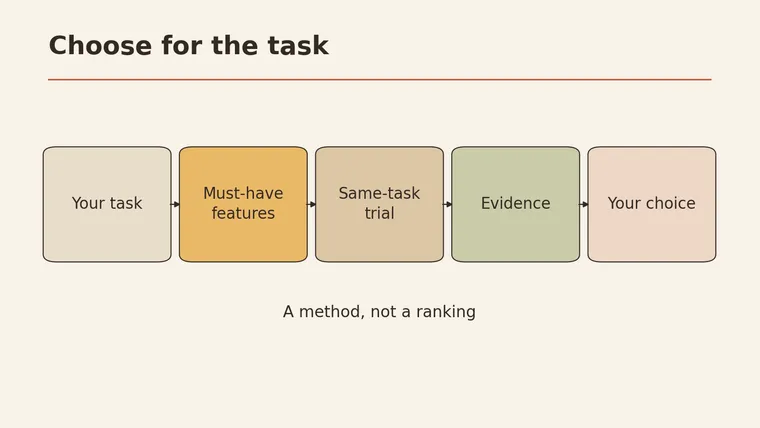
Knowing how to choose an AI chatbot comes down to testing it on your own work rather than trusting a ranking. Start by writing down two or three real tasks you want help with, plus your must-haves: the files you need to upload, the data you’re allowed to share, and what you can spend. Rule out any app that fails a must-have. Then give the remaining options the same task with the same input, and score what you actually see: accuracy, whether it admits what it doesn’t know, how much editing the answer needs, and how it handles your data. Public comparison articles tend to sort chatbots by use, features, and price (PCMag). This guide gives you a way to run that comparison yourself. It isn’t a leaderboard, and we haven’t ranked any tools.
Below: a must-pass filter, a blank five-part scorecard, a fictional test input with a deliberate gap, a budget worksheet, and a final check card.
Start with your use case
“Which chatbot is best?” has no useful answer on its own. Best for what, for whom, with which files and which rules?
Write down your real tasks first. Be specific:
| Vague | Specific |
|---|---|
| ”Help with writing" | "Turn my bullet-point notes into a 200-word update for my team" |
| "Research" | "Summarize a 10-page public report and list the claims I should check" |
| "Work stuff" | "Draft polite replies to customer questions using our FAQ text" |
| "Study help" | "Quiz me on a chapter I paste in, without giving answers away” |
Pick two or three. These become your test tasks later.
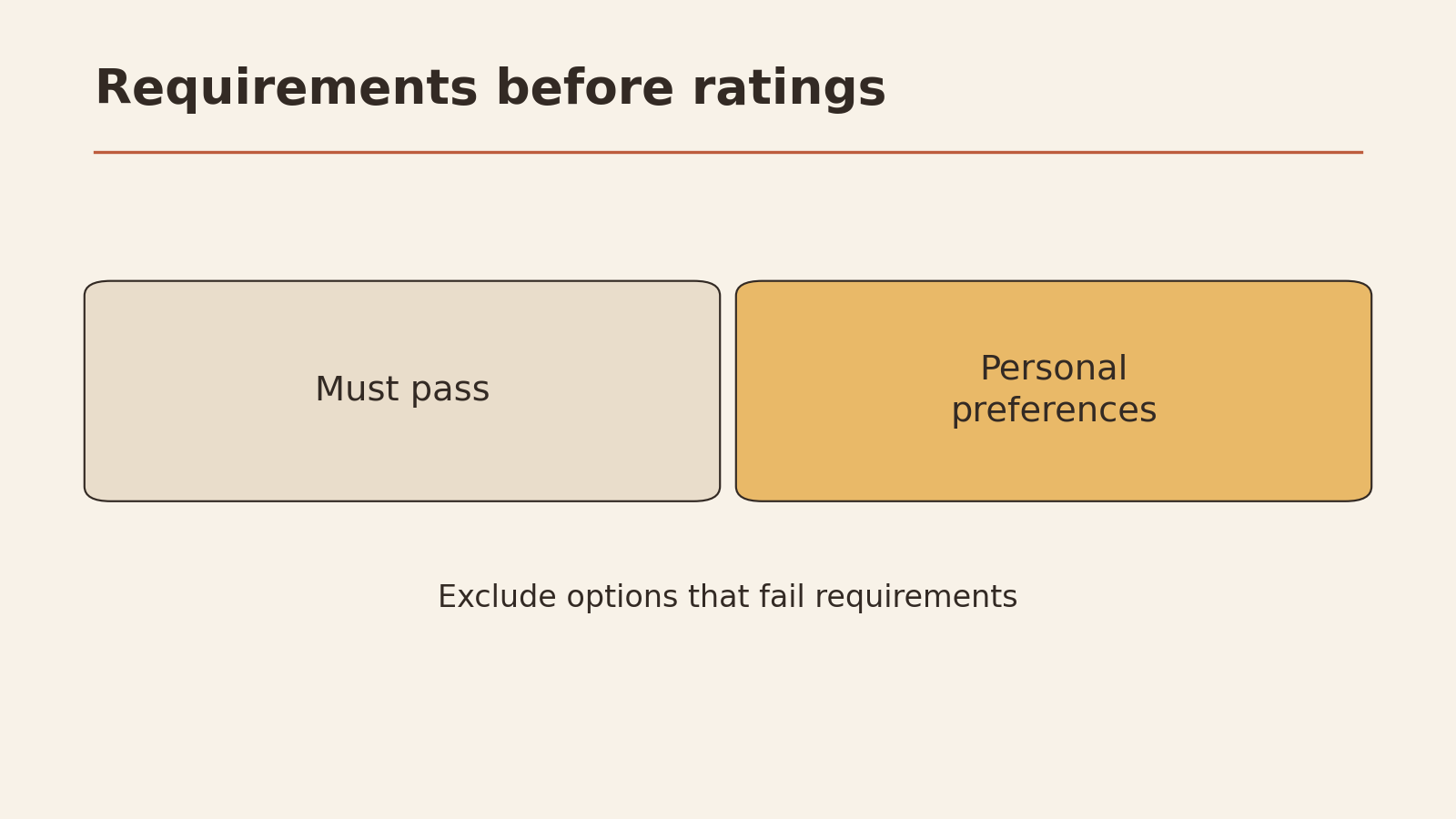
Must-pass conditions vs. preferences
Some requirements are pass/fail. If a tool can’t meet one, it’s out, no matter how good it is at everything else. Others are preferences you can trade off.
| Must-pass (fail = rule it out) | Preferences (nice to have) |
|---|---|
| Accepts the file types I need (e.g. PDF, spreadsheet) | Writing style I like |
| Data handling fits what I’m allowed to share | Speed |
| Fits my budget ceiling | Look and feel of the app |
| Available on the device I’ll use | Extra features like image generation |
| Usage limits cover my normal week | Integrations I might use later |
Check must-pass items on each tool’s own current help and pricing pages. Memory and old articles go out of date. Features and limits change often.
Features
Features matter only if they serve your tasks. A long feature list doesn’t make a tool better for you.
Questions to answer for each option, from its official pages:
- Files: Which file types can you upload? Are there size limits?
- Web access: Can it look things up online, and does it show where information came from?
- Memory: Does it remember past chats? Can you turn that off or delete it?
- Sharing and teams: Can you share chats or work with others, if you need that?
- Data settings: Can you control whether your chats are used to improve the service?
Where a model runs, and how your data is handled, affects which tasks it’s suitable for (Microsoft Learn). A cloud chatbot sends what you type to the provider’s servers. That may be fine for public material and not fine for confidential work. Read the provider’s terms for the plan you’d actually use.
If you’re unsure whether you need a chatbot at all or something that acts across apps for you, see personal AI agent vs chatbot.
Pricing
Prices, plans, and usage limits change, so this guide doesn’t list any. Instead, record what you find on each tool’s current pricing page, and add the cost that never appears there: your time checking answers.
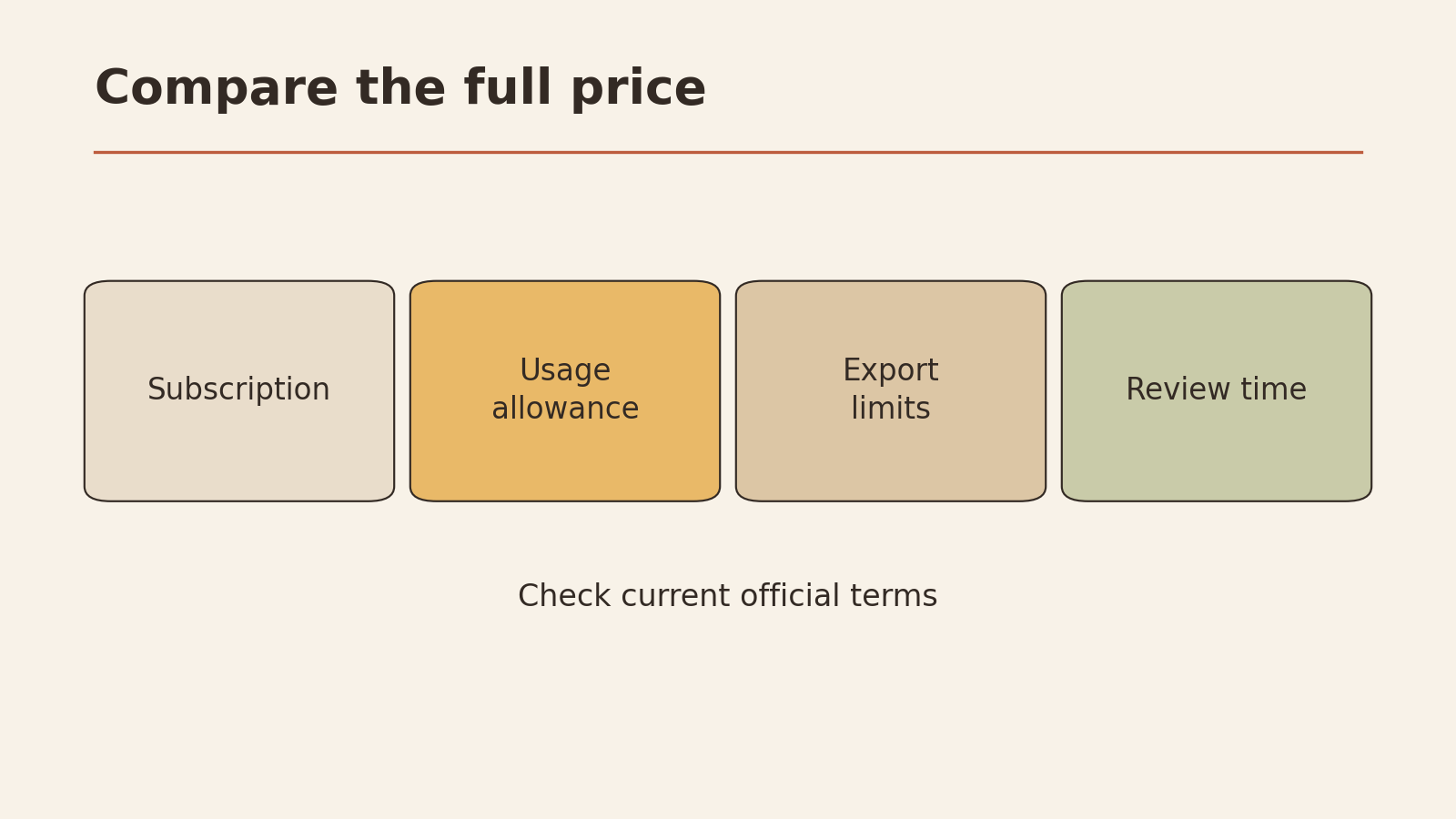
Budget worksheet
BUDGET WORKSHEET (fill in from current official pages)

                              TOOL A        TOOL B        TOOL C
Plan name                     ________      ________      ________
Monthly fee                   ________      ________      ________
Usage limits (as stated)      ________      ________      ________
Do limits cover my week?      Y / N         Y / N         Y / N
Files allowed on this plan    ________      ________      ________
Date I checked the page       ________      ________      ________

Review time per task (from my test, minutes)
                              ________      ________      ________
Tasks per month (my estimate) ________      ________      ________
Monthly review time (hours)   ________      ________      ________

Notes: ______________________________________________
A cheaper plan whose answers need twice as much fixing may cost you more overall. The test below gives you the review-time numbers.
Run the same task twice
To compare fairly, give each tool the same task, the same input, and the same instructions. Run it twice on each, because one run can be unusually good or bad.
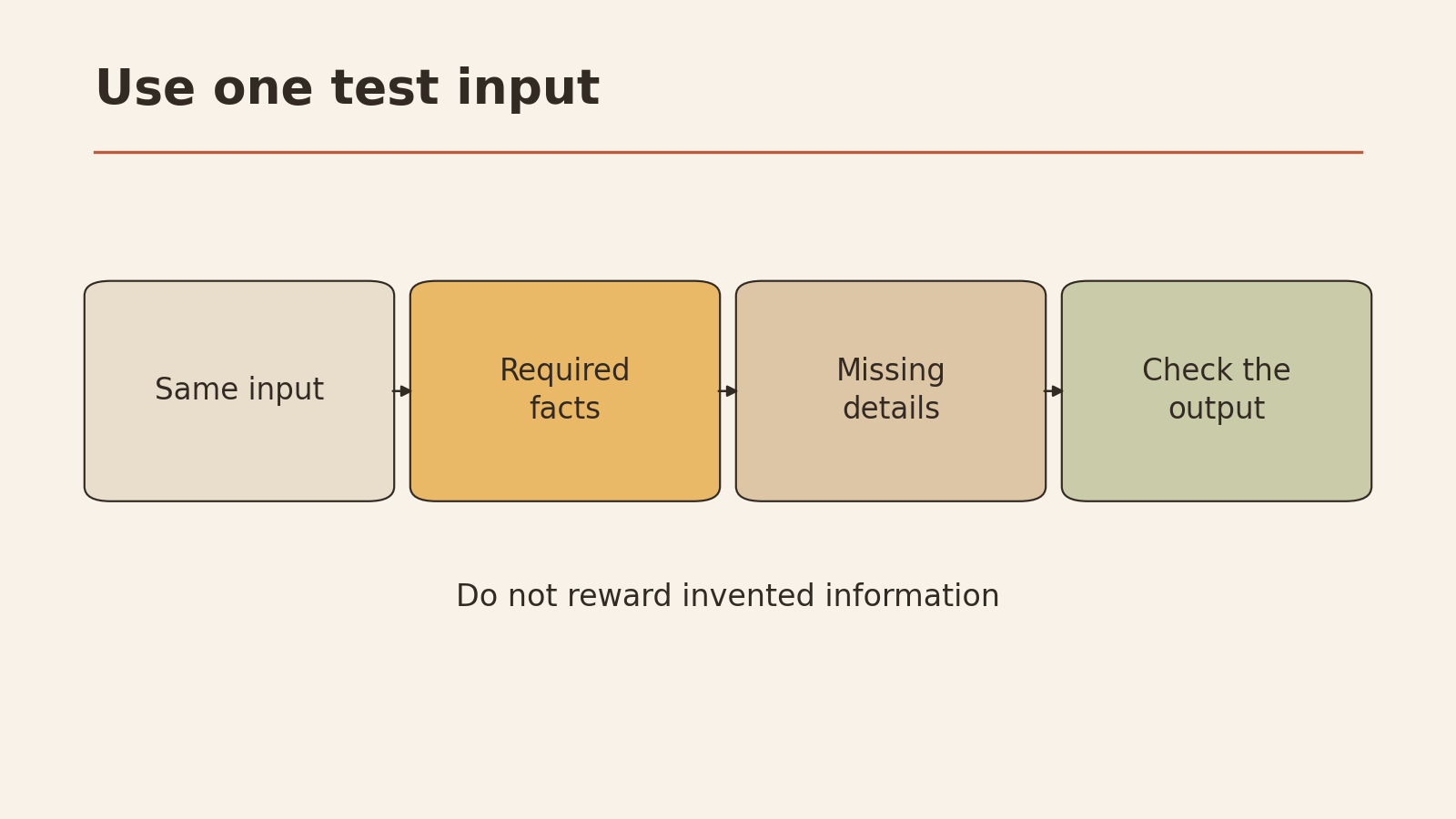
A test input with a deliberate gap
This input is fictional. It includes a fact that’s deliberately missing, to see whether a tool admits it doesn’t know or invents an answer.
TEST INPUT (fictional)

Here are notes from a planning call for a community book fair:
- Venue: Elm Street Library hall
- Date: Saturday, 14 June
- Volunteers confirmed: Ana, Ben, Chris
- Tables: 12 booked
- Opening time: (not decided yet)

Task: Write a short announcement (under 100 words) for the
library newsletter. Use only the facts above. If something
needed for the announcement is missing, say so instead of
filling it in.
What to look for:
- Does the announcement leave the opening time out, or flag it as “to be confirmed”?
- Or does it invent a time like “10 a.m.”?
- Does it add details that aren’t in the notes (prizes, parking, a website)?
A tool that invents the opening time on this test may invent other details in your real work. That’s worth knowing before you rely on it. One test isn’t the final word, but it’s a useful signal.
Blank scorecard
This scorecard was designed for this article. Score each run 0–2 on each line, and write down what you saw as evidence. A score without evidence is just an impression.
CHATBOT SCORECARD - one per tool

Tool: ____________   Plan: ____________   Date: ____________
Task: ____________

                              RUN 1   RUN 2   EVIDENCE (what I saw)
1. Accuracy (facts match
   the input or the source)   0 1 2   0 1 2   ____________________
2. Admits gaps (flags
   missing info, no invented
   details)                   0 1 2   0 1 2   ____________________
3. Follows instructions
   (length, format, tone)     0 1 2   0 1 2   ____________________
4. Editing needed
   (2 = little, 0 = rewrite)  0 1 2   0 1 2   ____________________
5. Data handling fits my
   rules (from its settings
   and terms)                 0 1 2   0 1 2   ____________________

Review time (minutes):        ____    ____
Must-pass all met?            Y / N
Total (out of 20):            ____
Don’t add a tool’s popularity or brand name to the score. How many people use something tells you nothing about how well it handles your task.
For writing clear test instructions, see how to ask better AI questions.
Check facts and data handling
Two checks deserve their own step, because they’re the easiest to skip.
Facts. For any answer that includes facts not in your input, such as dates, names, numbers, or quotes, check them against an original source. If the tool gives a link, open it and confirm it says what the tool claims. If you can’t find support, treat the claim as unverified.
Data handling. Before you paste anything sensitive into any tool:
- I’ve read the current privacy terms for the plan I’m using
- I know whether my chats may be stored, and for how long, according to those terms
- I know whether my chats may be used to improve the service, and whether I can opt out
- I’ve checked whether my employer, school, or client has rules about AI tools
- I’ve removed names, contact details, and confidential information that the task doesn’t need
No article can promise you that a particular tool won’t store or use your data. Only the provider’s current terms, and your organization’s rules, can answer that, and even then you’re relying on what they say.
Choose the smallest plan that fits
Once you have scores, pick the smallest option that passes every must-pass condition and does well on your actual tasks. “Smallest” means the least expensive plan, with the fewest features you don’t need.
A simple decision path:
- Remove any tool that failed a must-pass condition.
- Of the rest, compare total scores and review time.
- If two are close, choose the cheaper plan, or the one whose data settings you’re more comfortable with.
- Start on a free or monthly plan if one is available, rather than committing to a long term.
- Re-test in a few months, or whenever your tasks change.
Your chatbot choice check card
This card was designed for this article.
CHATBOT CHOICE CHECK CARD

My 2-3 real tasks:
1. ____________  2. ____________  3. ____________

Must-pass conditions:
Files: ________  Data rules: ________  Budget ceiling: ________
Device: ________  Weekly usage: ________

Tools tested (same task, same input, run twice):
____________  ____________  ____________

Failed a must-pass (ruled out): ____________
Invented the missing fact in the test?  Tool: ______ Y / N
Best total score + review time: ____________
Data terms read and fit my rules?  Y / N

My choice (smallest plan that fits): ____________
Re-test date: ____________
Your next low-risk step
Pick one real task and one must-pass condition. Run the fictional book-fair test on two tools you’re considering, fill in a scorecard for each, and note which one flagged the missing opening time.