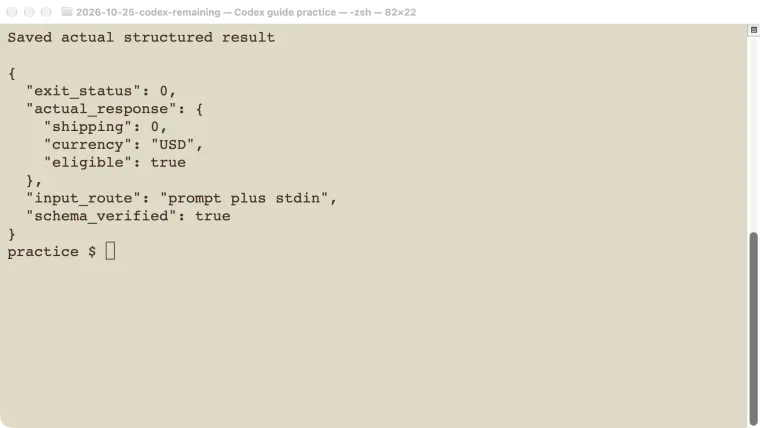
The Codex exec command runs a task without opening an interactive conversation screen. Give it a prompt, set the working directory and permissions, then inspect its exit status and saved result. With --json, standard output contains a stream of JSONL events; it is not a single final JSON answer. This tutorial tests a small shipping-rule calculation, saves the answer against a JSON schema, and checks a missing-schema failure. It also verifies input through standard input. Use those checks as a starting point for scripts or CI, where a command that printed something is not necessarily a job that completed correctly.
Prepare a small test repository
Use a valid Codex sign-in and a model available to your account. The CLI guide covers the interactive starting point, while the command reference helps you inspect your installed options.
Create a disposable repository:
mkdir cedar-exec
cd cedar-exec
git init
codex --version
codex exec --help
Our tests used CLI 0.146.0 on macOS and gpt-5.6-sol with low reasoning effort. Use your account’s available model; the recorded version and model explain these results rather than promising identical behavior for every installation.
Save this as quote.schema.json:
{
  "type": "object",
  "properties": {
    "shipping": {"type": "number"},
    "currency": {"type": "string"},
    "eligible": {"type": "boolean"}
  },
  "required": ["shipping", "currency", "eligible"],
  "additionalProperties": false
}
The fictional rule is simple: shipping costs $5 below a $50 subtotal and is free at $50 or more. For a subtotal of exactly $50, the expected answer is zero shipping, USD currency, and eligibility set to true. This boundary value makes an off-by-one interpretation visible.
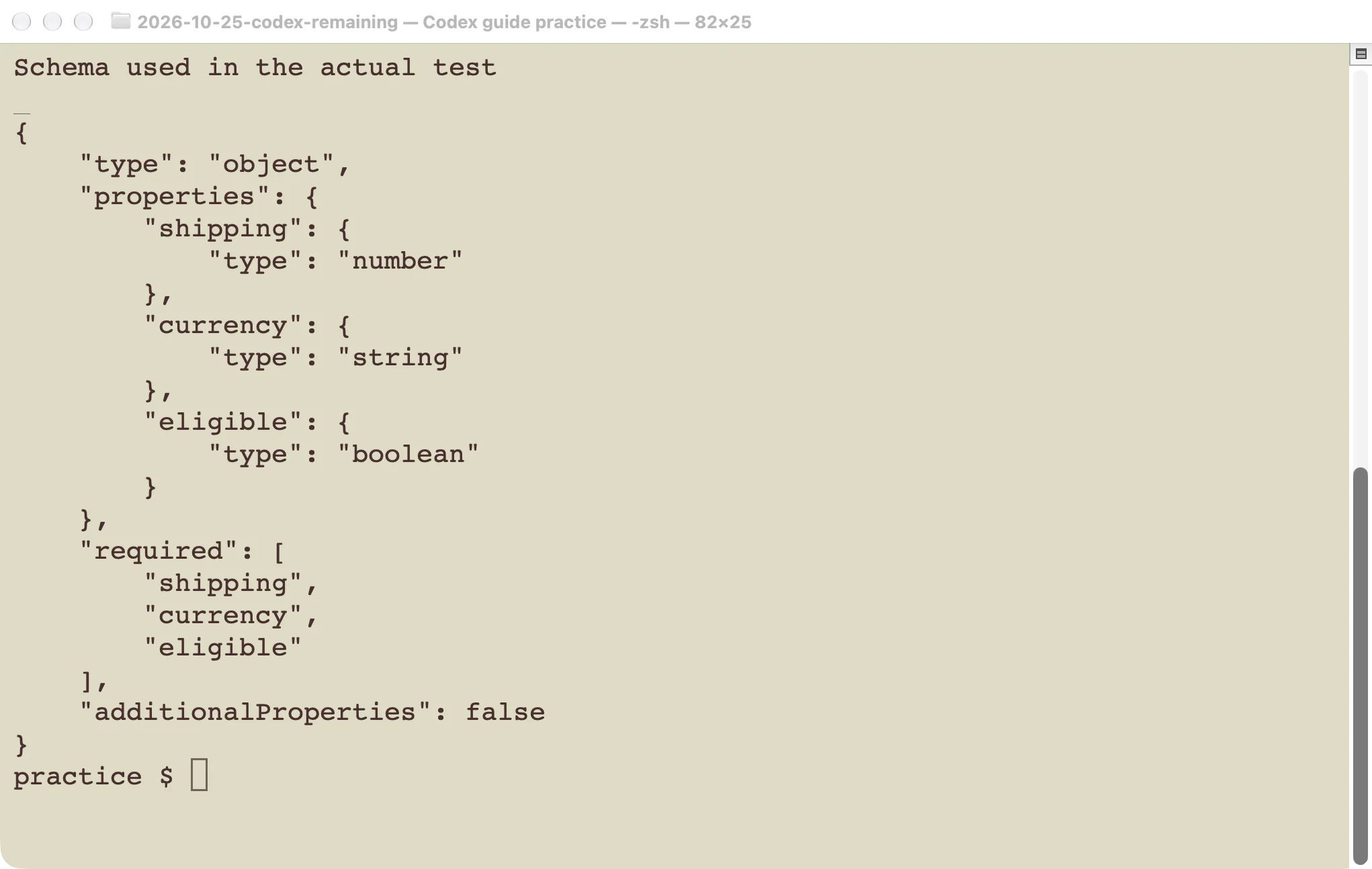
The schema specifies shape and types. The separate expected value checks the business rule.
Save events and the final answer separately
Run from the practice folder:
codex exec -s read-only \
  -m gpt-5.6-sol \
  -c 'model_reasoning_effort="low"' \
  --json \
  --output-schema quote.schema.json \
  -o quote.json \
  'Shipping is 5 USD below a 50 USD subtotal and free at 50 or more.
   For subtotal exactly 50, return shipping, currency, and eligible.
   Do not call tools or modify files.' \
  > events.jsonl 2> run.stderr
result=$?
printf 'Process exit: %s\n' "$result"
The shell writes the output files; the agent is not being asked to create them. Our actual test used the same schema and rule, supplied the rule through standard input alongside an instruction, and disabled unrelated user rules for an isolated fixture. It returned:
{"shipping":0,"currency":"USD","eligible":true}The process exited successfully. The final response was saved separately from the event stream.
| Output | Contains | Useful check |
|---|---|---|
events.jsonl | One event object per line | Parse each line and inspect completion or failure |
quote.json | Final response | Parse and compare the expected fields |
run.stderr | Diagnostic output | Inspect when startup or execution fails |
| Process status | Shell exit code | Treat a nonzero code as failure |
On a phone, swipe sideways to read the last column.
The official non-interactive guide documents these output options. Do not feed the whole JSONL file to a parser expecting one JSON object, or use the last line as though every event type had the same fields.
Check meaning as well as JSON shape
For this known-answer fixture, validate the saved result with Python:
python3 - <<'PY'
import json
from pathlib import Path

result = json.loads(Path("quote.json").read_text())
expected = {"shipping": 0, "currency": "USD", "eligible": True}
assert result == expected, result
print("Shipping boundary check passed")
PY
A valid schema cannot tell you that the shipping rate is correct. That is why this test uses an expected answer independent of the model’s explanation. For a repository edit, replace the fixed answer with appropriate tests, a diff inspection, and checks for unintended file changes.
Our no-tool calculation did not modify a project file or call a shipping provider. It is a demonstration of input, structured output, and validation, not a recommendation to replace deterministic checkout arithmetic with a model call.
Use permissions and approval settings to choose a boundary for real scripts. A non-interactive job cannot rely on someone noticing an unexpected approval prompt. It should fail clearly when its allowed access is insufficient, rather than silently escalating to unrestricted access.
Send a complete prompt through stdin
Use - as the prompt argument when a pipeline supplies the input:
printf '%s\n' \
  'Reply exactly CEDAR_STDIN. Do not call tools or modify files.' | \
  codex exec -s read-only -m gpt-5.6-sol \
    --json -o stdin-result.txt - \
    > stdin-events.jsonl 2> stdin.stderr
Our actual stdin-only test returned CEDAR_STDIN and exited successfully.
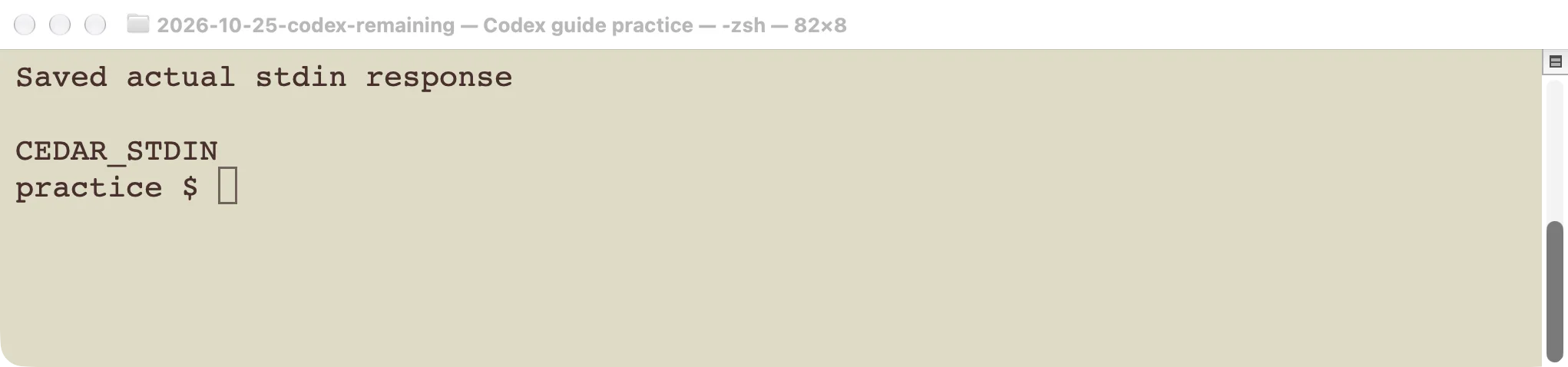
The marker confirms that the supplied stdin prompt reached the task.
When composing a pipeline, separate trusted instructions from untrusted document contents. Do not let text from a pull request or downloaded file decide which secrets the process receives or which shell commands your surrounding script executes.
For an existing conversation, use the supported resume workflow described in Codex sessions. Starting another exec invocation without selecting the previous thread is not the same as continuing its context. For programmatic thread management, the SDK guide provides tested examples.
Verify a failure before putting the job in CI
We repeated a run with an output-schema path that did not exist. The CLI exited with code 1 and reported that it could not read the schema. This is a useful integration check because a pipeline must recognize startup failure even when no model result is produced.
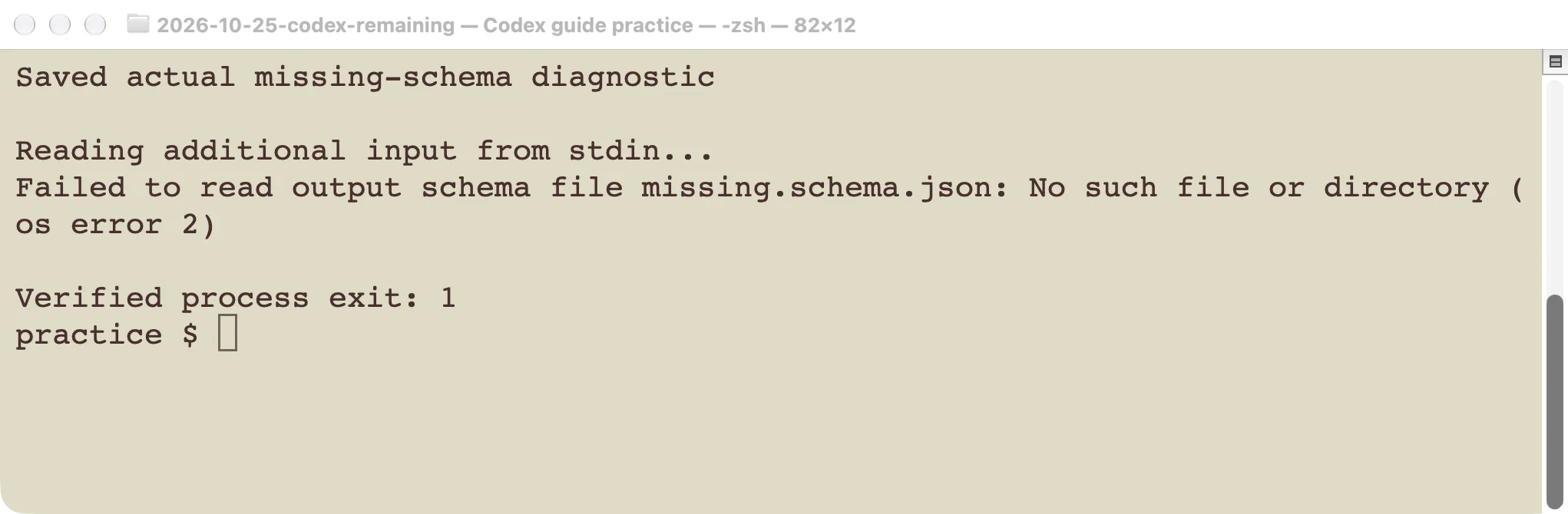
A missing local schema failed the command before a valid result could be accepted.
Capture the status immediately after the Codex command. A later cat, echo, or successful cleanup command can replace the shell’s current status. Preserve the failure in the overall job result. Also remove or use a unique path for old output files so a failed new run cannot accidentally reuse yesterday’s answer.
For CI, make the following acceptance checks part of the job:
- The required executable, schema, working directory, and authentication are available.
- The Codex process exits successfully and the event stream contains no turn failure.
- The expected output file was created by this run and parses correctly.
- Its contents or resulting repository changes pass an independent acceptance check.
- Diagnostics are retained without exposing credentials or private input unnecessarily.
Provide authentication only to the trusted process that needs it. A repository-controlled install script or test command can read inherited environment variables. Follow the official CI authentication guidance for your environment, and avoid exposing credentials to untrusted fork code.
We ran these checks locally, not on a hosted CI runner. Runner setup, secret handling, checkout permissions, and network access still need verification in your own pipeline. Start with the same harmless known-answer test there before authorizing any repository edits or external actions.