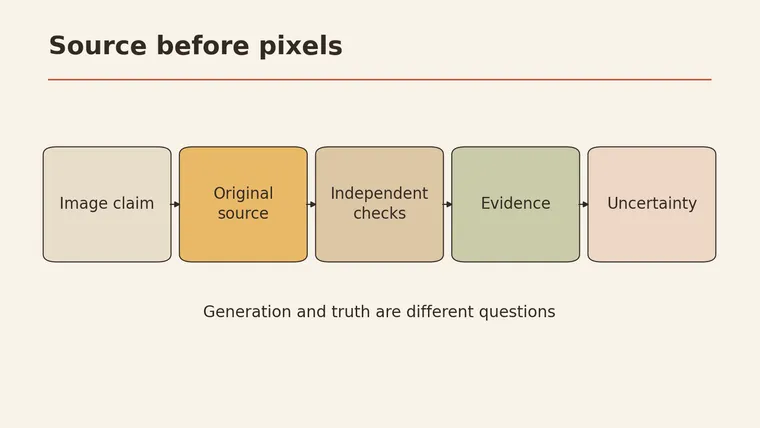
Learning how to spot AI-generated images starts with a step that has nothing to do with pixels: check what the picture claims to show and where it came from. Ask who first posted it, when, and whether any independent source, such as a news report, an official account, or another photo from the same event, backs up the story. BBC Bitesize lists checking the source and running a reverse image search among the main ways to judge a suspicious image (BBC Bitesize). Only then look at visual details, and treat odd ones as leads to follow up rather than proof. Some images can’t be settled either way. In that case, say “can’t confirm yet” instead of guessing, and don’t share it as fact.
Below you’ll find a four-column check card, a fictional example of a real photo with a false caption, three phrases to use before sharing, and a clear explanation of what metadata can and can’t tell you.
Start with the claim and source
Every image that spreads online comes with a claim: “This happened here, at this time.” The claim is usually in the caption, the post text, or the headline around it. That claim is what you’re really checking.
Why start there? Because an image can mislead in two different ways:
- It can be generated or edited to show something that never happened.
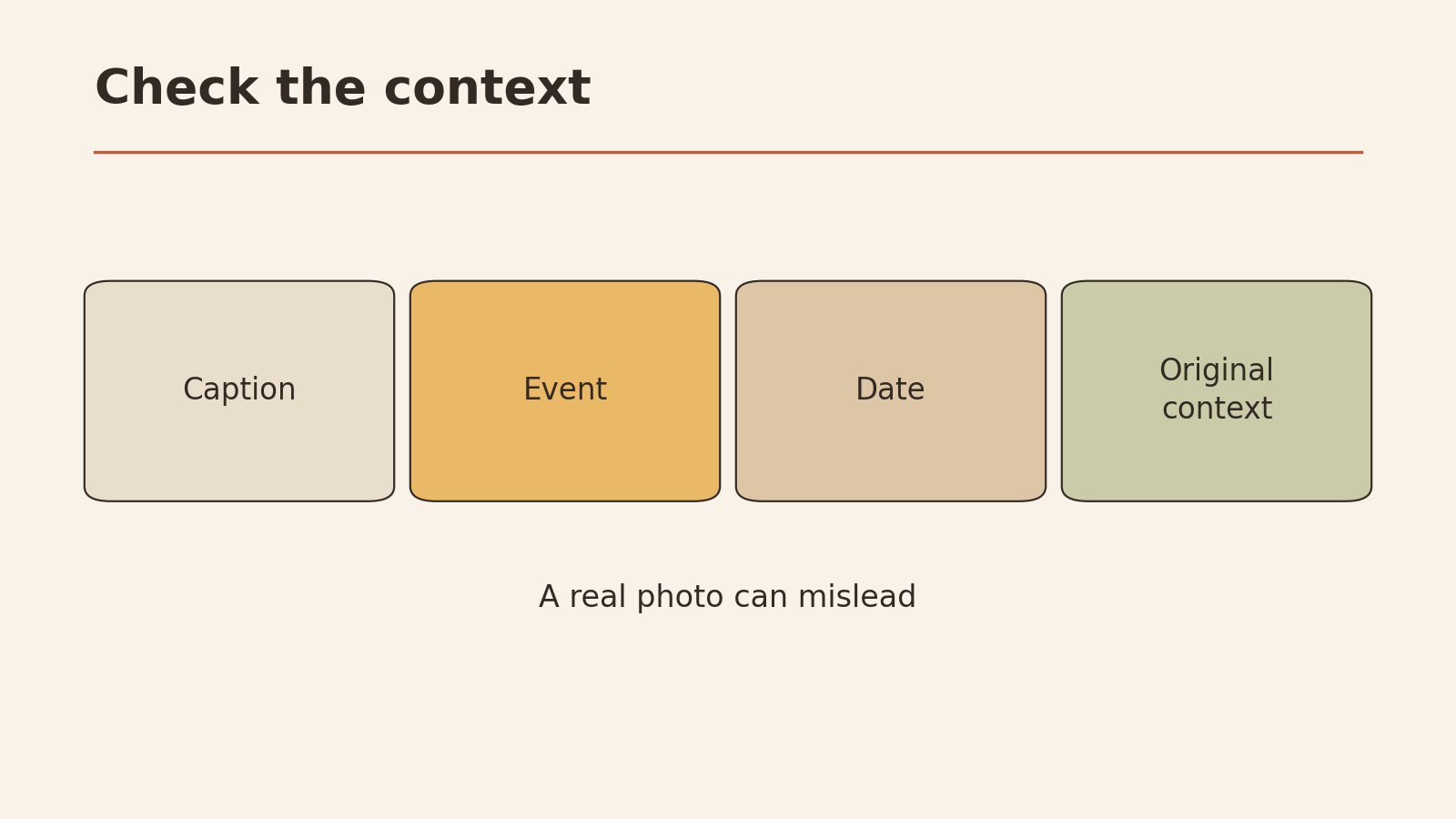
- It can be a real photo with a false description: the wrong place, the wrong date, or the wrong event.
Both can fool people. And “real or AI-generated” isn’t the same question as “true or false.” A real photo with a wrong caption spreads a false story. An AI-generated image clearly labeled as an illustration isn’t misleading anyone.
Four-column check card
This card was designed for this article. Fill one in before you share an image you’re unsure about.
| What the image claims | Where it came from | Independent evidence | What’s still unknown |
|---|---|---|---|
| The event, place, time, and people it’s said to show | Who posted it first, where, and when | Other sources that confirm or contradict the claim | Anything you couldn’t check |
The last column matters as much as the others. Writing down what you don’t know stops you from filling the gap with a guess.
Source
Trace the image back as far as you can.
- Who shared it with you? A friend, an account you follow, a stranger?
- Who posted it first? Look for the earliest version you can find. The most popular repost is often a copy.
- Is the original poster in a position to know? Someone at the event, a news organization, an official account, or a reposting account that doesn’t say where it got the image?
- Does the caption match the original? Reposts often change or add descriptions.
Reverse image search
A reverse image search lets you search with an image instead of words. It can show where else the picture has appeared and when. BBC Bitesize recommends it as one way to check a suspicious image (BBC Bitesize).
What a reverse search can tell you:
- The image appeared earlier than the claimed event, which suggests the claim is wrong
- The image appears with a different caption elsewhere
- The image comes from a known source, such as a photo agency, an artist’s portfolio, or a news site
What it can’t tell you:
- No results doesn’t prove the image is AI-generated. New photos, private photos, and images from small accounts often have no earlier matches.
- It doesn’t always find the original. You may only find other reposts.
A fictional example: real photo, wrong caption
This example is invented to show how a genuine photo can still mislead.
A photo shows a crowded town square with people holding umbrellas and banners. It’s shared with the caption: “Thousands protest in Riverton today against the new bridge.”
Checking the source, you find:
- The earliest copy you can locate was posted two years ago by a local photographer.
- Her caption says it shows the opening day of Riverton’s annual lantern festival, in the rain.
- The local newspaper’s festival coverage from that year includes photos of the same square and banners.
Conclusion: the photo appears to be real, and the caption appears to be wrong. Checking pixels for AI clues would have told you nothing useful here. Checking the claim and source did.
Visual clues
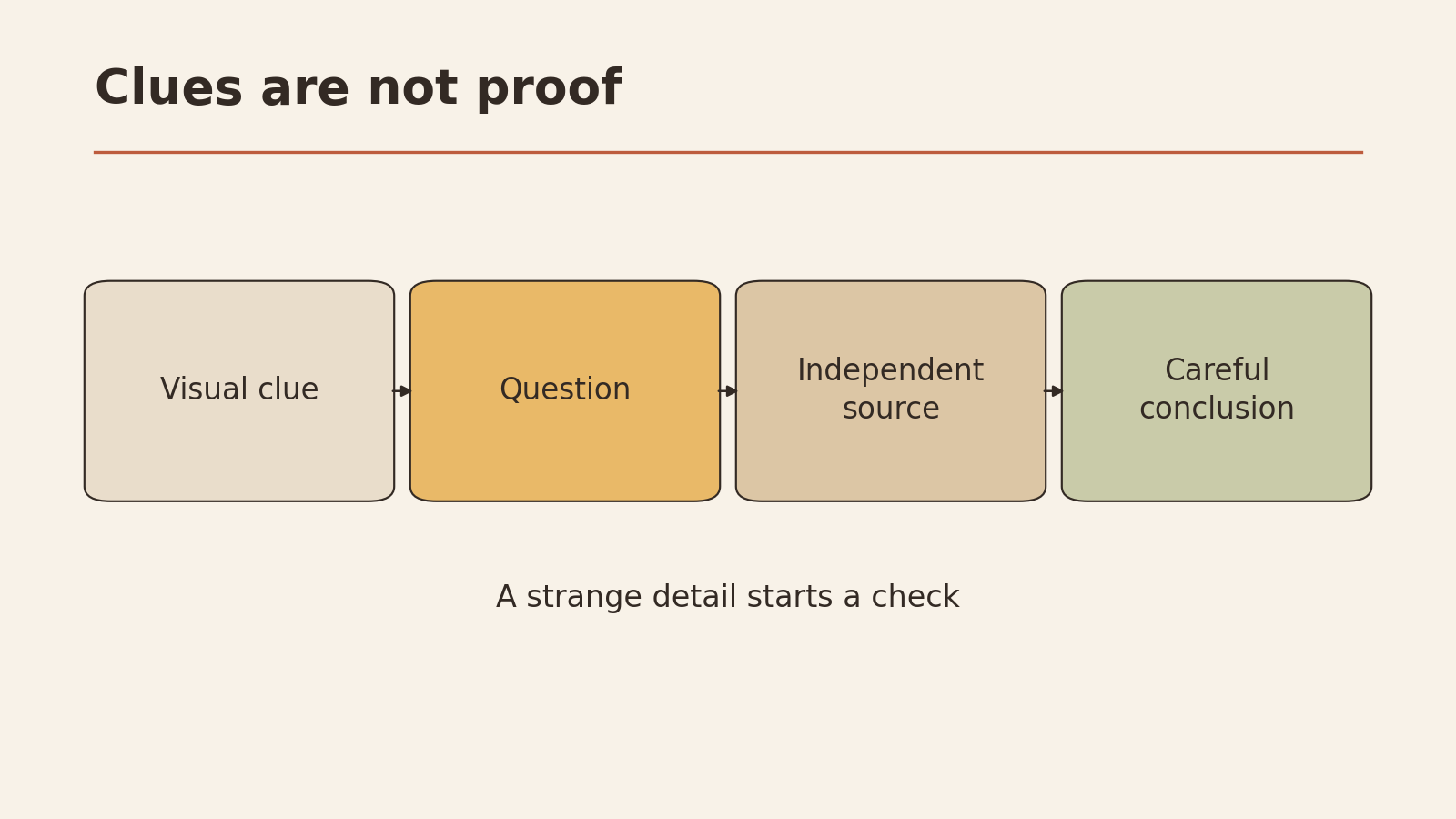
After checking the source, visual details can give you leads: things to investigate further. Microsoft’s guide discusses image details, such as unusual textures, lighting, and backgrounds, alongside metadata, as clues worth looking at (Microsoft).
Things worth a closer look:
- Text in the image: signs, labels, or posters that don’t read properly
- Lighting and shadows: light that seems to come from different directions
- Backgrounds: objects that blend into each other or don’t make physical sense
- Repeated patterns: faces, windows, or crowds that look copied
- Edges: where a person meets the background, or where objects touch
Why there’s no single rule
You may have heard rules like “count the fingers” or “look for garbled text.” These can be useful leads, but they’re not reliable tests:
- Image tools change, and features that were common mistakes in older images may not appear in newer ones.
- Real photos can have odd details too: motion blur, lens distortion, compression, or just unusual scenes.
- A strange detail might come from ordinary editing rather than AI generation.
So when you notice something odd, write it down as a question and hold off on a verdict. “The sign in the background doesn’t read properly. Is there another photo of this place to compare?”
Verify
Verifying means finding evidence outside the image that confirms or contradicts the claim.
| Lead | How to follow it up |
|---|---|
| A named place | Compare with other photos or maps of that place |
| A claimed date or event | Look for news reports or official statements from that date |
| A named person | Check that person’s own official accounts or reliable reporting |
| A visual oddity | Look for other photos of the same scene from different sources |
| A watermark or credit | Find the photographer or agency and their original post |
A few cautions:
- Don’t conclude that a person faked something based on one image. You usually can’t know who made or edited an image, or why, from the picture alone.
- Detection tools aren’t a final answer. If you use one, treat its result as one more lead. It can’t prove the case either way.
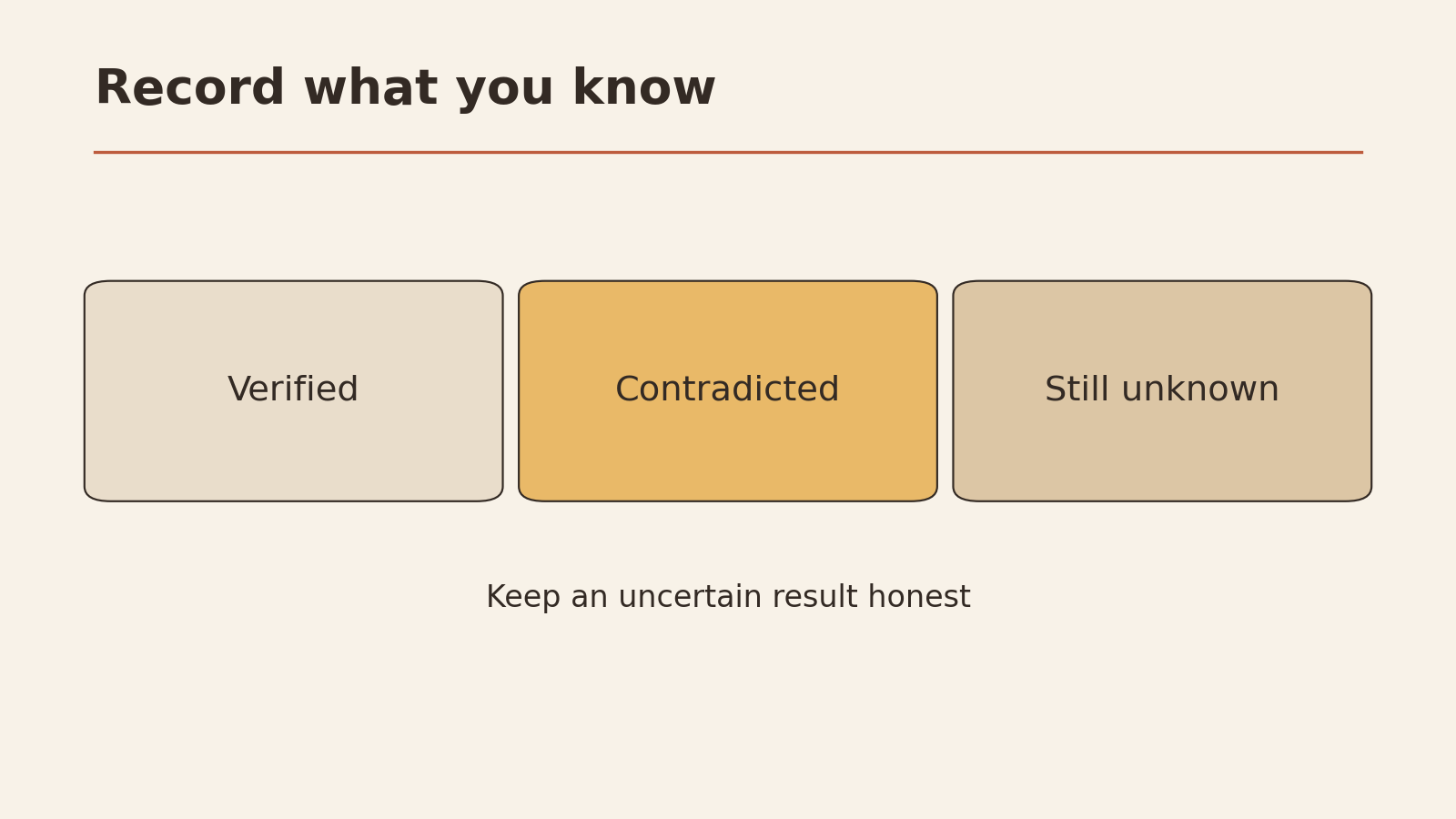
Three phrases to use before sharing
Choose one of these. They’re designed for this article to keep your conclusion honest.
| Phrase | Use when | Example |
|---|---|---|
| ”Verified” | Independent sources confirm the claim, the place, and the time | ”Verified: the local paper and the photographer both confirm this is the lantern festival from two years ago." |
| "Contradicted” | Evidence conflicts with the claim | ”Contradicted: this photo was posted two years ago with a different caption." |
| "Can’t confirm yet” | You couldn’t find enough evidence either way | ”Can’t confirm yet: no earlier copies found, no reports of this event. Not sharing for now.” |
“Can’t confirm yet” is a perfectly good answer. It’s more accurate than guessing.
What metadata can and cannot prove
Metadata is information stored inside an image file, such as the camera model, date, editing software, or sometimes a label added by the tool that created it. Microsoft’s guide lists metadata among the clues you can check (Microsoft).
| Metadata can suggest | Metadata cannot prove |
|---|---|
| Which camera or app saved the file | That the image shows what the caption claims |
| When the file was saved, if the date is set correctly | That the image is genuine, because metadata can be edited |
| That a tool labeled it as AI-generated, if that label is present | That an image without such a label is real |
The most important point: missing metadata doesn’t mean an image is AI-generated. Many platforms remove or change metadata when images are uploaded. Screenshots don’t carry the original file’s metadata. So the copy you’re looking at may be quite different from the original file.
If you can, ask for or look for the original file from the person who took the photo. Its metadata, if present, is more useful than a reposted copy’s.
Record what is still unknown
Before sharing, or deciding not to, fill in the card. Here’s the fictional festival example completed:
IMAGE CHECK CARD (fictional example)

CLAIM: "Thousands protest in Riverton today against the new bridge."

WHERE IT CAME FROM:
  Shared by: a reposting account, no source given
  Earliest copy found: local photographer, two years ago
  Original caption: opening day of the lantern festival, in rain

INDEPENDENT EVIDENCE:
  - Local newspaper festival coverage, same year: same square,
    same banners
  - No news reports of a bridge protest today found

VISUAL LEADS: none needed; source check settled the claim

STILL UNKNOWN:
  - Whether any bridge protest happened today (separate question)

CONCLUSION: Contradicted. Real photo, wrong caption.
ACTION: Don't share. Reply to the sender with the original source.
And a blank version to copy:
IMAGE CHECK CARD

CLAIM (what the image is said to show): ____________

WHERE IT CAME FROM:
  Shared by: ____________
  Earliest copy found: ____________  Date: ____________
  Original caption: ____________

INDEPENDENT EVIDENCE (for or against):
  - ____________
  - ____________

VISUAL LEADS (open questions):
  - ____________

METADATA (if any): ____________
  Note: missing metadata is not proof of AI generation

STILL UNKNOWN: ____________

CONCLUSION:  Verified / Contradicted / Can't confirm yet
ACTION: ____________
For more on keeping your own judgment when AI is involved, see how to use AI without losing critical thinking. If the constant flow of images and claims feels overwhelming, does AI make information overload worse? looks at what helps.
Your next low-risk step
Next time an image makes you want to share it right away, wait. Fill in the four columns: claim, source, independent evidence, and unknowns. Pick one of the three phrases. If it’s “can’t confirm yet,” hold off on sharing.