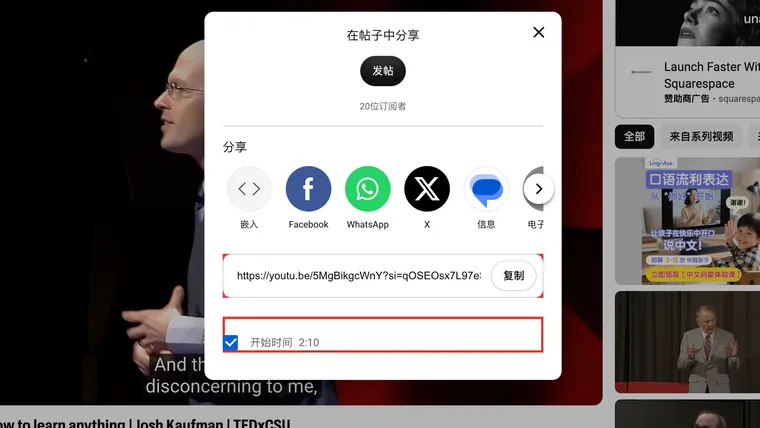
To turn a YouTube transcript into notes you can check later, keep the video title, URL, caption language, and timestamps with the text. Give each important note a link back to the passage that supports it.
An AI summary is a working note, not a substitute for the source. Check its quotations, numbers, speakers, and timestamps against the video.
1. Keep the source beside the transcript
Open the transcript below the video description, or obtain a timed caption file through a download workflow. Save a short header with it:
Title: [video title]
Channel: [channel name]
URL: https://www.youtube.com/watch?v=VIDEO_ID
Captions: [language], [auto-generated or supplied, if shown]
Saved on: [date]
Keep the original copied text before changing punctuation, removing repeated lines, or summarizing it. If speaker names are not supplied, add them only after identifying the voices. A tool’s speaker labels may be guesses.
2. Make a link that opens the relevant moment
On desktop, pause at the passage you want, then click Share below the video. Tick Start at / 开始时间, check the displayed time, and use Copy / 复制 for the link.
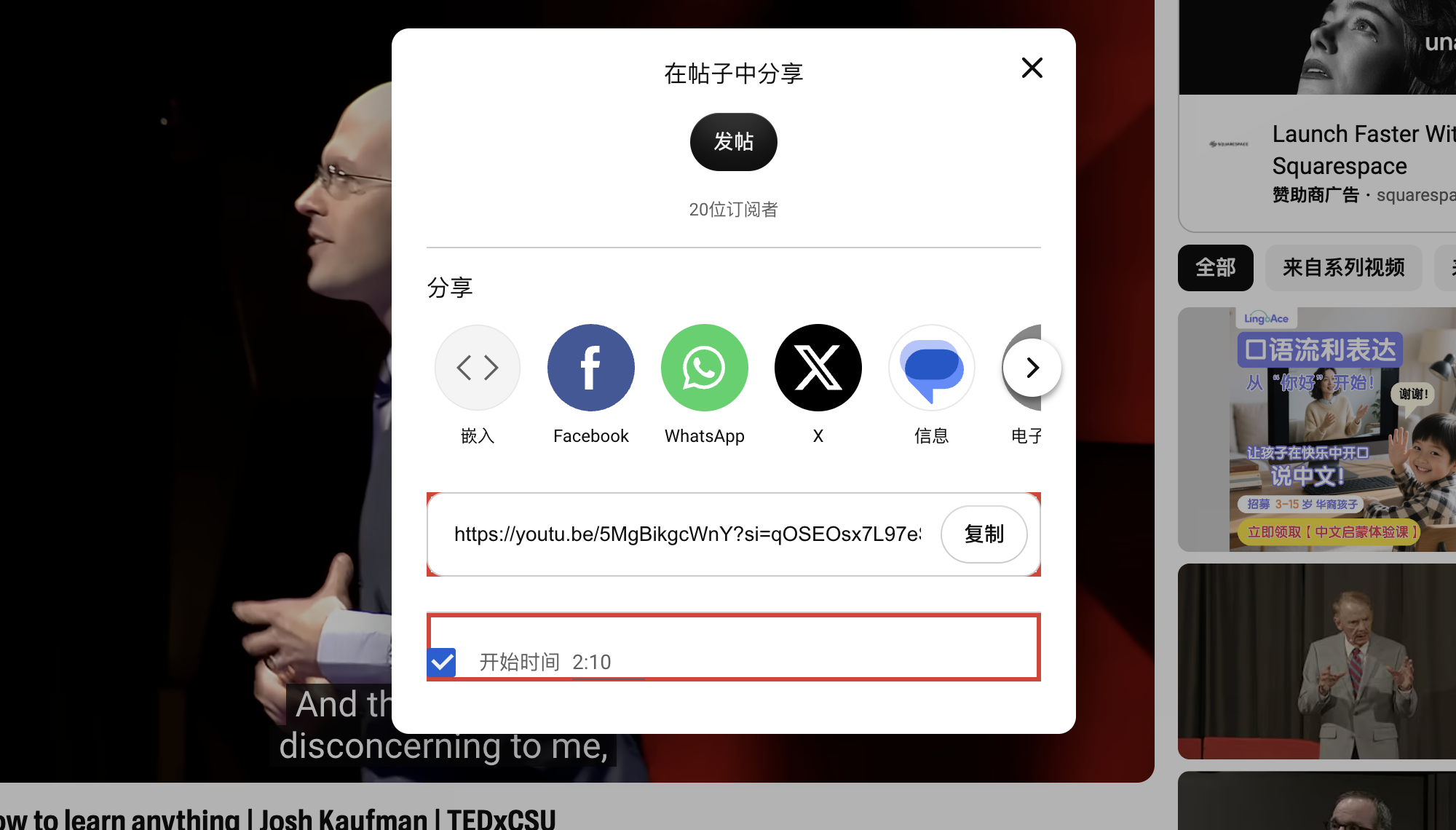
You do not need to choose a social app or publish a post to copy this link.
For a normal watch URL, a time reference can look like this:
https://www.youtube.com/watch?v=VIDEO_ID&t=130That points to 2 minutes 10 seconds. Share links may have a different shape and extra parameters, so reopen the copied link once to confirm it starts where you intended.
3. Separate a quotation from your interpretation
For each useful passage, keep three things together:
| Field | What to save |
|---|---|
| Source words | An exact quotation, checked against the audio |
| Your note | What you think the passage means or how you will use it |
| Return link | The video URL with the relevant start time |
Keep enough surrounding context to preserve qualifications. “This might work in a small trial” should not become “This works” in your notes.
💡 A polished sentence is not necessarily a quotation. If a tool has rewritten the speaker’s words, label that sentence as a summary and keep the original wording separately.
4. Ask AI for notes with traceable support
Give the model the transcript rather than assuming it can read the video from a link. A useful prompt is:
Use only the transcript below.

1. List the main claims and the actual timestamps that support them.
2. Keep names, numbers, units, and qualifications accurate.
3. Separate exact quotations from your summaries.
4. Identify questions the speaker leaves unanswered.
5. Do not invent timestamps, speaker names, or missing information.
   If the transcript has no timing, say "timestamp not provided."

Transcript:
[paste the text with its source header]
Afterward, replay several linked passages. Check important figures against the audio, and check whether the notes cover the ending as well as the introduction.
A transcript confirms what the video says; it does not independently prove the speaker’s claim is true. For a major claim, follow the underlying source the speaker cites.
5. Check what the transcript leaves out
Captions record audio, so a silent slide, chart, cursor movement, or code change can be missing. Add a relevant screenshot or your own description where the visual information is necessary.
If you use YepSoso’s transcript page, its current starting action is Create transcript & blog. Treat the generated article as another interpretation to review, not as a verbatim transcript. Check the formats actually offered by the completed result rather than assuming it includes every export.
⚠️ Keep source text and edited notes as separate sections or files. If a tool removes sound labels, repetitions, or qualifications, you should still be able to return to the unedited source.
6. Finish with one practical verification
Pick one note, open its time-linked video URL, and listen. Confirm that the right person said the quoted words and that your interpretation keeps their qualification.
If the captions themselves are wrong, correct your working transcript against the audio. For your own channel, fix the published captions too. For language-study notes, see the bilingual-caption guide.
Turn checked notes into an outline
If your next step is an article, use the article outline prompt with the notes you have already checked. Keep source links beside each claim and leave unsupported points as questions to research. The outline organizes your material; it does not supply missing evidence.